
App Store Rejections
Your App Got Pulled: A 2026 Recovery Playbook
A live-app removal survival guide — first-24-hours triage, removal vs strike vs termination, reply templates for the six common pull types, appeals on both stores, and the ranking recovery curve.
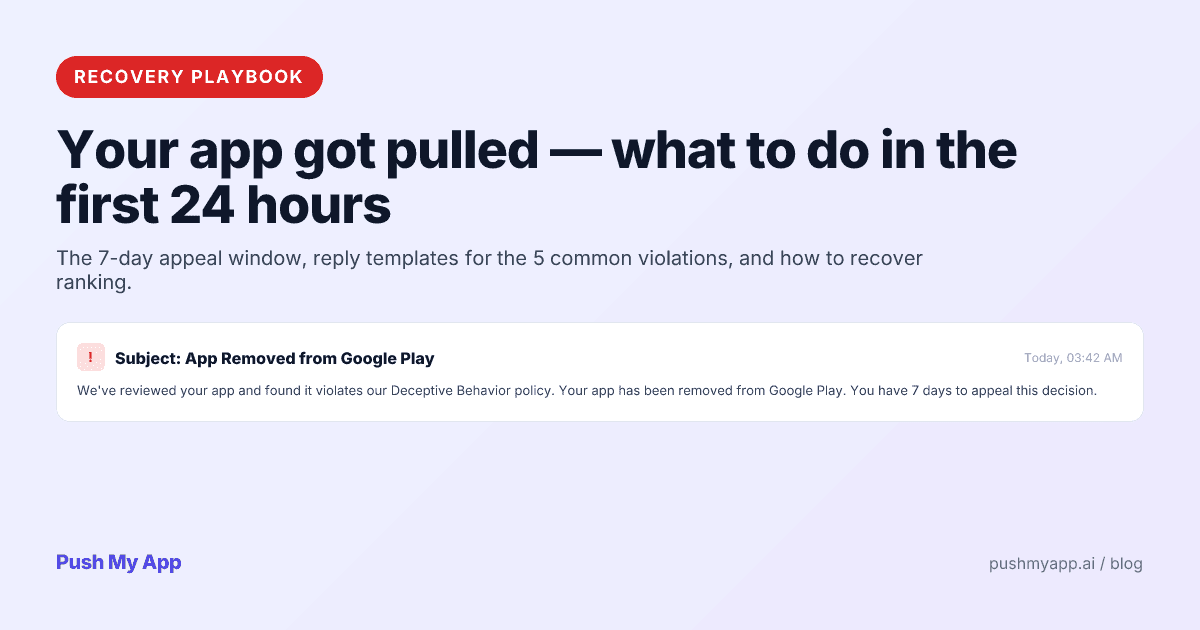
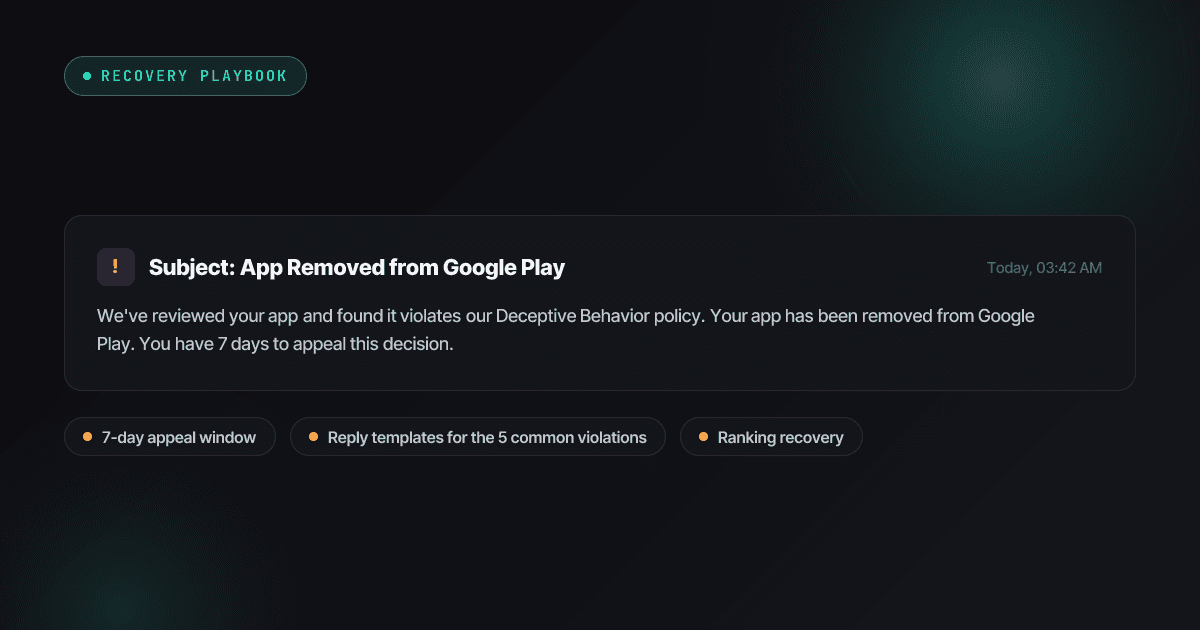
The removal email always arrives at the worst time, because there is no other kind of time for it. Your app is live, users are mid-subscription, and a policy bot or a reviewer you will never meet has just taken the listing down — with a clock already running on your response.
Panic is the expensive reaction. Removals are a process with known shapes: a small taxonomy of what actually got pulled, a first-day triage that protects your options, six violation patterns that cover most indie cases, and an appeal mechanic on each store that rewards evidence and punishes argument. This is that process, written for the day you need it.
Keep the rejection reasons index open next to this — it decodes the specific policy language in your email.
Removal, strike, termination — know which email you got
Before anything else, classify the blast radius. The three tiers — especially on Google Play — have different stakes and different correct responses:
- App removal / suspension. One app, taken off the storefront. Existing installs keep working; new users can’t find you. Recoverable through appeal or a corrected resubmission — the subject of this playbook.
- Policy strikes. Recorded violations that accumulate against your developer account. One strike with a fixed app is routine; a pattern of strikes is how accounts walk toward termination, which is why repeated sloppy resubmissions are worse than one careful one.
- Account termination. Everything, including — on Play — “associated” accounts. This is a different emergency with different appeals, and the main way indies get there is ignoring or carelessly re-tripping app-level enforcement. Treat every app removal as also protecting your account standing.
Apple vs Google — who pulls what
Apple: rare, usually human, usually warned
Apple seldom removes live apps without a preceding letter. The triggers that do it: enforcement sweeps when a rule hardens (privacy manifests in 2024, EU trader status in 2025 — apps without a verified trader declaration came off EU storefronts), rights-holder complaints, and escalated user reports. Removals arrive through App Store Connect with the thread history preserved, and the conversation continues in Resolution Center.
Google: routine, automated, post-hoc
Play scans live apps continuously, forever. Data safety mismatches, permission policy changes, Deceptive Behavior reports, SDK behavior you didn’t know about — any of it can suspend a listing that passed review months ago, often with no human in the loop until you appeal. The notice lands by email and in Play Console’s policy status page, and the specific policy citation in it is the single most important sentence to read carefully.
The first 24 hours after the email
- Read the notice twice; extract three things. The cited policy, the described behavior, and the stated response path with any deadline. Highlight the violation phrasing verbatim — your reply must answer it specifically.
- Touch nothing in anger. Every console interaction joins the permanent record your appeal is read against. No what-about-other-apps, no demands — those measurably worsen outcomes.
- Preserve evidence. Screenshot the notice, the policy page as it reads today, your listing, and the relevant app behavior. Policies get reworded; your appeal may need to reference what the rule said when you were pulled.
- Classify against the six types below. The category determines the reply shape — and whether you should be appealing at all.
- Choose your path: appeal or fix-and-resubmit. Appeal if the enforcement is genuinely wrong. Fix if it’s genuinely right. Running both signals bad faith to the humans who read appeals.
The clock starts at send, not at read
The 6 violation types and reply templates
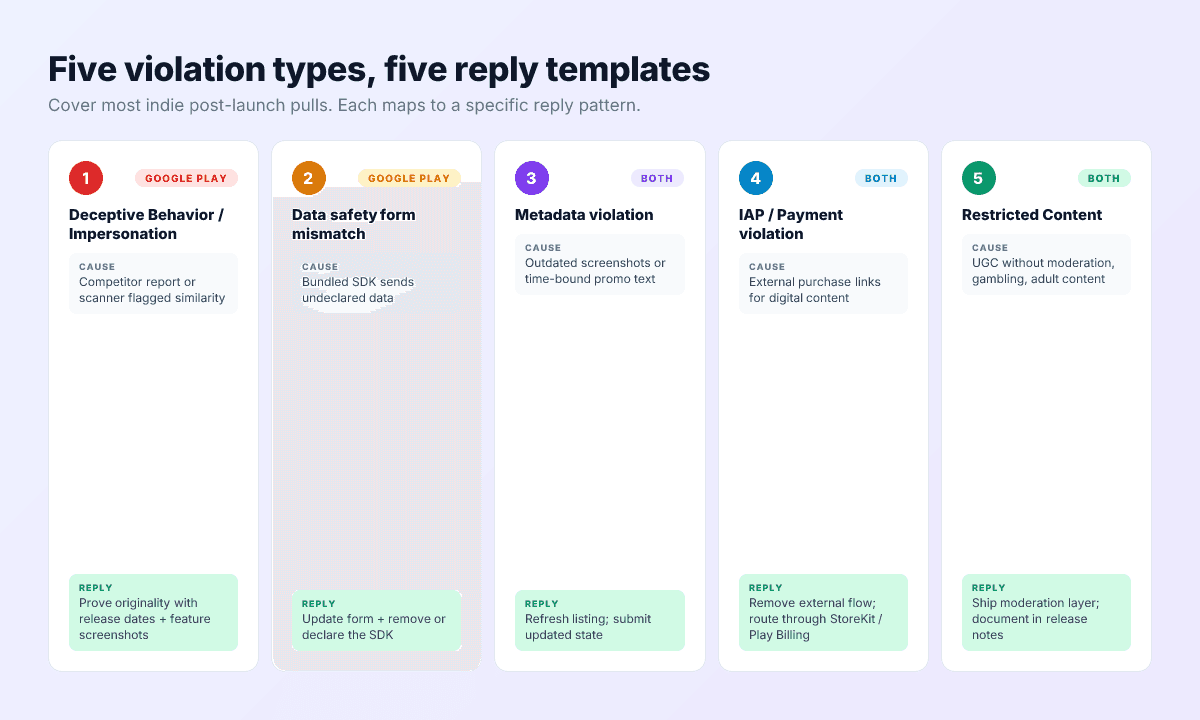
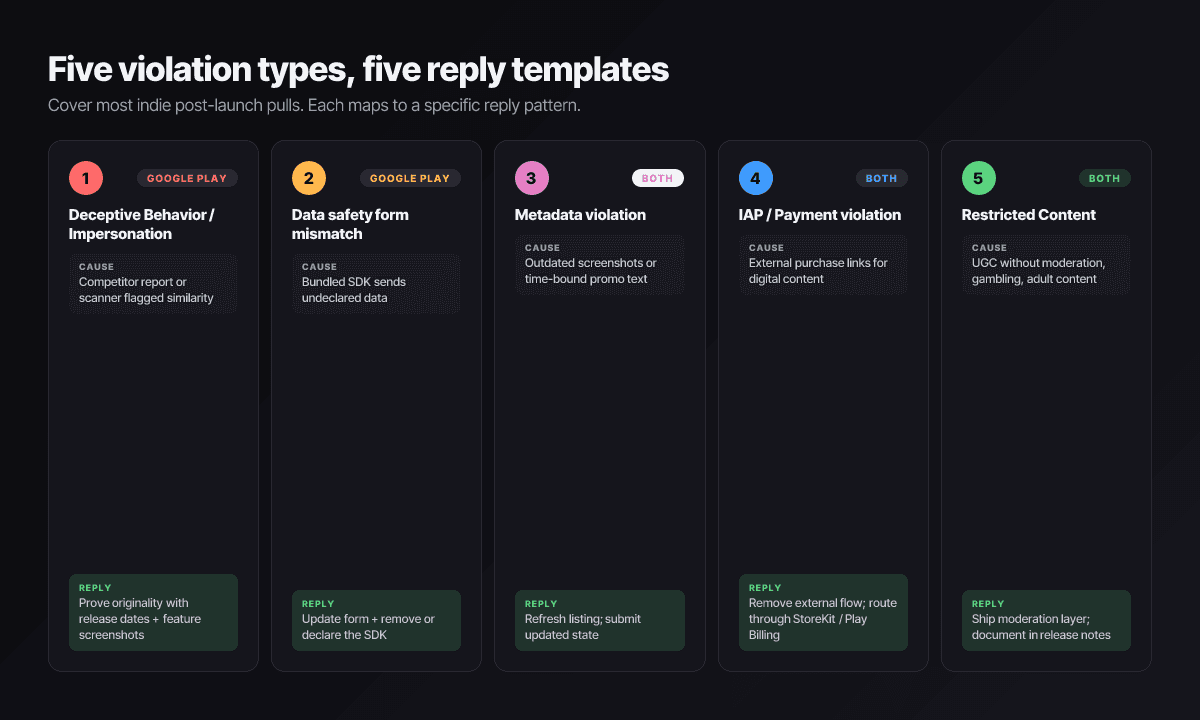
1. Deceptive Behavior / Impersonation (mostly Play)
Often competitor-reported. Reply with provenance, not feeling:
Our app launched on [date], before [the cited app]. Attached: release history, original design files, and side-by-side screenshots showing the distinguishing features. We request reinstatement on the basis that the work is original.
2. Data safety mismatch (Play)
Usually an SDK declaring nothing while transmitting plenty. Audit first, then:
We audited all network behavior, updated the Data safety form to declare [data types from SDK X], and removed [SDK Y] to shrink the collection surface. The corrected declaration is saved; summary of changes attached.
3. Metadata violations (both stores)
Stale screenshots, claims the build can’t back, dated promo copy that aged into inaccuracy:
Listing corrected: screenshots re-captured from the current build, promotional text rewritten to remove the expired claim, description aligned with the shipped feature set. Requesting re-review of the updated listing.
4. Payments and external purchase issues (both stores)
The rules shifted regionally through 2025–26, which is exactly why misconfigurations here spiked — a US-permitted external link pattern shipped globally, or a checkout flow outside Play Billing:
Digital-goods purchases now route through [StoreKit / Play Billing] in all storefronts; the external flow remains only where the entitlement permits it, with the required disclosures. Corrected build [version] is ready for review.
5. Restricted content and missing moderation (both stores)
We shipped a moderation system covering [user reports, block function, filter, takedown SLA], gated [the content class] behind [age rating / region availability], and updated the rating questionnaire accordingly. Build [version] documents the changes.
6. Compliance metadata lapses (newer, mostly EU)
The 2025-era class: missing trader status verification under the DSA (which removed apps from EU storefronts), stale age rating questionnaires after Apple’s 13+/16+/18+ overhaul, missing account-deletion URLs on Play. The “violation” is paperwork, and so is the fix — complete the declaration, confirm in the console, reply noting it’s done. These are the fastest recoveries on the list if you notice the warning emails that almost always precede them.
The appeal process on each store
Google Play
Appeals file from the policy status area in Play Console, against the specific enforcement notice. What works: evidence-shaped submissions — the fixed Data safety form, the provenance documentation, the corrected build number — over narrative. First responses typically take days; a rejected first appeal can sometimes escalate, but the second reader sees everything you wrote the first time, which is the argument for writing the first one carefully and quickly.
Apple
The removal thread in Resolution Center is the primary channel, and it behaves like a conversation: short, specific, evidence-attached replies move fastest. If you believe the enforcement misreads the guideline itself, the App Review Board appeal is the formal escalation — slower, and worth it only when you can point at the exact guideline text and show the mismatch.
On both stores the meta-rule is the same: the reader wants the shortest defensible path to closing your case. Hand it to them.
Rebuilding ranking after reinstatement
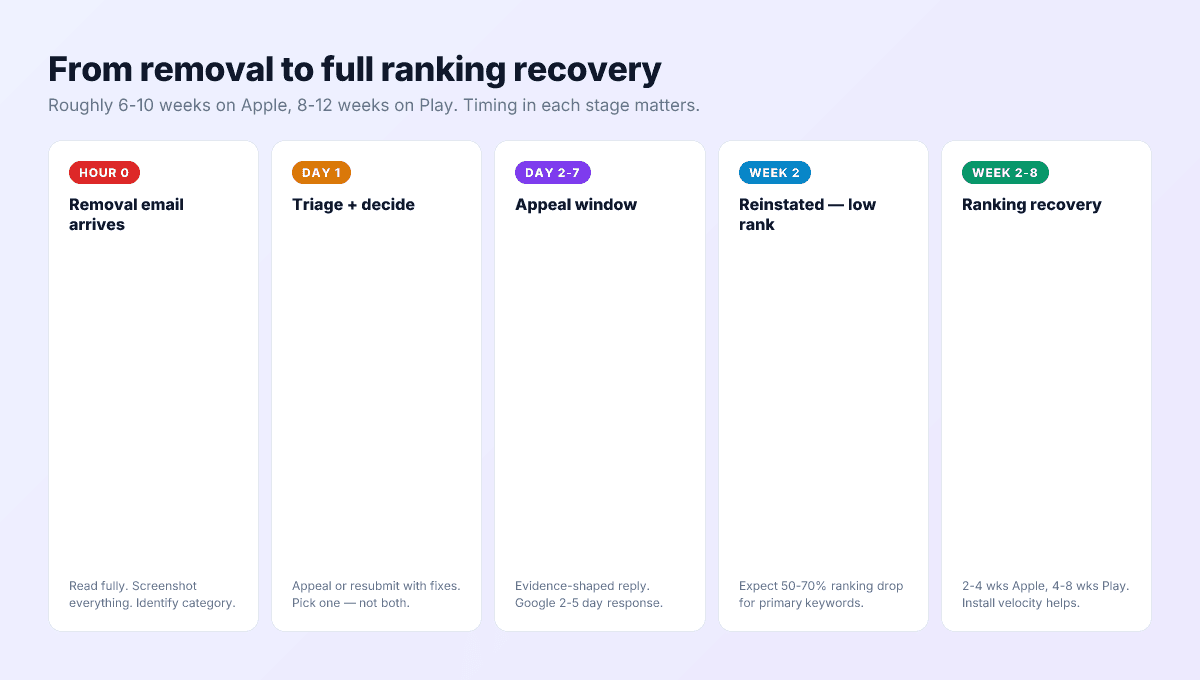
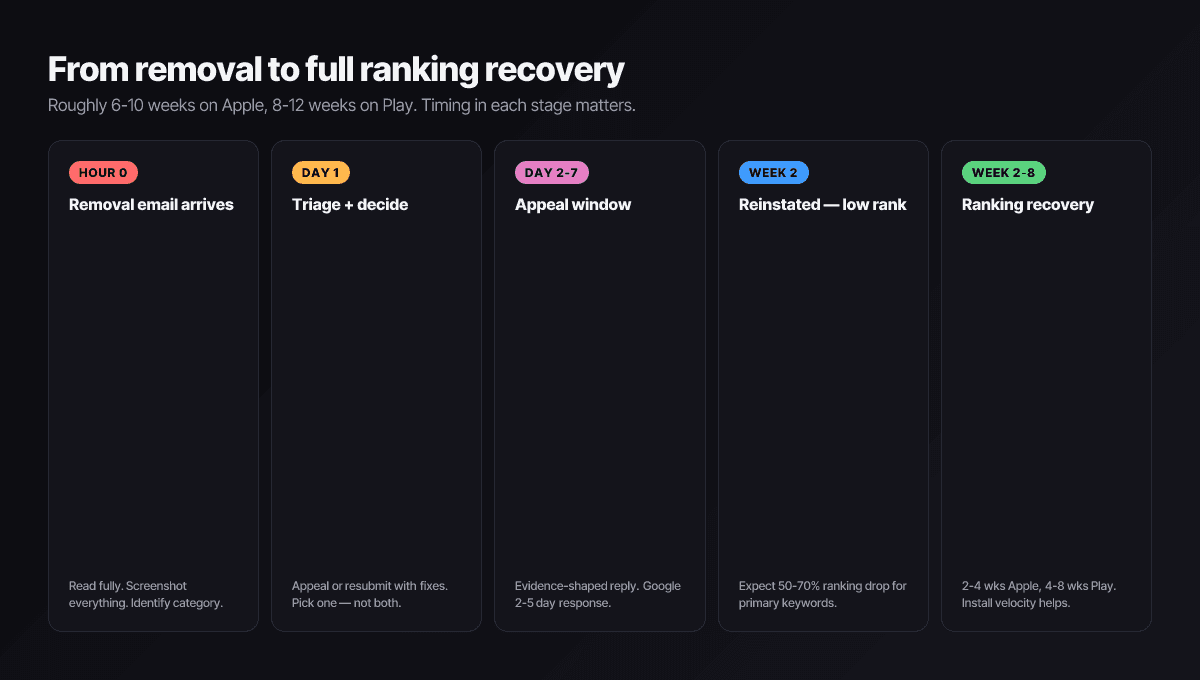
Reinstatement restores the listing, not the momentum. Expect your primary keywords to come back well below where they were — the algorithms re-trust you on a delay, weighted by what happens next.
- Relaunch to your own channels. Email list, communities, social — a visible install bump in week one post-reinstatement is the strongest accelerant available. Hold paid acquisition until organic stabilizes; buying installs into a fragile signal profile muddies it.
- Tell existing users you’re back. Their continued sessions are retention signal exactly when it counts double — and they deserved the note anyway.
- Work the review surface. A removal often leaves confused or angry reviews behind. The review responses playbook applies with extra urgency — visible ownership during recovery is read by users and, through conversion, by the algorithm.
- Freeze the experiments. No title changes, no keyword overhauls, no A/B tests mid-recovery. One fragile signal at a time.
Budget weeks, not days — typically a few weeks on Apple and longer on Play — and measure against your pre-pull baselines in the analytics rather than against memory.
How to reduce the risk of a pull
- Pre-flight every release with the 9-minute checklist — the same categories that bounce submissions are the ones that pull live apps later.
- Re-audit declarations whenever dependencies change. New SDK, new data flows, same old Data safety form — the classic self-inflicted pull.
- Sweep for metadata drift monthly. Screenshots from two redesigns ago and promo text from last season’s campaign are pull bait on both stores.
- Do the compliance paperwork early. Trader status, age-rating questionnaires, deletion URLs — every one of these arrives with a deadline and a warning email; the apps that get pulled are the ones that let both lapse.
- Read the policy-update emails. Both stores telegraph enforcement changes months ahead. Five minutes a month here is cheaper than this entire playbook.
Catch pull-risk before the stores do
Push My App’s Pre-Flight Scanner checks every build and listing against the same categories that drive post-launch enforcement — declarations, metadata accuracy, permissions, compliance fields — before you ship. Pair it with the 9-minute pre-submission checklist and see pricing for plans.
Frequently asked questions
How long do I have to appeal a Google Play removal?
Read your specific notice — it states the path and any deadline, and the timelines differ by violation type. The operating rule: treat the first 48 hours as triage and the first week as your appeal window. Prompt, evidence-shaped appeals are reviewed materially better than late, argumentative ones, and some enforcement actions do escalate if ignored.
Should I appeal, or fix and resubmit?
Pick one, honestly. Appealing asserts the enforcement was wrong and asks for reinstatement as-is; fixing and resubmitting concedes the violation and ships the correction. Appealing a real violation burns days you could have spent live again — and a rejected bad-faith appeal starts your next interaction from a worse position.
Do I lose my ratings and reviews when my app is removed?
While removed, the listing — ratings included — is invisible, but it isn't deleted. Reinstatement of the same listing restores the history. The catastrophic path is abandoning the listing and republishing as a new app: that genuinely starts ratings, reviews, and ranking from zero, which is why the appeal path is worth real effort first.
How long until rankings recover after reinstatement?
Expect a sharp drop on your primary keywords immediately after coming back, recovering over roughly two to four weeks on Apple and longer on Play, driven by install velocity and retention returning to baseline. The recovery is real but not automatic — a quiet relaunch to your existing channels meaningfully shortens it.
What if a competitor's false reports triggered the removal?
It happens, mostly on Play. Appeal with provenance evidence: your release timeline, original design assets, and screenshots demonstrating the differences. Report-driven removals get human review, and a calm, documented original-work case wins them far more often than indignation does.
Ship your listing without the rejection letter
Push My App generates store-ready metadata, resizes screenshots for every device, translates your listing into 14 languages, and runs an 80+ item rejection pre-flight before you submit.
Get Started FreeKeep reading
App Store Rejections
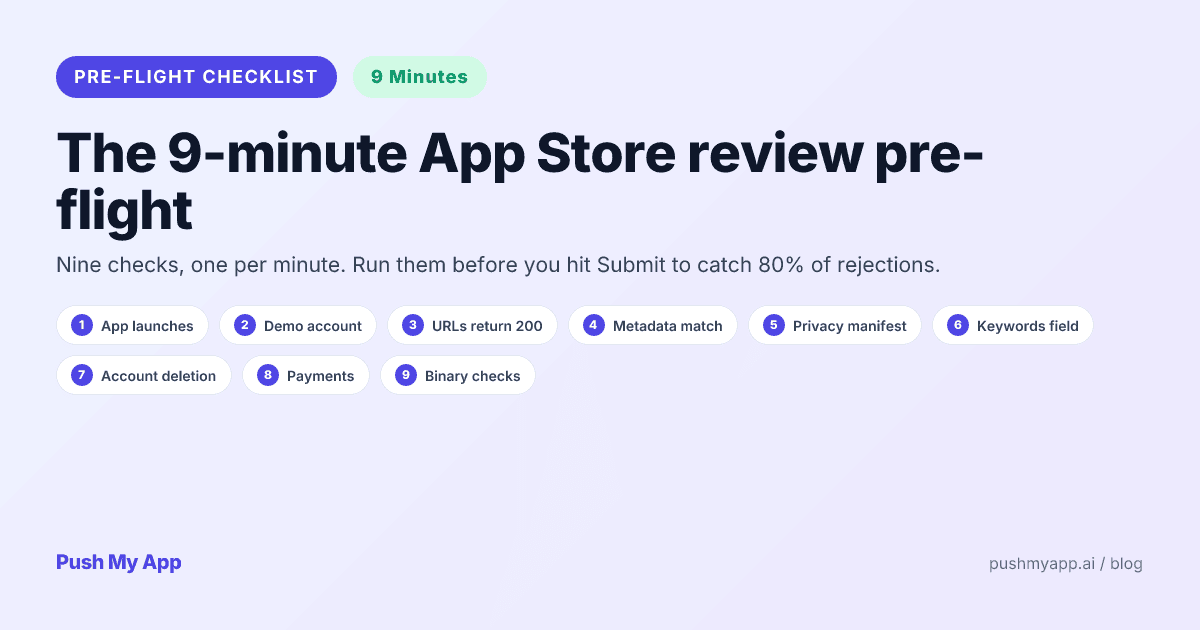
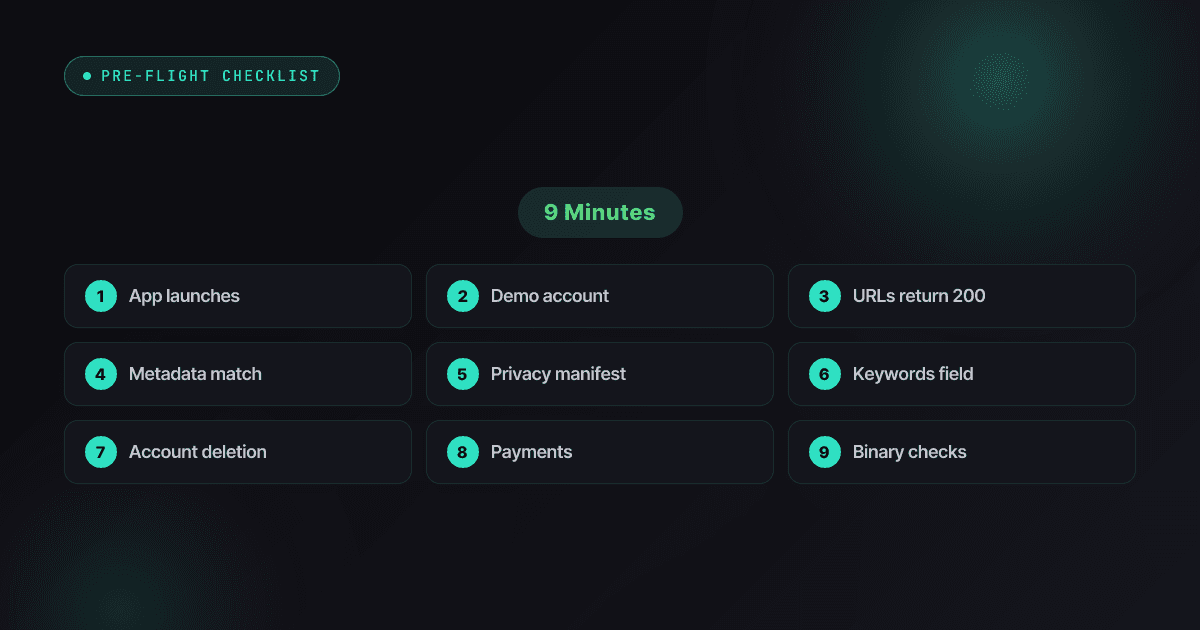
App Store Review Pre-Flight: A 9-Minute Checklist Before You Hit Submit
Nine one-minute checks that catch most App Store and Google Play rejections before reviewers do — updated for the Xcode 26 mandate, age-rating gates, and 2026 compliance fields.
Read
App Store Rejections
App Store Rejection Reasons: A 2026 Index of 80+ Real Rejections
80+ App Store and Google Play rejection reasons that actually fire in 2026 — the November 2025 guideline changes, the Xcode 26 mandate, age-rating overhaul, with fixes and citable rules.
Read

ASO Guides
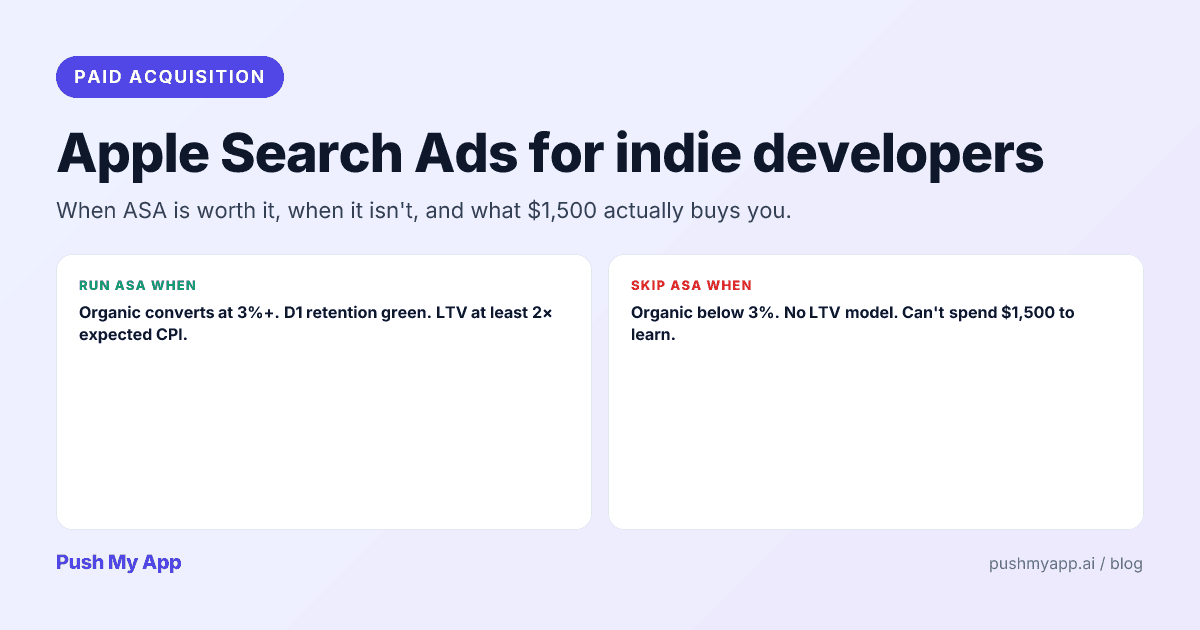
Apple Search Ads for Indie Developers: When It's Worth It (and When It Isn't)
Apple Search Ads is now Apple Ads, with four placements and the same indie question: is it worth your money yet? The readiness gate, real learning costs, and the five keywords worth bidding on.
Read