
App Store Rejections
App Store Review Pre-Flight: A 9-Minute Checklist Before You Hit Submit
Nine one-minute checks that catch most App Store and Google Play rejections before reviewers do — updated for the Xcode 26 mandate, age-rating gates, and 2026 compliance fields.
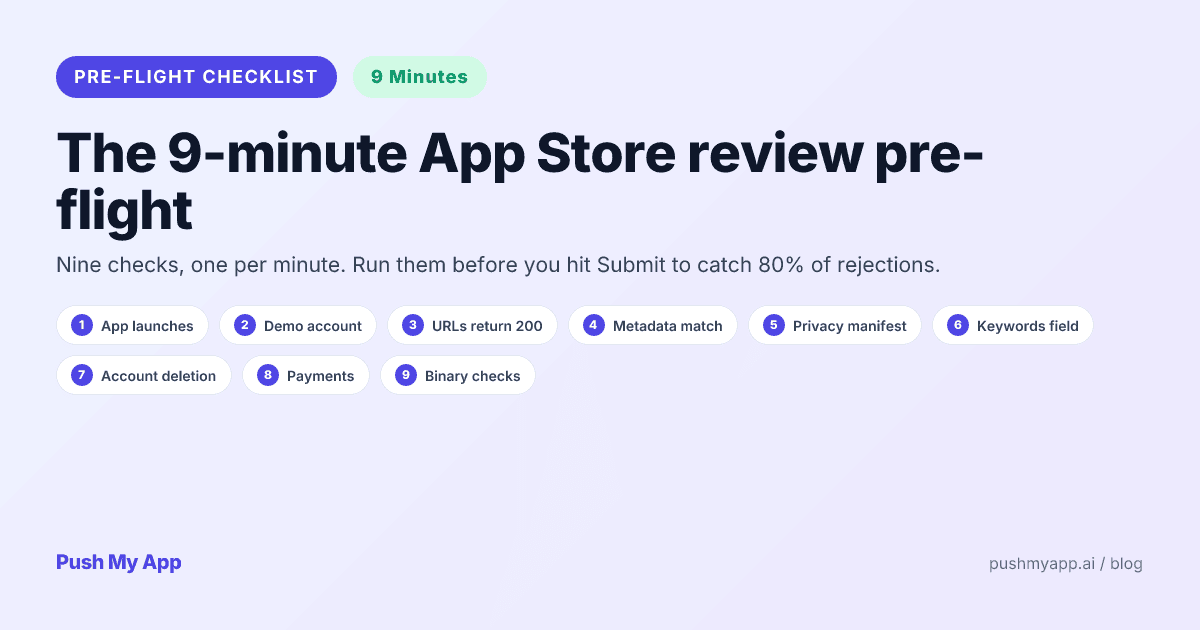
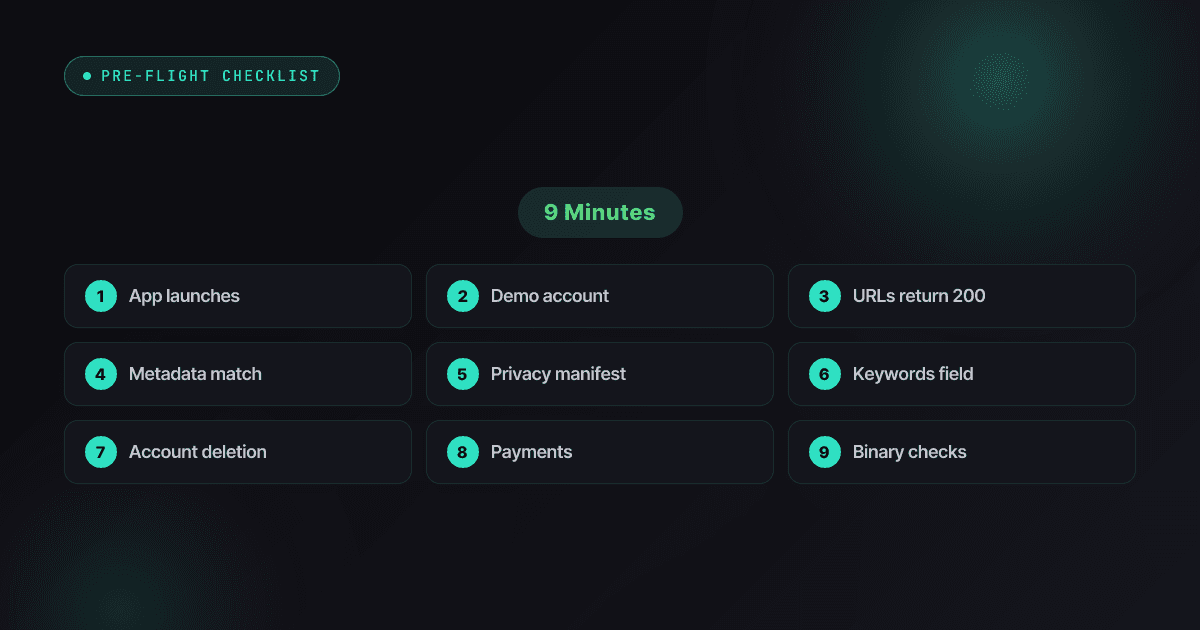
Every rejection email starts the same way: with a Submit click that happened about nine minutes too early. The majority of real-world rejections trace back to a small set of high-frequency causes — a crash on the reviewer’s device, a dead demo login, a URL that 404s, a declaration that contradicts the binary — and every one of them is checkable from your chair, in about a minute each.
This is that final gate, updated for 2026’s new tripwires: the Xcode 26 build mandate, the age-rating questionnaire that now blocks updates, and the compliance fields that quietly became submission requirements. Run it in order, fix anything red, then submit.
Depth lives elsewhere: the 80+ rejection index covers every failure mode.
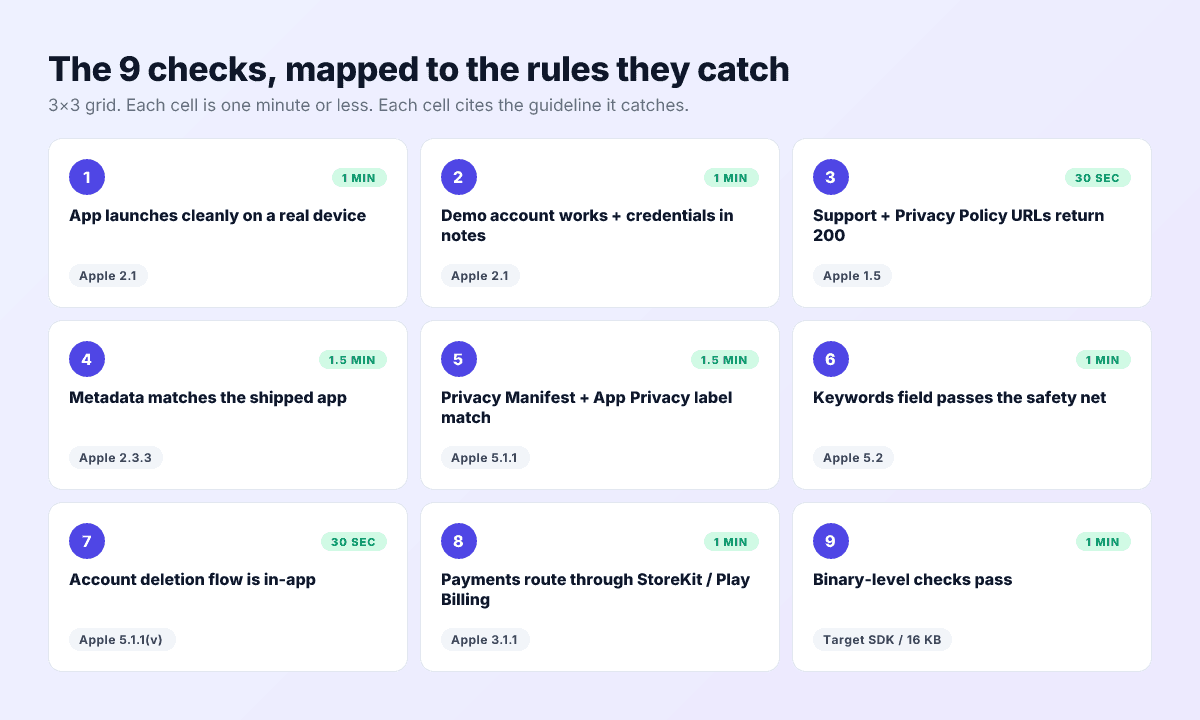
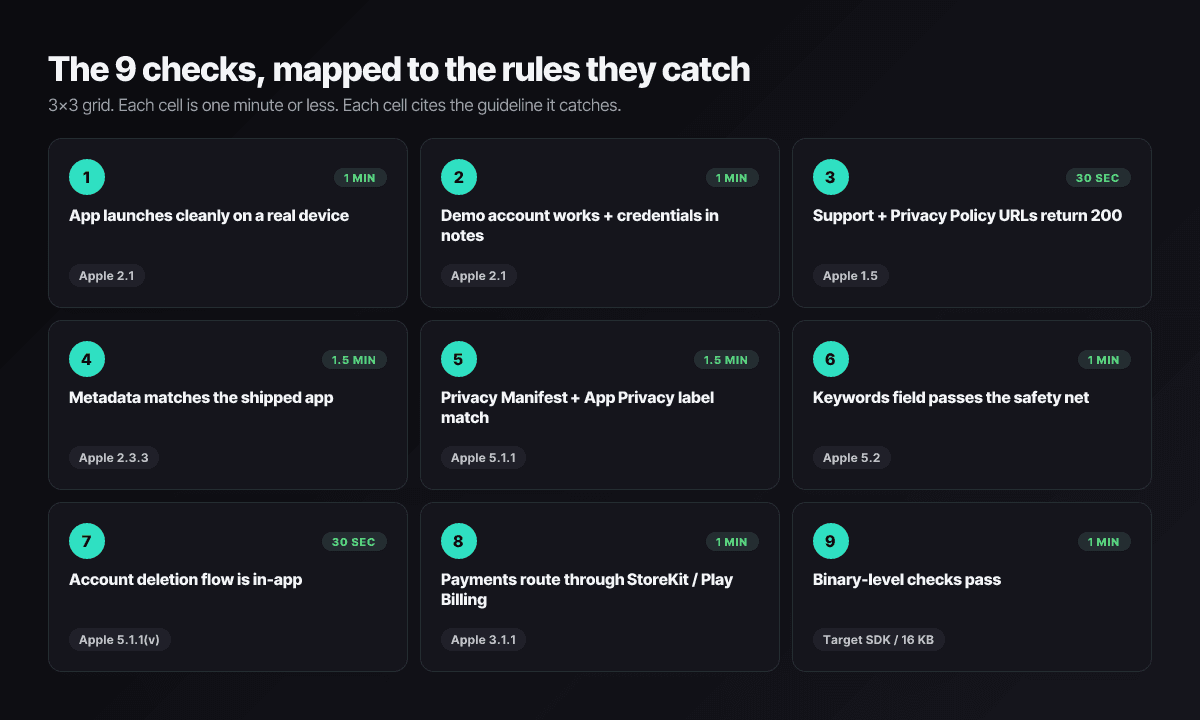
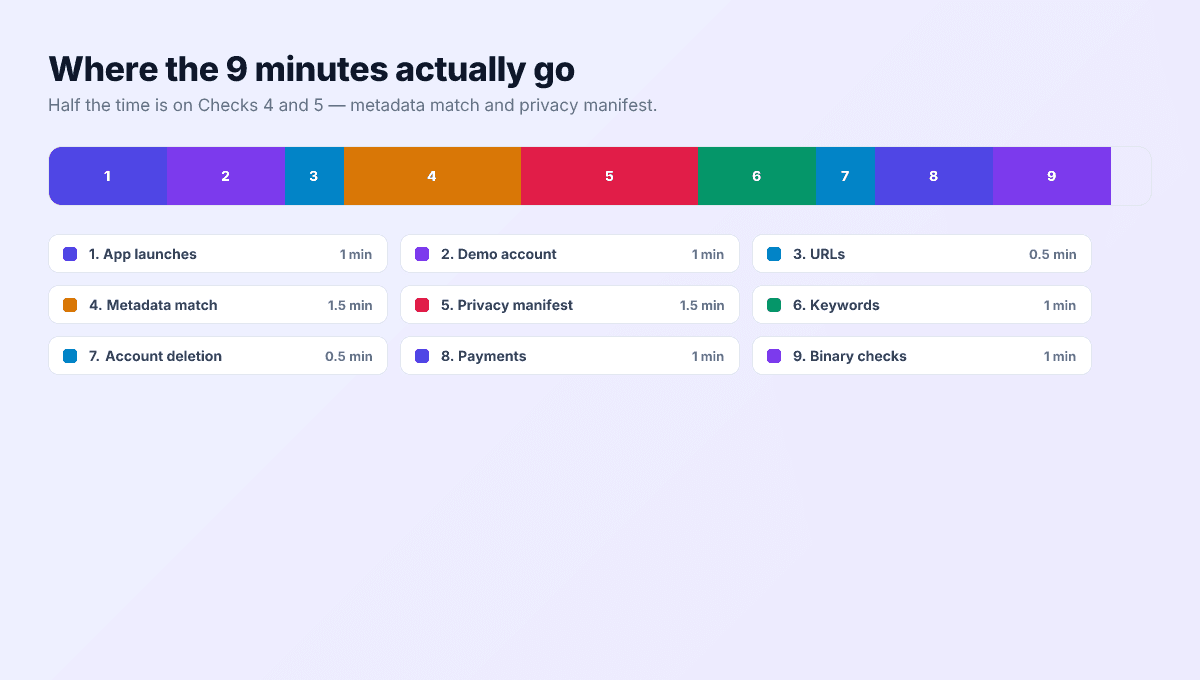
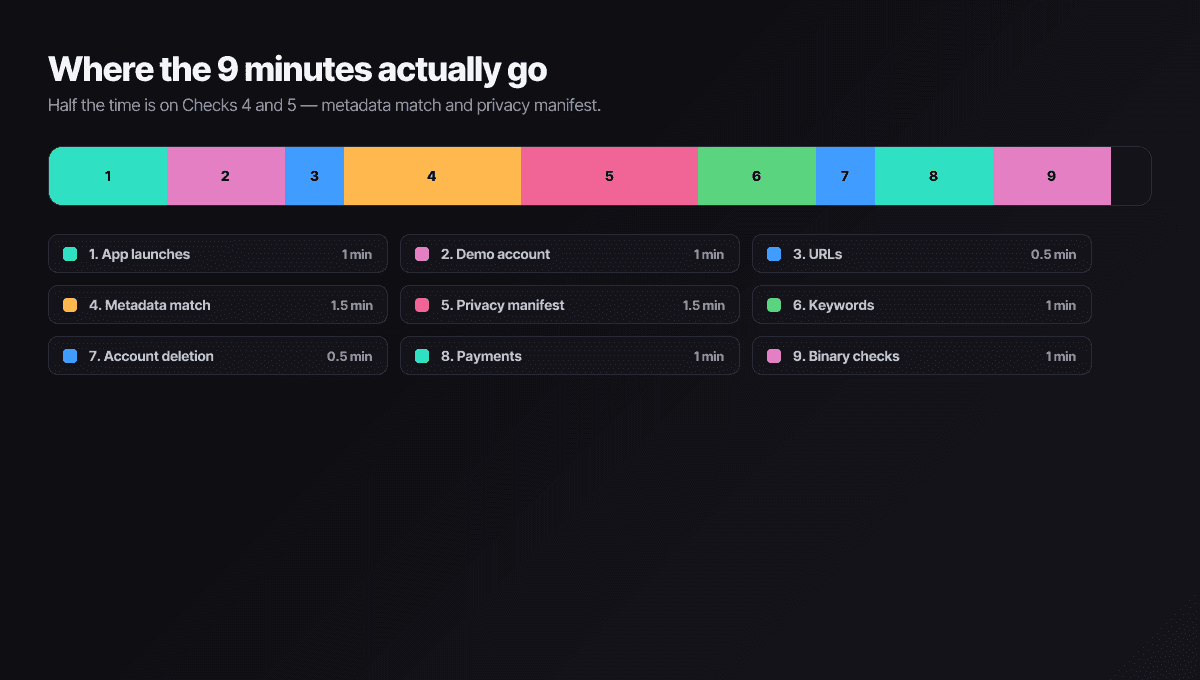
The 9 checks at a glance
| # | Check | Catches | Time |
|---|---|---|---|
| 1 | Cold launch on real hardware | Apple 2.1 / Play pre-launch report | 1 min |
| 2 | Demo account + reviewer notes | Apple 2.1 | 1 min |
| 3 | URLs live + compliance fields current | Apple 1.5 / DSA / age ratings | 1 min |
| 4 | Metadata matches the build | Apple 2.3.x / Play Deceptive Behavior | 1.5 min |
| 5 | Manifest and privacy label agree | Apple 5.1.1 (ITMS codes) | 1.5 min |
| 6 | Keywords field safety net | Apple 5.2 / 2.3.7 | 1 min |
| 7 | Account deletion, in-app and web | Apple 5.1.1(v) / Play User Data | 30 sec |
| 8 | Payments route correctly | Apple 3.1.1 / Play Payments | 1 min |
| 9 | Binary floor: SDKs, flags, alignment | Upload requirements, both stores | 30 sec |
What belongs to the night before
The nine minutes verify; they don’t build. Four things take longer than a minute and belong to the evening before submission day, so the gate can actually be a gate:
- Re-capture screenshots if the UI changed this release — rendering and uploading a fresh set is an hour, not a minute.
- Update any SDK flagged for manifests — dependency bumps want a test pass behind them, not a minute-eight panic.
- Seed the demo account with realistic data. An empty demo account passes login and still fails review, because the reviewer meets a blank app.
- Draft the reviewer notes properly — the one-paragraph core-flow description, credentials, 2FA handling, anything regional. Minute two only confirms they’re current.
Check 1 — App launches cleanly on a real device (1 min)
Install the release candidate on real hardware, kill it, cold launch, and walk the first advertised flow — no debugger attached, no warm state. Crashes here are guideline 2.1 on Apple and a pre-launch-report flag on Play, and together they’re the most common rejection in existence.
Run it on the oldest OS you support, not your daily phone. Reviewers rotate hardware and versions; your build survives the least favorable combination or it doesn’t ship.
Check 2 — Demo account works (1 min)
Sign-in apps die in review on dead credentials more than on real bugs. Verify the demo account against production, confirm the password in the review notes is the current one, and spell out anything non-obvious — 2FA handling, test card numbers, region requirements — in the notes field. Then log in once on a clean install, exactly as a reviewer would.
Half of all completeness rejections are reviewer-notes failures wearing a bug costume.
Check 3 — URLs and compliance fields are live (1 min)
Open the support URL and privacy policy URL in a private browser tab: both must resolve, and the policy must actually be a policy — not a homepage, not login-gated. Apple requests these during review; a 404 is a guideline 1.5 letter.
Then the 2026 additions, each a ten-second glance in the console:
- Age rating questionnaire current — the 13+/16+/18+ overhaul made stale answers block submissions outright.
- EU trader status verified if you sell into EU storefronts — missing declarations took live apps down in 2025.
- Per-locale URLs resolve if you ship localized listings; reviewers check the locale’s links, not just English.
Check 4 — Metadata matches the shipped app (1.5 min)
Read the listing as a skeptical reviewer holding your build:
- Title and subtitle describe features that exist in this binary — not the roadmap.
- Screenshots show the current UI; a redesign that didn’t reach the screenshots is a 2.3.3 flag (sizes and rules in the screenshot reference).
- Description and promotional text contain no expired claims, no prices, no placeholder strings — grep every locale for “lorem”, “TODO”, and last season’s campaign copy.
- What’s New describes this version; App Store Connect requires it, and reviewers read it.
Check 5 — Privacy Manifest + App Privacy label match (1.5 min)
iOS-specific and merciless since May 2024. Three confirmations:
PrivacyInfo.xcprivacyships in the binary and declares every required-reason API your code touches — UserDefaults alone puts nearly every app in scope.- Every bundled SDK carries its own manifest (and a signature if it’s on Apple’s commonly-used list) — the ITMS-91061 letter names the framework that doesn’t.
- The App Privacy label in App Store Connect tells the same story as the manifest — disagreement is its own 5.1.1 rejection.
Xcode’s generate-privacy-report option on the archive shows you the merged picture review tooling sees; the privacy manifest guide decodes anything that looks wrong.
Check 6 — Keywords field passes the safety net (1 min)
- 100 characters or fewer, no spaces after commas.
- No competitor brands or third-party trademarks — reviewers read the hidden field, and 5.2 letters cite it.
- No Apple terms, no category names.
- No words duplicated from title or subtitle — not a rejection, just waste you’re about to version-lock for a month.
The character counter runs this in one paste; the keywords field guide holds the full rulebook.
Check 7 — Account deletion, in-app and web (30 sec)
If users can create accounts, both stores want deletion paths, and they want different ones. Apple: a real in-app deletion flow — tap through Settings and confirm it completes, because reviewers create-and-delete test accounts. Google: additionally, a web deletion URL declared in the Data safety form, reachable without reinstalling the app. An invalid web link there bounces Play submissions on its own.
Check 8 — Payments route correctly (1 min)
Digital goods route through StoreKit on iOS and Play Billing on Android — still the default rule on both stores. The 2025 carve-outs (US external purchase links post-injunction, EU alternative terms) are real but each comes with regional scope and disclosure requirements; if you use one, verify the flow matches the current documentation for each storefront it ships in, because the most common payments rejection in 2026 is a permitted-somewhere flow shipped everywhere. Physical goods and real-world services stay exempt as always.
Check 9 — Binary-level checks pass (30 sec)
- iOS: built with Xcode 26 and the iOS 26 SDK — uploads with older toolchains are refused since April 28, 2026. Export compliance declared in Info.plist.
- Android: target API 35 today (36 from August 31, 2026), 16 KB-aligned native libraries, debuggable and cleartext flags off in the release bundle.
All of it is mechanically verifiable, which is why it should be a scanner’s job: Push My App’s Pre-Flight Scanner runs this section plus Check 5 against your .ipa or .aab in seconds and names the offending file. Format details live in IPA vs APK vs AAB.
Automate two, eyeball seven
If a check fails: the triage order
Failures sort into two buckets, and knowing which you’re holding decides whether you ship today or this week:
- Console-fixable (minutes): dead URLs, stale reviewer notes, keyword-field violations, metadata text, the compliance questionnaires. Fix in App Store Connect or Play Console, re-run the check, submit the same hour.
- Version-bound (a new build): crashes, manifest problems, missing in-app deletion, payment routing, anything in check 9. These mean a code change, a re-archive, and a fresh upload — accept the day’s slip rather than submitting a known reject, because the failed cycle costs more than the fix.
Either way, re-run the full nine after any fix. Fixes have a long history of breaking the check next door — the new build that fixes the crash ships with last version’s What’s New, and the loop begins again.
What this checklist does not catch
- Judgment calls. Spam/duplication verdicts (4.3), content-versus-rating opinions, design-quality objections — a reviewer’s opinion can’t be pre-flighted, only prepared for with a genuinely differentiated app.
- Post-launch enforcement. Play scans live apps forever; passing submission isn’t passing permanently. The recovery playbook exists for that day.
- Market-specific content rules. A rating that clears the US storefront can still conflict with local law elsewhere — verify per-market when shipping into regulated regions.
Run the automatable half in seconds
The Pre-Flight Scanner checks your binary against the full rejection index — privacy manifests, SDK floors, alignment, flags, metadata limits — and direct submission ships the clean build to both stores. Your nine minutes go to the human checks; the robot handles the rest. See pricing and keep the 80+ rejection index handy for the fuller audit.
Frequently asked questions
How is this different from the full ASO pre-submission checklist?
This is the last gate, not the audit. The 60+ item ASO checklist runs earlier in the cycle and covers quality — metadata craft, localization, conversion. These nine checks run in the minutes before Submit and exist purely to stop known rejection causes from reaching a reviewer. Different altitude, both worth flying.
Can the nine checks really fit in nine minutes?
On a submission that's genuinely ready, yes — they're verifications, not tasks. The build is signed, the URLs exist, the forms are filled; you're confirming, not creating. When a check fails, the fix takes whatever it takes — but you found it in minute six instead of in tomorrow's rejection email, which is the entire point.
Should I ever submit with a known failing check?
No. Every check here maps to something reviewers reliably catch, so a known failure converts directly into a lost review cycle — a day on Apple, longer on Play — plus the resubmission overhead. There's no scenario where shipping the failure beats spending the hour to fix it first.
Does the checklist cover Google Play too?
Seven of nine checks apply to both stores with different policy citations. The Privacy Manifest check is iOS-specific; parts of the binary check split by platform (Xcode 26 SDK on iOS, target API and 16 KB alignment on Android). The account-deletion check now covers both: Apple wants it in-app, Play also wants a web deletion URL in Data safety.
Why not just read the App Review Guidelines before each release?
The guidelines are a couple hundred rules organized by topic — a reference, not a procedure. This is the procedure: the high-frequency subset, ordered, time-boxed, with concrete fail conditions. The guidelines stay open in a tab for edge cases; the checklist is what your finger runs down before the Submit click.
Ship your listing without the rejection letter
Push My App generates store-ready metadata, resizes screenshots for every device, translates your listing into 14 languages, and runs an 80+ item rejection pre-flight before you submit.
Get Started FreeKeep reading
App Store Rejections
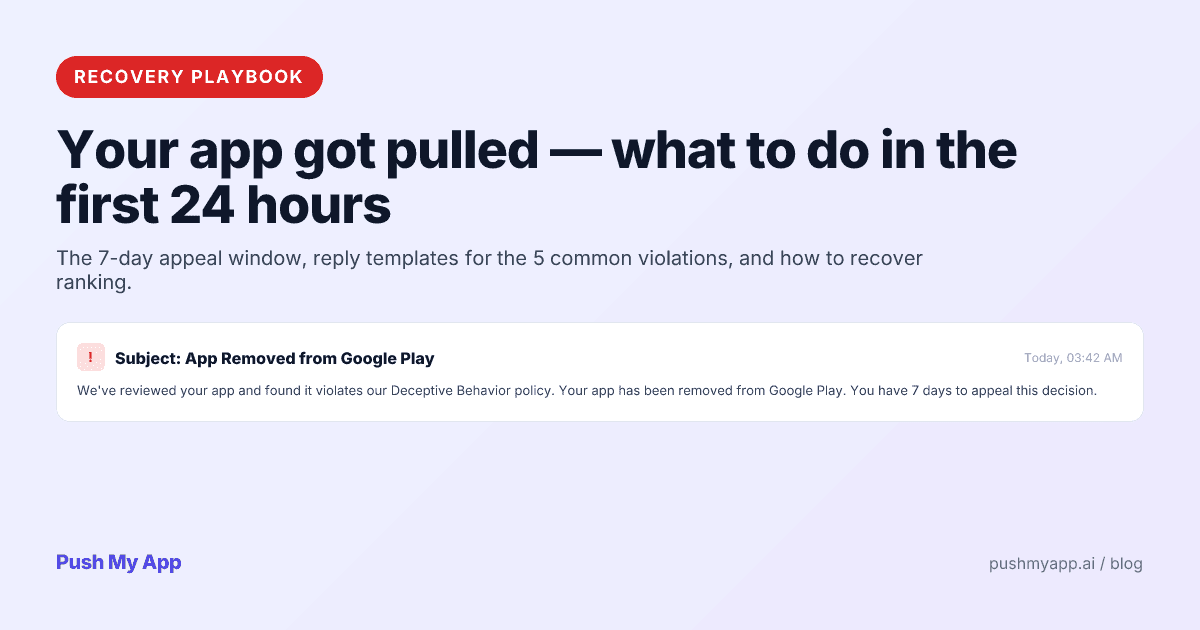
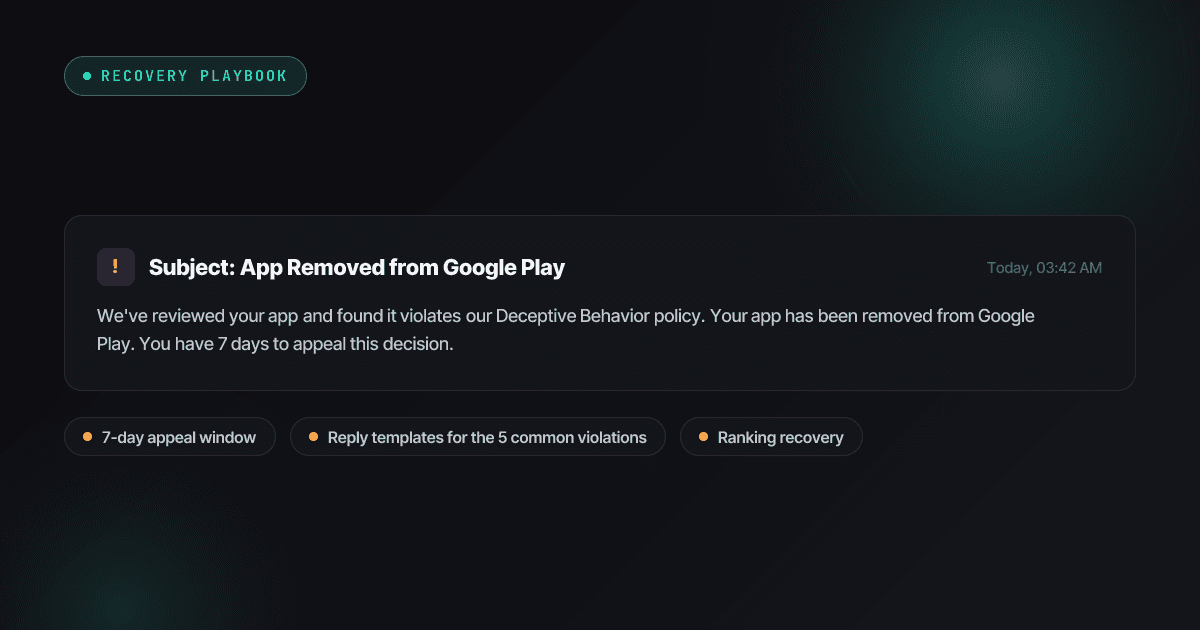
Your App Got Pulled: A 2026 Recovery Playbook
A live-app removal survival guide — first-24-hours triage, removal vs strike vs termination, reply templates for the six common pull types, appeals on both stores, and the ranking recovery curve.
Read
App Store Rejections
App Store Rejection Reasons: A 2026 Index of 80+ Real Rejections
80+ App Store and Google Play rejection reasons that actually fire in 2026 — the November 2025 guideline changes, the Xcode 26 mandate, age-rating overhaul, with fixes and citable rules.
Read

ASO Guides
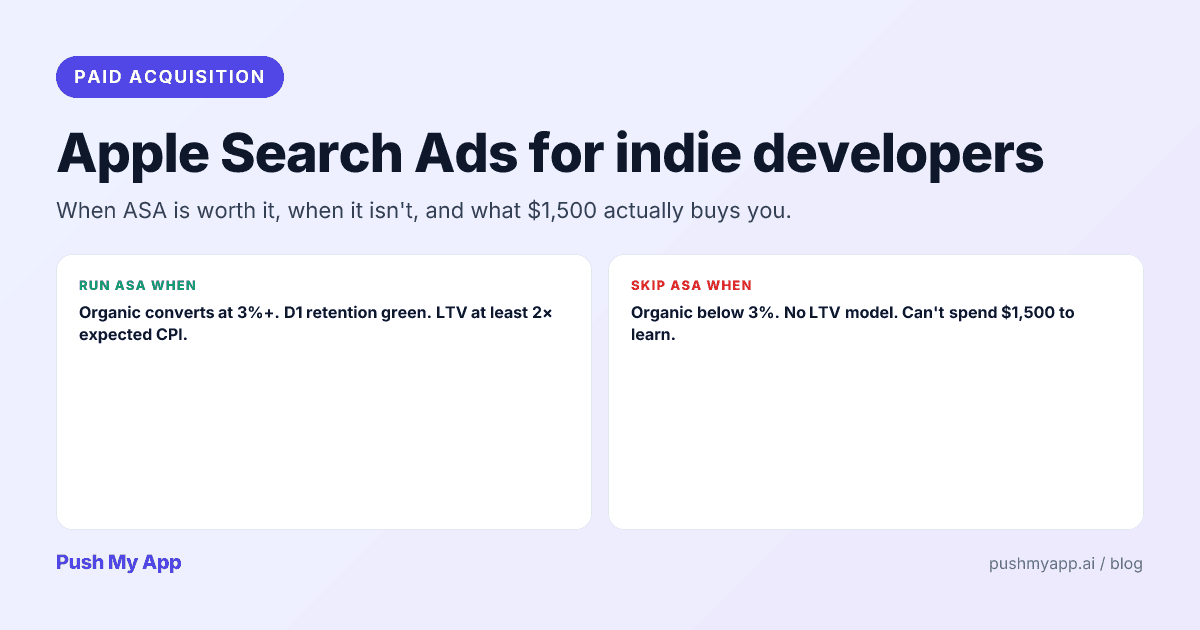
Apple Search Ads for Indie Developers: When It's Worth It (and When It Isn't)
Apple Search Ads is now Apple Ads, with four placements and the same indie question: is it worth your money yet? The readiness gate, real learning costs, and the five keywords worth bidding on.
Read