
Metadata & Keywords
App Store Promotional Text: The 170-Character Evergreen Field
Promotional text is the only App Store field you can change without review. What it does, what Apple rejects under 2.3.1, a writing formula, worked examples, and how to test it in 2026.
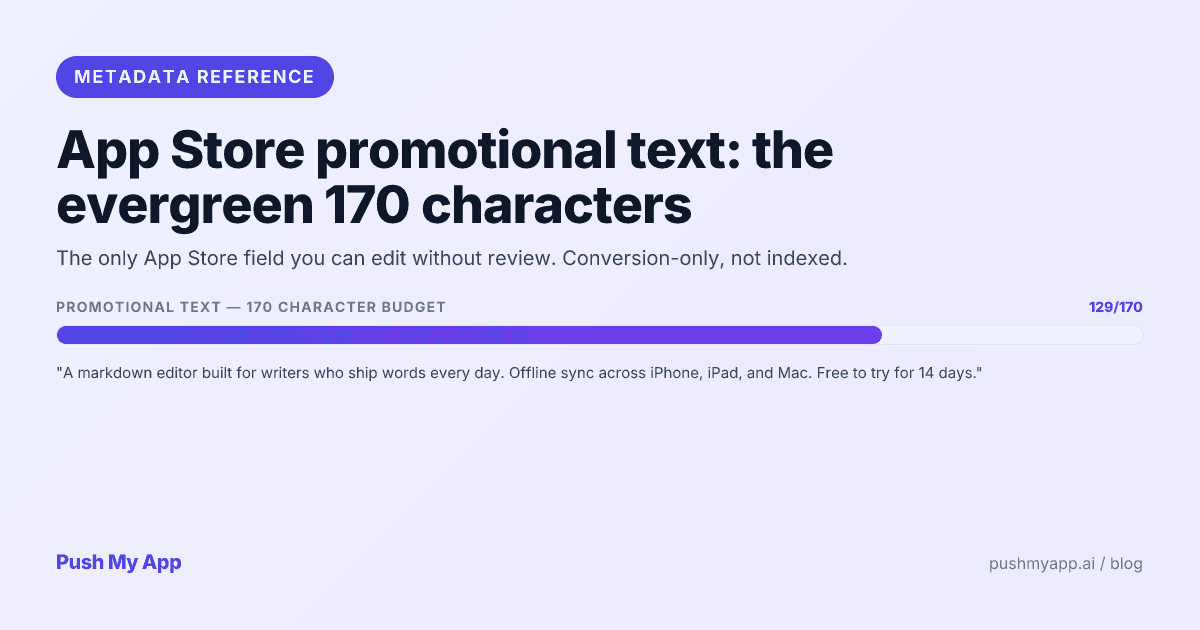
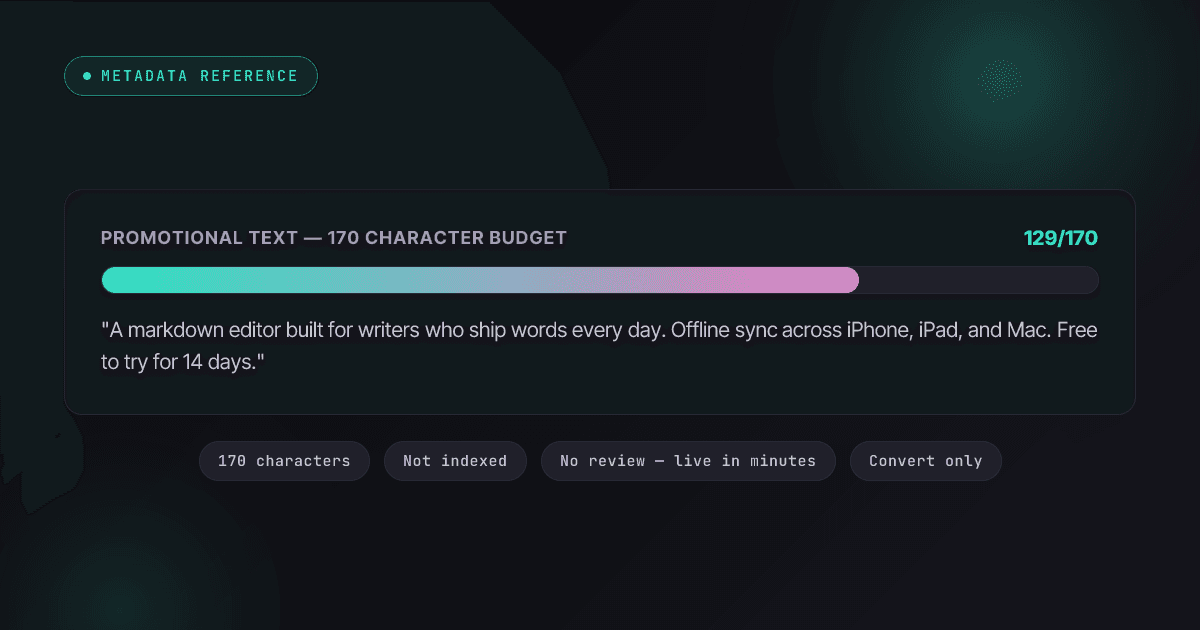
Every other word on your App Store listing is locked behind a review cycle. Promotional text isn’t: 170 characters, rendered above your description, editable any afternoon and live in minutes. It is the closest thing iOS gives you to a landing-page headline you can rewrite at will — and the field indies most often leave blank, stale, or filled with the exact copy Apple rejects.
This guide covers the field’s actual mechanics, how it divides labor with the subtitle, a writing formula with five worked examples, the guideline 2.3.1 traps, and how to test variants now that custom product pages carry their own promotional text.
It pairs with the keywords field deep-dive (the ranking half of metadata) and the ASO playbook for the full system.
What promotional text actually is
A 170-character field in App Store Connect, displayed at the top of your description on the product page. Four properties define how to use it:
- No review. Edits go live in minutes without a binary or a reviewer — unique among listing fields.
- No ranking weight. Apple doesn’t index it for search. It can’t win you impressions; it can only convert the ones you already get.
- Above the fold. It renders in full before the “more” tap that hides the rest of your description — so it’s read by nearly everyone who scrolls past the screenshots.
- Per-locale and per-CPP. Every localization has its own 170 characters, and every custom product page can carry different promotional text from the default page.
Put together: this is the highest-read, lowest-cost, fastest-iterating sentence on your listing. The leverage-to- effort ratio is unmatched anywhere else in App Store Connect.
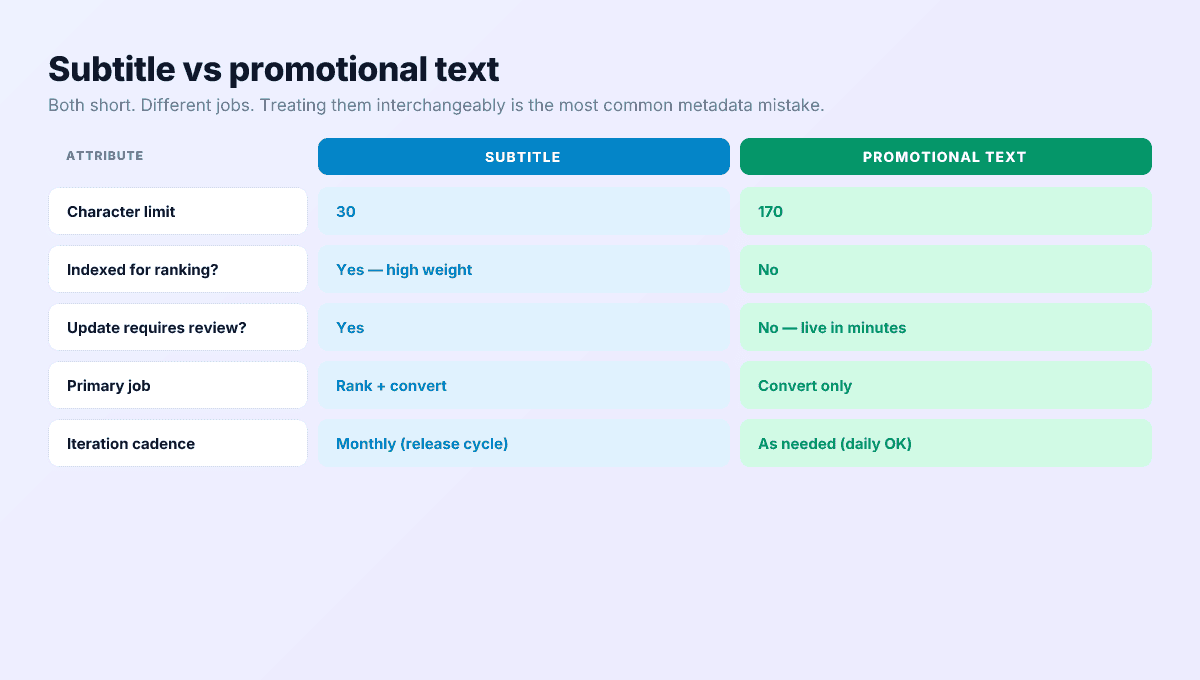
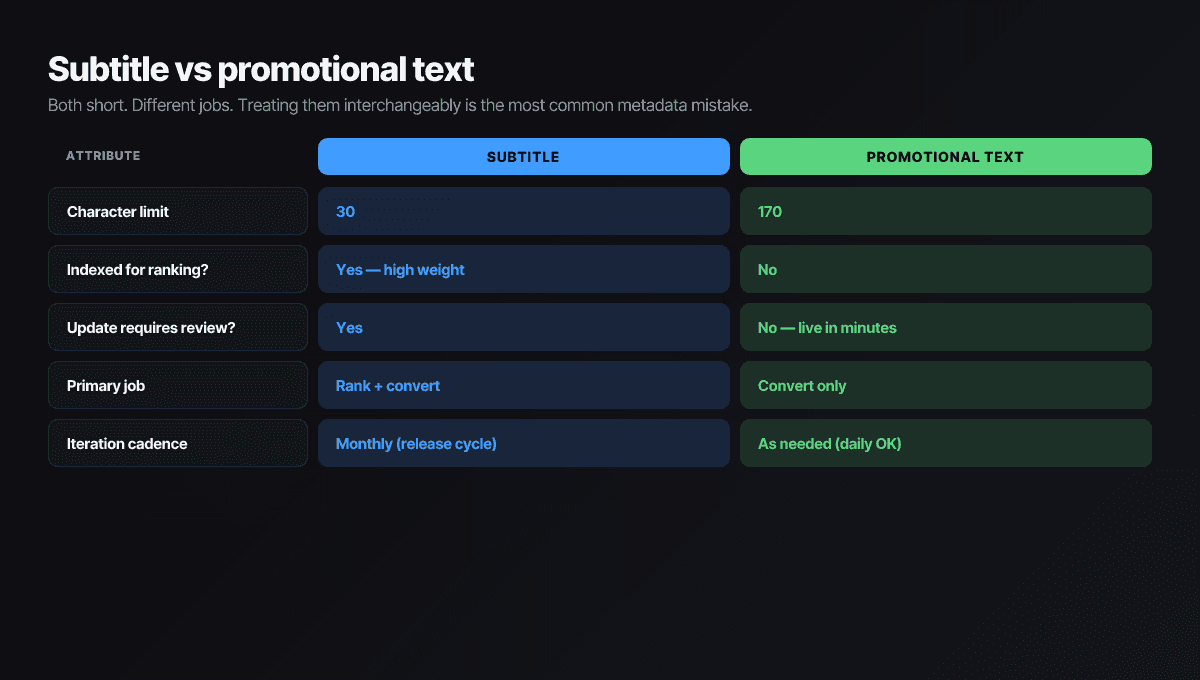
Promotional text vs subtitle — the difference
| Subtitle | Promotional text | |
|---|---|---|
| Length | 30 characters | 170 characters |
| Search ranking | Heavily indexed | Not indexed |
| Changing it | New version + review | Any time, minutes |
| Job | Rank and hook | Convert |
| Sensible cadence | Per release | Per message change |
The division of labor: the subtitle spends its 30 characters on your single best keyword wrapped in a benefit; promotional text spends 170 expanding that benefit into a reason to install today. When the two say the same thing twice, the listing wastes its most valuable real estate saying one thing — the subtitle helper covers the other half of the pairing.
The 170-character formula
- Positioning sentence. Who the app is for and what it does differently — written so it stays true in any month, after any release.
- Concrete proof. A specific capability, number, or scenario that makes sentence one believable. Skip it if the first sentence needed the room.
- Optional soft CTA. An imperative without dates or prices — “Start with the free plan” works; “50% off this week” gets rejected.
Two disciplined sentences beat three cramped ones. The wasted patterns to avoid: restating the subtitle, generic superlatives (“the best,” “amazing”), and feature lists that belong in the description. Check the length as you draft with the character counter, which covers every metadata field’s limit.
The most-read sentence you'll write this month
7 worked examples across categories
1. Habit tracker (productivity)
Weak: “Build better habits with the best habit tracker. Download today!”
Strong: “A habit tracker for people who quit habit trackers. Three habits max, one tap to log, and a weekly review that takes ninety seconds. No streak shaming.”
2. Expense splitter (finance)
Weak: “Split expenses easily with friends. Try it now!”
Strong: “Made for flatmates and trips: split unevenly, track who paid, settle in one transfer at the end. Works without anyone else installing the app.”
3. Sleep app (health)
Weak: “Sleep better tonight with relaxing sounds. New content weekly!”
Strong: “Wind-down audio engineered to end — every session fades out fully so nothing plays all night. Built for light sleepers who wake when loops repeat.”
4. Recipe manager (food)
Weak: “All your recipes in one place. Cooking made easy!”
Strong: “Paste any recipe link and get just the recipe — no life story, no ads. Scales servings, builds the grocery list, and works offline at the stove.”
5. Word game (casual)
Weak: “The most addictive word game of 2026! Play free now!”
Strong: “One hand-built word puzzle every morning, hard enough to need coffee. Finish in five minutes or carry it around in your head all day. No energy systems.”
6. Interval timer (fitness)
Weak: “The ultimate workout timer for all your training needs!”
Strong: “An interval timer you can read from across the room mid-burpee. Huge digits, voice cues, and presets for HIIT, EMOM, and Tabata. Set up a circuit in under a minute.”
7. Language flashcards (education)
Weak: “Learn languages fast with fun flashcards. Start your journey today!”
Strong: “Flashcards built from the 2,000 words that cover most real conversations. Spaced repetition decides what you review; ten minutes a day does the rest. Works offline.”
The shared pattern: name the person, state the difference in concrete terms, and let specificity do the persuading. Superlatives tell users you have nothing specific to say.
Localizing promotional text
Every storefront language gets its own 170 characters, and because the field is conversion copy, weak localization shows immediately — a literal translation of an English idiom reads like a vending-machine label. Three rules carry most of the value:
- Rewrite, don’t translate. The positioning survives; the phrasing shouldn’t. Sentence rhythm, formality level, and what counts as a credible proof point all differ by market.
- Counter-cycle the seasons. A January fitness push is mid-summer messaging in Australia and Brazil; tax-season copy lands in April in the US but differently almost everywhere else. Per-locale promotional text is how one app stays seasonally right in thirty markets.
- Keep every locale in the consistency sweep. A feature claim you soften in English but forget in German is still a 2.3.1 mismatch. Push My App’s 14-language localization regenerates the field per market in one pass, which keeps the sweep tractable.
The 4 rejection traps under guideline 2.3.1
Trap 1 — Time-bound offers
“Sale ends Friday,” “free for the first 1,000 users.” Metadata must stay accurate indefinitely; dated claims can’t. Campaigns belong in-app or in push — the rejection index shows how these letters read.
Trap 2 — Claims you can’t defend
Rank claims you don’t currently hold, invented user counts, “featured by Apple” without the feature. Cite only what’s verifiable right now, in the storefront where it’s shown.
Trap 3 — URLs and contact details
Links, emails, and phone numbers don’t belong in promotional copy — Apple provides the Support and Marketing URL fields for exactly that, and reviewers move anything else back there via rejection.
Trap 4 — Promises the listing doesn’t back up
Reviewers read promotional text, description, and screenshots as one claim set. A feature that appears only in promotional text reads as misleading metadata — when you update one field, sweep the other two for consistency.
Testing it: CPPs and timed comparisons
Apple’s native A/B tool won’t help here — product page optimization varies only icons, screenshots, and previews. Promotional text gets tested two other ways:
- Custom product pages as parallel variants. Each CPP (up to 70 per app) carries its own promotional text. Point different traffic sources — an Apple Ads ad group, a newsletter link, an assigned search keyword — at pages whose copy matches that intent, and compare conversion per page in App Analytics.
- Timed comparisons on the default page. Run copy A for two weeks, copy B for two, holding screenshots and pricing still, and compare page-view-to- install conversion. Cruder than a true split test, but the field’s zero cost of change makes the cadence sustainable.
Either way, the rule is one moving part at a time — a promotional text test during an icon test measures neither.
When to actually update promotional text
- Seasonal emphasis. The same app leads with different value in January (fitness), April (taxes), and September (school). Rotate the lead, keep the positioning.
- Release-day callouts. The binary ships, and promotional text acknowledges the headline feature the same hour — no review lag between the feature existing and the listing saying so.
- Scheduled copy tests. The two-week comparison cadence above, logged somewhere you’ll actually check.
The anti-pattern is reflexive churn: weekly rewrites with no measurement window make every change unreadable. Two weeks minimum per variant; the ASO playbook slots this into the broader iteration loop.
And add one recurring check: stale promotional text is worse than plain promotional text. Copy that still celebrates a “new” feature from three versions ago, references a season that ended, or names a price that changed quietly tells visitors the listing is unattended. A thirty-second read-through belongs on every release checklist — it’s line one of the metadata pass in the 9-minute pre-flight checklist.
Generate all six fields with the rules built in
Push My App’s AI metadata generator writes title, subtitle, keywords, promotional text, description, and What’s New together — each respecting its character limit and rejection rules, with promotional text kept evergreen by construction. Run the 9-minute pre-submission checklist before shipping; pricing has plan details.
Frequently asked questions
Does promotional text affect App Store search ranking?
No. Apple indexes the app name, subtitle, keywords field, IAP names, and developer name — promotional text isn't read for ranking at all. Its entire job is conversion: turning a product-page visit into an install. That's also what makes it safe to iterate on, since changes can't hurt your rankings.
How fast do promotional text changes go live?
Minutes after saving in App Store Connect, with no review and no binary submission — the only listing field that works this way. That makes it the right place for same-day messaging changes: acknowledging a major new feature, adjusting seasonal emphasis, or fixing copy that's underperforming.
Can I announce a sale or discount in promotional text?
Don't. Time-bound offers and pricing claims in metadata draw guideline 2.3.1 rejections, and a stale '50% off this week' that outlives the sale is its own problem. Run promotions inside the app or through push messaging; keep this field describing value that's true every day of the year.
Can promotional text differ per custom product page?
Yes — and that's the real way to vary it by audience. Each of your custom product pages (up to 70 per app) carries its own promotional text, screenshots, and previews, so traffic from a specific ad, keyword, or referral link can land on copy written for that exact intent while your default page stays general.
Is promotional text part of product page optimization tests?
No. PPO treatments can vary only the icon, screenshots, and app previews — promotional text isn't a testable element. To compare promotional text variants you either run timed before/after comparisons on your default page or route comparable traffic to custom product pages with different copy.
Ship your listing without the rejection letter
Push My App generates store-ready metadata, resizes screenshots for every device, translates your listing into 14 languages, and runs an 80+ item rejection pre-flight before you submit.
Get Started FreeKeep reading
Metadata & Keywords
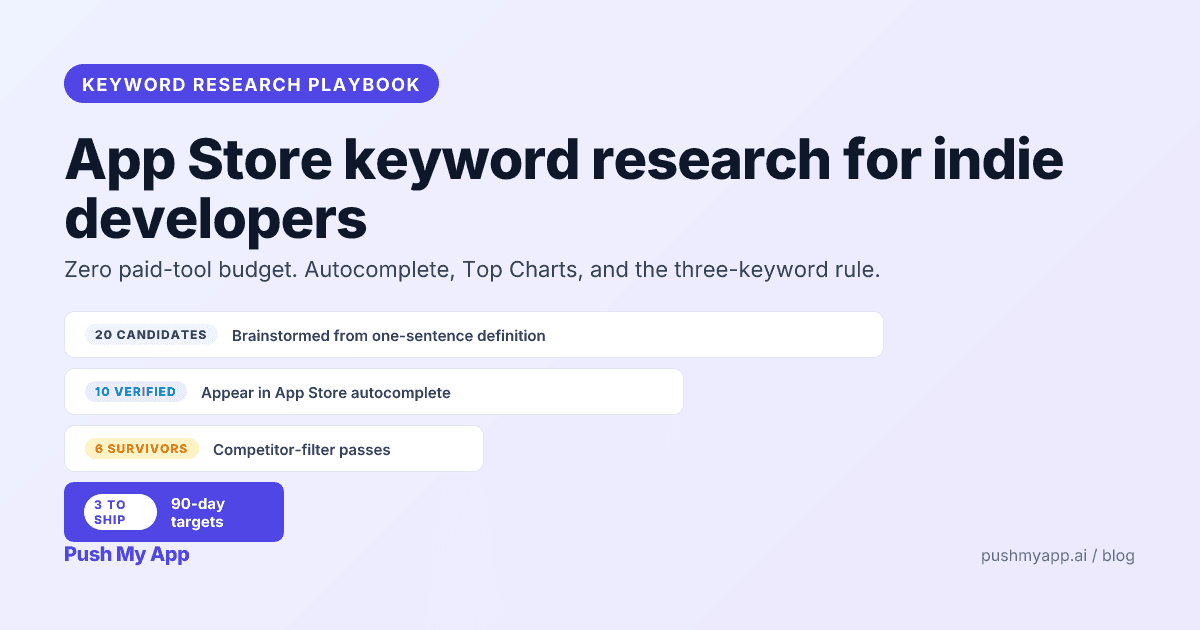
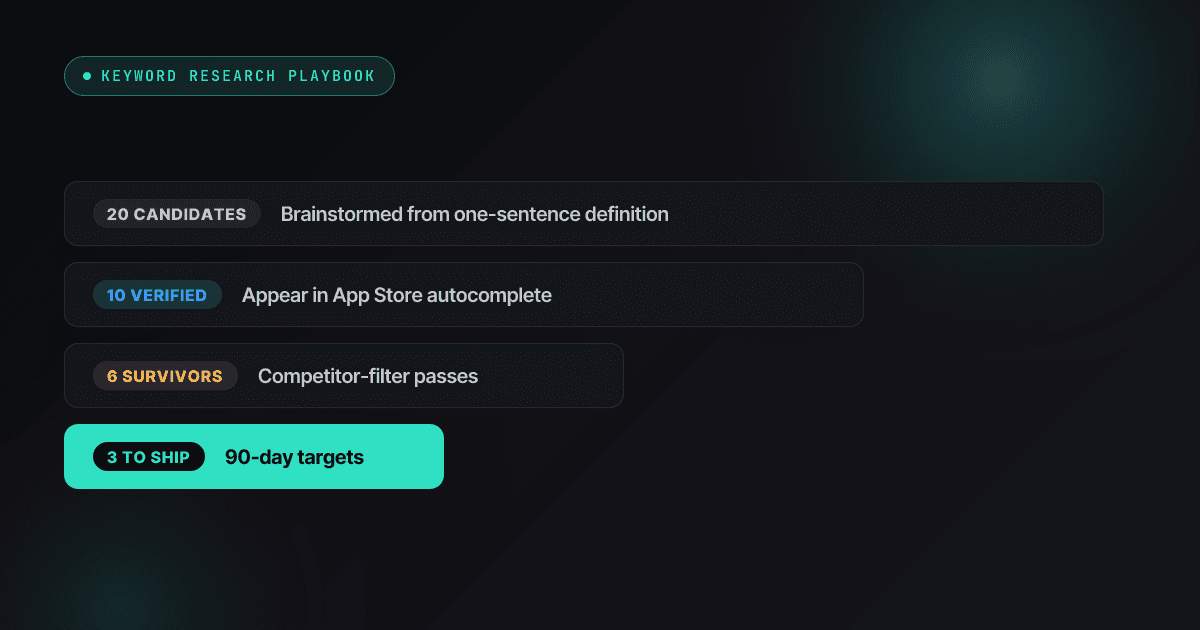
App Store Keyword Research: A Playbook for Indie Developers (2026)
Zero-budget keyword research that actually works in 2026 — autocomplete mining, competitor frequency maps, Apple Ads popularity as a free volume signal, and the three-keyword rule.
Read
Metadata & Keywords
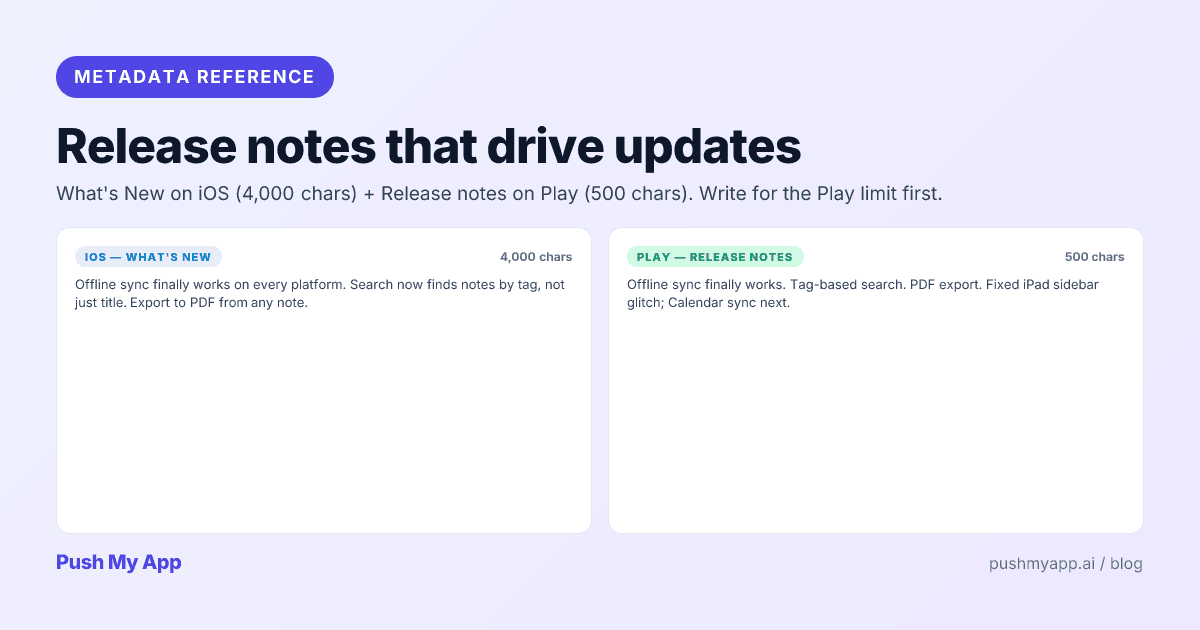
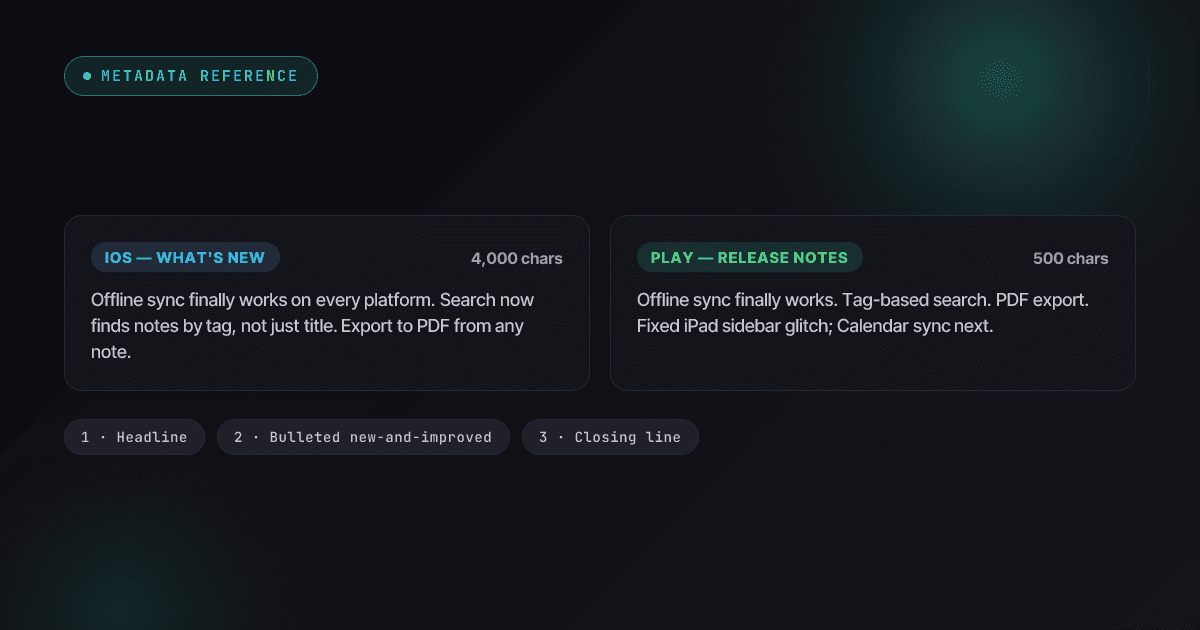
App Store Release Notes That Drive Updates (What's New Best Practices)
How to write What's New copy that earns trust instead of wasting it — the iOS and Play field rules, a 3-part template, the auto-update reality, and localization for release notes.
Read
Metadata & Keywords
Apple App Store Keywords: The 100-Character Field Explained (2026)
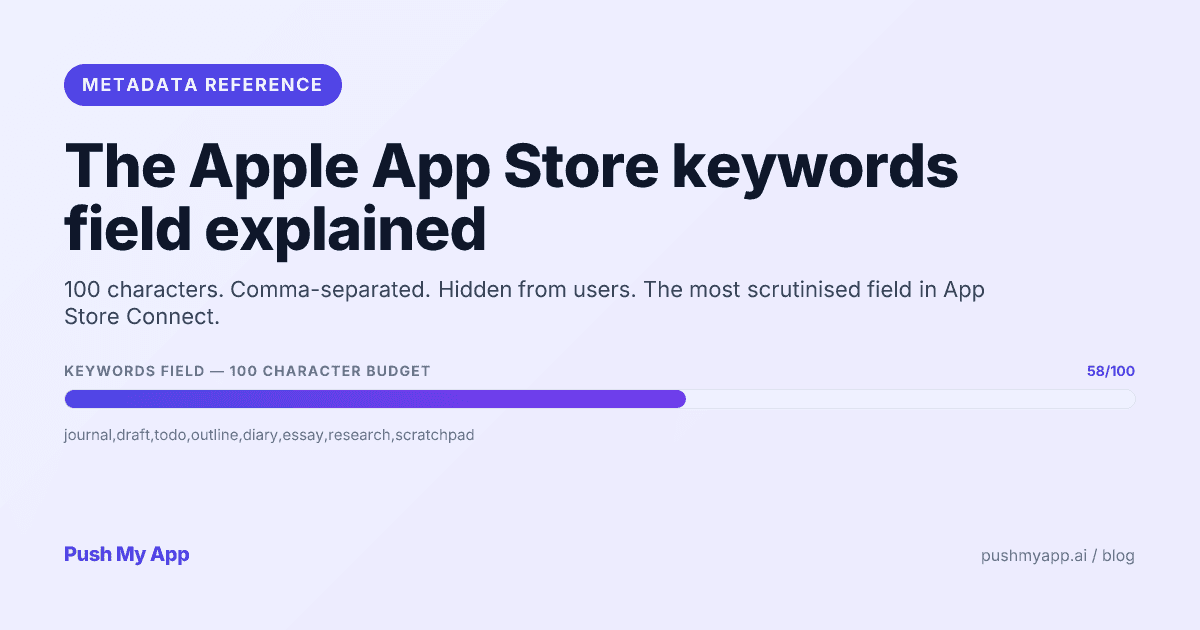
How Apple's hidden 100-character keywords field works in 2026 — what's indexed, the rejection rules, character-economy tactics, cross-localization, and custom product page keywords.
Read