
Metadata & Keywords
App Store Keyword Research: A Playbook for Indie Developers (2026)
Zero-budget keyword research that actually works in 2026 — autocomplete mining, competitor frequency maps, Apple Ads popularity as a free volume signal, and the three-keyword rule.
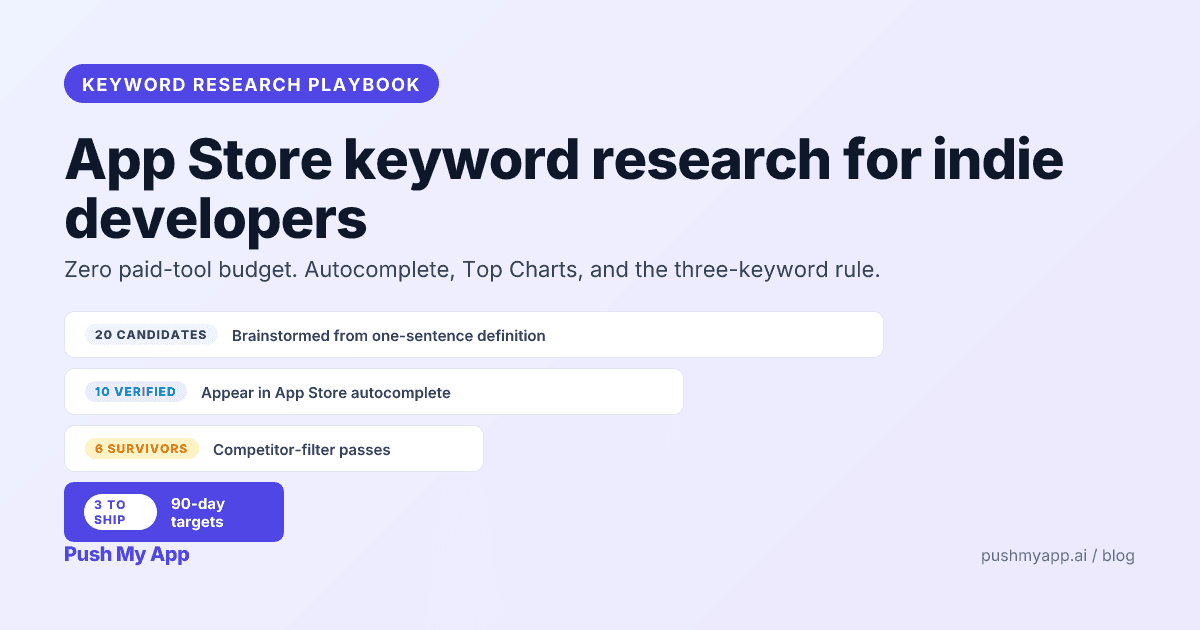
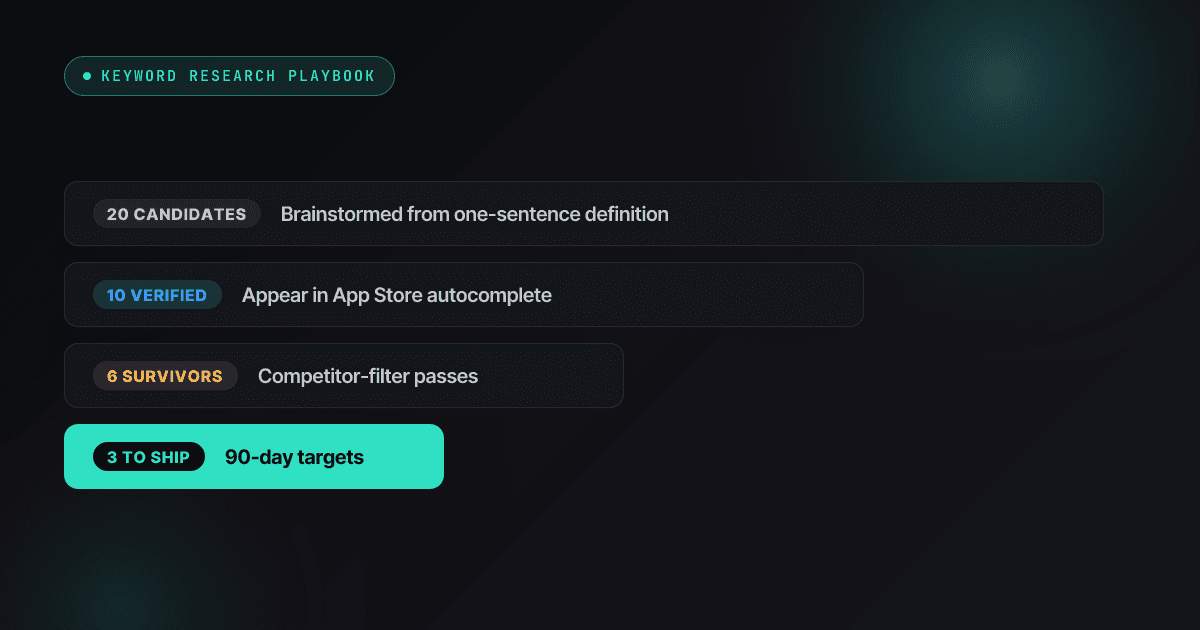
Keyword research is where indie ASO either becomes a system or dissolves into vibes. The vibes version picks terms that “feel right,” ships them, and re-guesses when nothing happens. The system version treats the App Store itself as the dataset — autocomplete for demand, competitor listings for supply, Apple’s own popularity scores for volume — and produces three defensible keyword bets in an afternoon, for free.
This is the system version. It pairs with the keywords field deep-dive (where the chosen terms go and the rules they obey) and the ASO playbook (the strategy these terms serve).
What you are actually researching
A finished research pass produces a three-tier output, not a list:
- Primary terms (3): the bets. They get the title, the subtitle, and your measurement attention.
- Secondary terms (8–12): the supporting cast that fills the 100-character keywords field with non-duplicating, autocomplete-verified words.
- Combinations (free): multi-word queries Apple assembles by mixing words across your title, subtitle, and keywords field. You never write these — you design the parts so the right wholes exist.
And know which fields feed the index you’re optimizing: on Apple, title + subtitle + keywords field + IAP names — not the description. On Google Play, the title, short description, and the entire long description. The same research feeds both stores; the placement differs, per the cross-store comparison.
The 5-step indie keyword research workflow
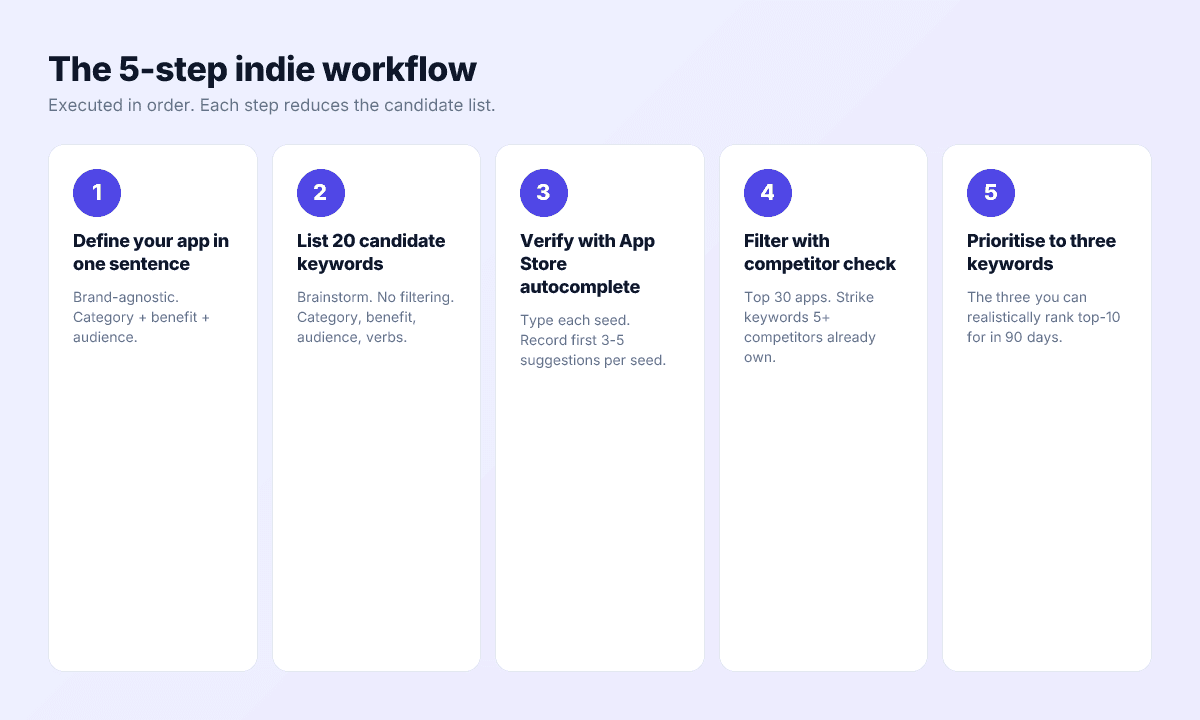
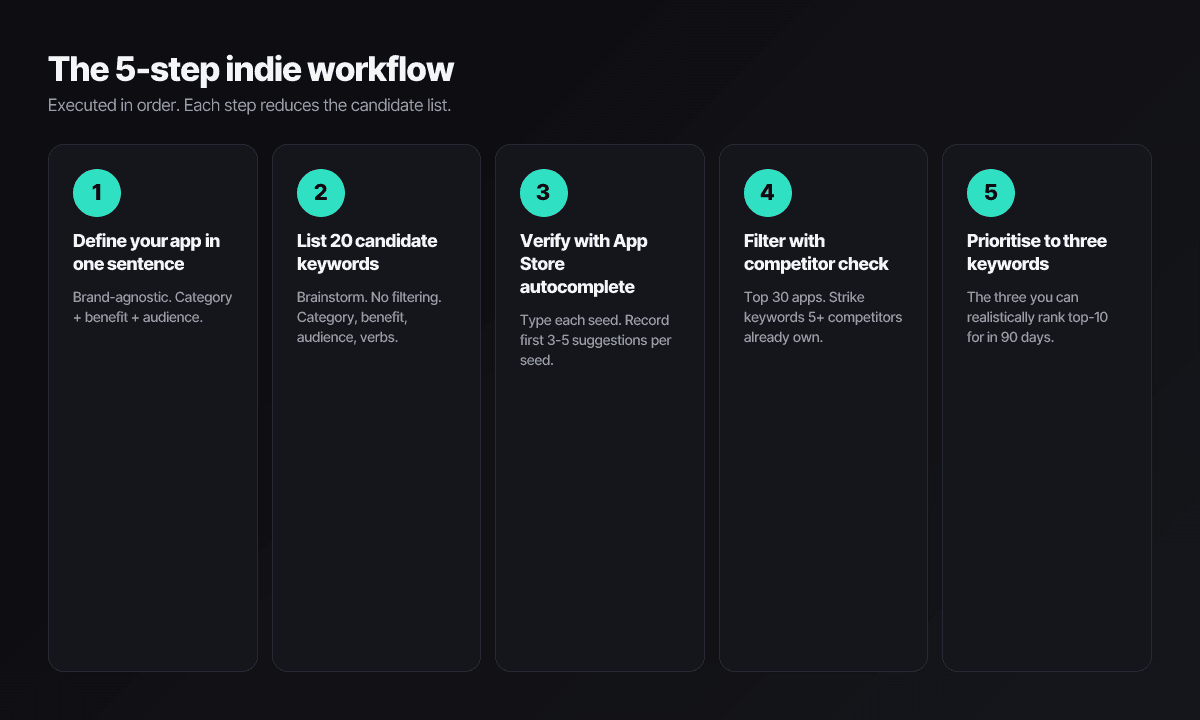
Step 1 — define the app in one plain sentence
“A budget tracker for couples who split expenses.” “An interval timer you can read mid-workout.” No brand, no adjectives. If the sentence won’t come, the positioning isn’t ready and research would just encode the confusion.
Step 2 — brainstorm 20 candidates from it
Category words, audience words, problem words, verb words. For the couples’ budget tracker: budget, expense, split, shared, couple, money, bills, settle, track, spending, household, allowance, savings, partner, finance… No filtering yet — filtering with no data is just taste.
Step 3 — verify demand in autocomplete
Type each candidate into App Store search, letter by letter, and record what Apple suggests. Suggestions are ranked by real query volume; a candidate that never appears at any prefix is a word nobody types, however right it feels. This step usually kills a third of the brainstorm — that’s it working.
Step 4 — map supply with a competitor frequency pass
Open the top 30 apps in your category and tally which surviving candidates appear in their titles and subtitles. A term in five-plus competitors’ premium fields is owned; a term in zero to three is contestable. While you’re there, eyeball difficulty: review counts and update recency of whoever ranks top-ten for each term — six-figure review walls mean move on.
Step 5 — commit to three
From the survivors, pick the three with the best intent-to-difficulty ratio that your screenshots can honestly sell. Slot one into the title, one into the subtitle, spread the rest of the survivors through the keywords field (the character counter keeps the budget honest, the subtitle helper shapes the subtitle), and write the other seventeen down for next quarter.
The three-keyword rule
Three terms, ninety days, top-ten or re-research. The rule exists because of two indie constraints. Attention: you can genuinely iterate on three terms inside monthly release cycles, and you cannot on thirty. Falsifiability: three focused bets produce a readable verdict — if none of the three cracks the top ten in a quarter, the research was wrong, and you want to know that cleanly rather than have it smeared across thirty excuses.
Each of the three must pass:
- Intent: someone typing this is looking for what your app does — not browsing a category.
- Winnability: the current top ten for the term contains apps you can realistically displace.
- Provability: your first screenshot and subtitle can back the term’s promise without stretching — both for conversion and for guideline 2.3.7’s sake (the rejection index shows what stretching costs).
The workflow, worked end to end
The couples’ budget tracker, all five steps with real outputs:
- Brainstorm (20): budget, expense, split, shared, couple, bills, settle, spending, household, partner, money, allowance, savings, iou, roommate, fair, tally, divide, joint, balance.
- Autocomplete pass: kills tally, fair, divide, allowance (no suggestions at any prefix); promotes the modifier finds split bills, expense splitter, and shared expenses from the space trick.
- Competitor map: budget and expense tracker appear in 8+ of the top 30 — owned. Expense splitter appears in two, shared expenses in one, roommate in zero despite live autocomplete demand.
- The three bets: expense splitter (title), shared expenses (subtitle), and roommate (keywords field, first slot) — each autocomplete-verified, contestable, and honestly provable by a first screenshot of the split flow.
- The shipped field (89 characters, no duplicates with title or subtitle):
roommate,split,bill,settle,iou,household,partner,joint,couple,money,trip,group
Total elapsed time: one focused afternoon. The same pass without the verification steps produces a field full of budget-family terms — plausible, owned, and inert.
Free research sources that actually work
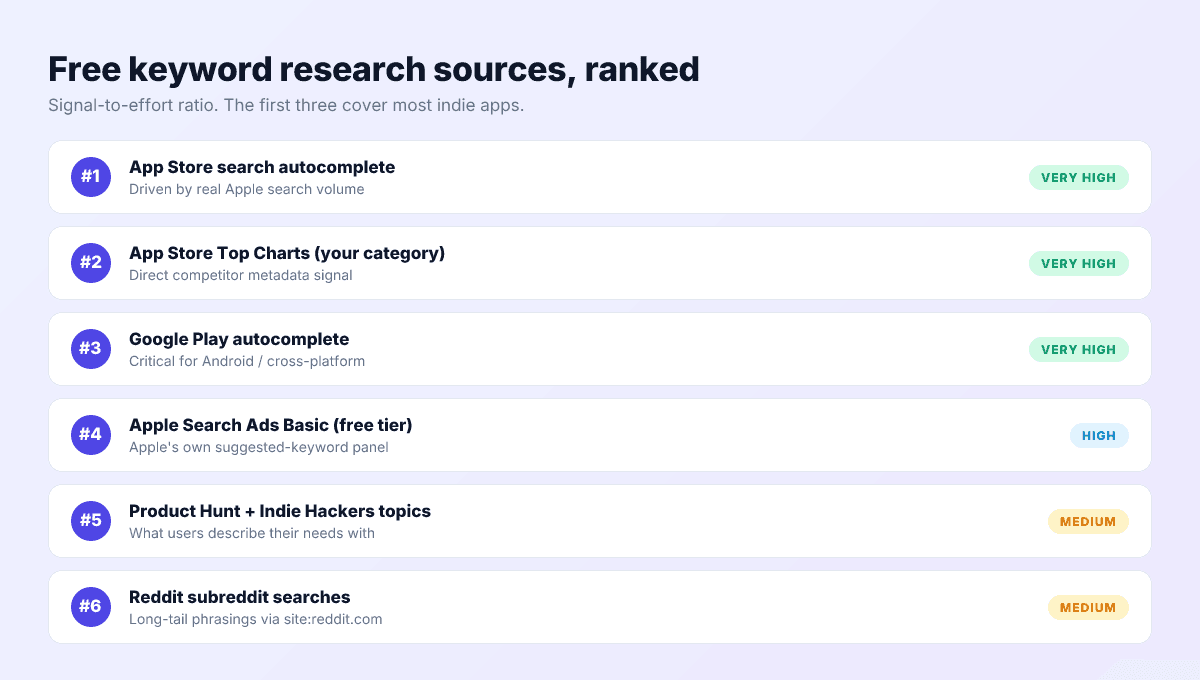
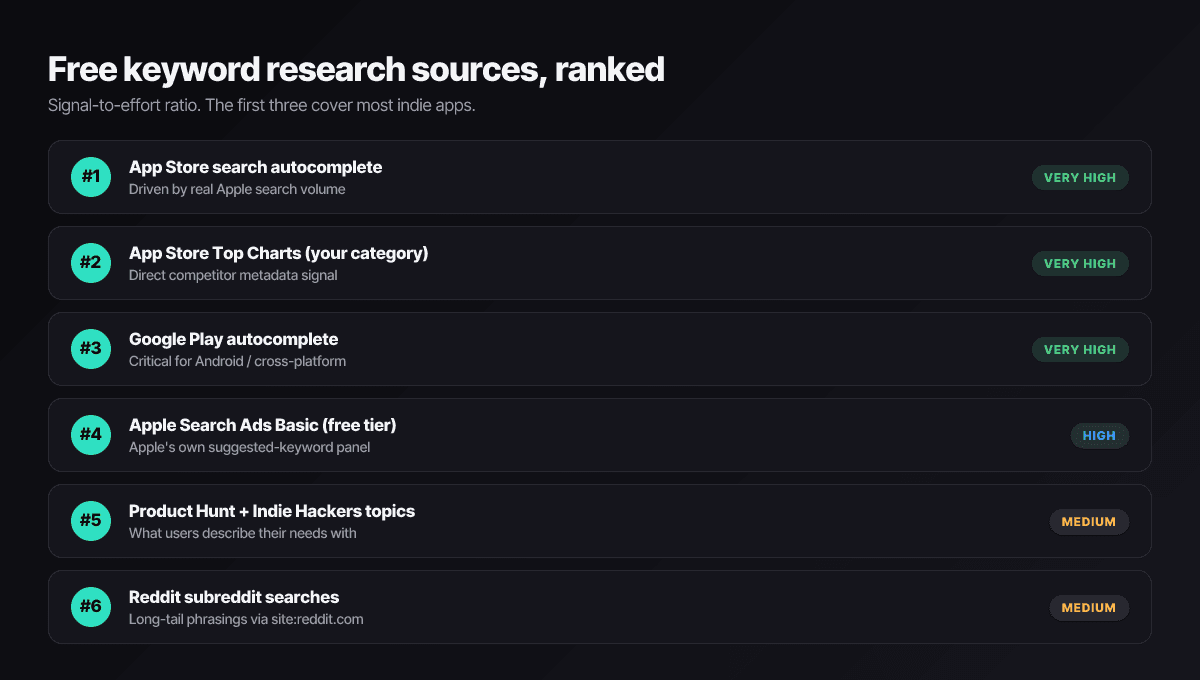
- App Store autocomplete. The demand signal itself, ranked by real volume. The next section is the full technique.
- Category Top Charts. The supply map — what the winning listings target, free to read, current by definition.
- Apple Ads keyword suggestions and popularity. Inside an Apple Ads Advanced campaign draft you can see suggested keywords and the 5–100 popularity score — Apple’s only first-party volume number — without funding or launching anything. (Apple Ads Basic, the automated tier, won’t show you this; the draft trick needs Advanced.)
- Google Play autocomplete. The same technique on the other store — essential if you ship Android, since Play’s query patterns differ.
- Communities where your users complain. Reddit threads, Discord servers, App Store reviews of competitors — the natural-language phrasings there become long-tail terms no tool surfaces.
- Your own search-terms data, later. Once you run any Apple Ads at all, the search-terms report shows the actual queries that found you — the highest-grade keyword data that exists, as a side effect.
Paid trackers (AppTweak, App Radar, ASO.dev and friends) add daily rank history and cross-market dashboards. Worth it when your keyword set outgrows a spreadsheet; redundant before then — the comparison pages map the boundary.
Autocomplete mining, properly
- Use the App Store app on a phone — the mobile surface is where your users search.
- Type letter by letter and record suggestions at each prefix: “bud”, “budg”, “budge” each reveal different variants, and position is your volume proxy.
- Mine modifiers with the space trick: type your seed plus a space plus each letter of the alphabet — “budget a”, “budget b”, “budget c” — and harvest the modifier suggestions (“budget app for couples”, “budget book”, “budget calendar”). This is where long-tail intent hides.
- Log everything in a sheet with prefix, suggestion, and position — memory flattens exactly the rank differences that matter.
- Repeat per storefront. Each country’s autocomplete is its own dataset; Japanese suggestions owe nothing to English ones, which is the entire argument of the localization guide.
You are reading the primary source
Accelerating the workflow with AI
AI belongs at two points: widening step 2 and assembling step 5. Feed a model your one-sentence definition and it returns synonyms, adjacent jobs, and audience phrasings that triple your candidate pool — including the non-obvious ones manual brainstorms miss. Then, once verified terms exist, AI assembles them into a compliant field: Push My App’s AI metadata generator writes the 100-character string with no title/subtitle duplicates, no trademark bait, and per-locale regeneration across 14 languages.
What AI cannot do is step 3. No model knows current App Store query volume; it produces plausible terms, and plausible is precisely the failure mode — a keywords field full of words that read perfectly and rank for nothing. The pipeline that works: AI to generate, autocomplete to verify, you to choose.
Pitfalls that waste research time
Bidding on category giants. Photo editor and todo list are owned by apps with decade-deep review moats. Volume you can’t rank for is decoration.
Confusing browse intent with install intent. Broad terms attract comparison shoppers; specific terms attract installers. The follow-up-query test: if users who type it usually refine it, it’s a browse term.
Skipping verification because the term is “obviously” right. The store will tell you for free whether anyone types it. Let it.
Re-researching instead of iterating. Burning each quarter’s cycle on a fresh keyword set means no bet ever gets the ninety days it needs to resolve. Hold the three, read the data, swap the proven losers only.
Translating instead of re-mining for locales. Every storefront’s autocomplete is a separate demand dataset. The research transfers as a method, never as a word list — and before any of it ships, the 9-minute pre-submission checklist catches what the excitement missed.
Generate, verify, and ship the keyword string
Push My App’s AI metadata generator drafts keyword candidates with rationale, fits the survivors into a compliant 100-character string with no duplicates or trademark bait, and regenerates per locale across 14 languages. You bring the autocomplete verification; it brings everything after. See pricing for plans.
Frequently asked questions
Do I need a paid ASO tool for keyword research?
Not at indie scale. The paid platforms sell automation and historical tracking, not private data — the underlying signals are App Store autocomplete, public listings, and Apple Ads popularity scores, all of which you can read yourself. A tracker earns its subscription once you're managing dozens of keywords across multiple locales; before then, an afternoon of manual research matches it.
How do I find keywords I can actually rank for?
Look for the intersection of three signals: the term appears in autocomplete (real people search it), fewer than a handful of the top apps target it in their visible metadata (it's not owned), and the top results for it look beatable — modest review counts, stale updates. Terms passing all three are indie territory; terms failing the second test are donations to incumbents.
How often should keyword research be refreshed?
A light pass every 60 to 90 days: re-check your three priority terms' rankings, re-run their autocomplete prefixes, and scan for new competitors. Full re-research is only warranted when the data says so — rankings stuck after a full cycle, or a category shift like a big entrant or a platform feature that changes what users search.
Can AI do my keyword research?
AI is a strong candidate generator and a poor judge. It widens your brainstorm with synonyms and phrasings you'd miss, but it has no knowledge of actual App Store search volume — so every AI-suggested term still goes through autocomplete verification before it earns metadata space. Generation plus verification beats either alone.
How do I know whether my keywords are working?
Read the funnel in App Store Connect: impressions rising after a metadata change means more search surface; impressions without page views means you're surfacing for the wrong intent; page views converting to installs means the keywords and the listing agree. Give each change two to four weeks before judging — and change one thing at a time so the chart means something.
Ship your listing without the rejection letter
Push My App generates store-ready metadata, resizes screenshots for every device, translates your listing into 14 languages, and runs an 80+ item rejection pre-flight before you submit.
Get Started FreeKeep reading
Metadata & Keywords
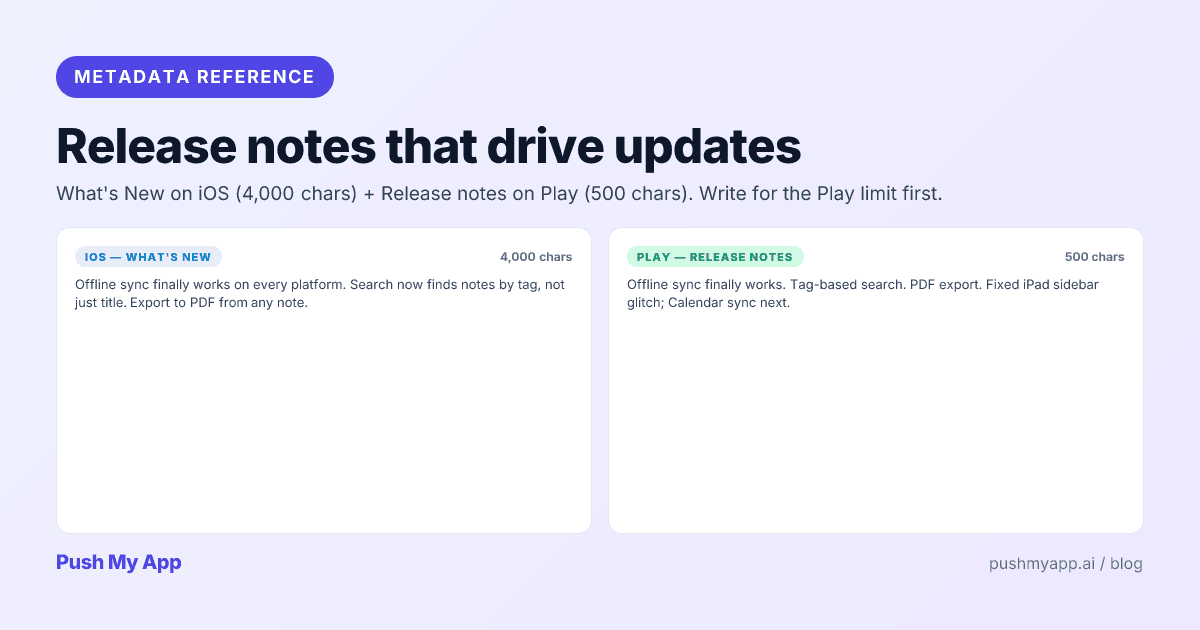
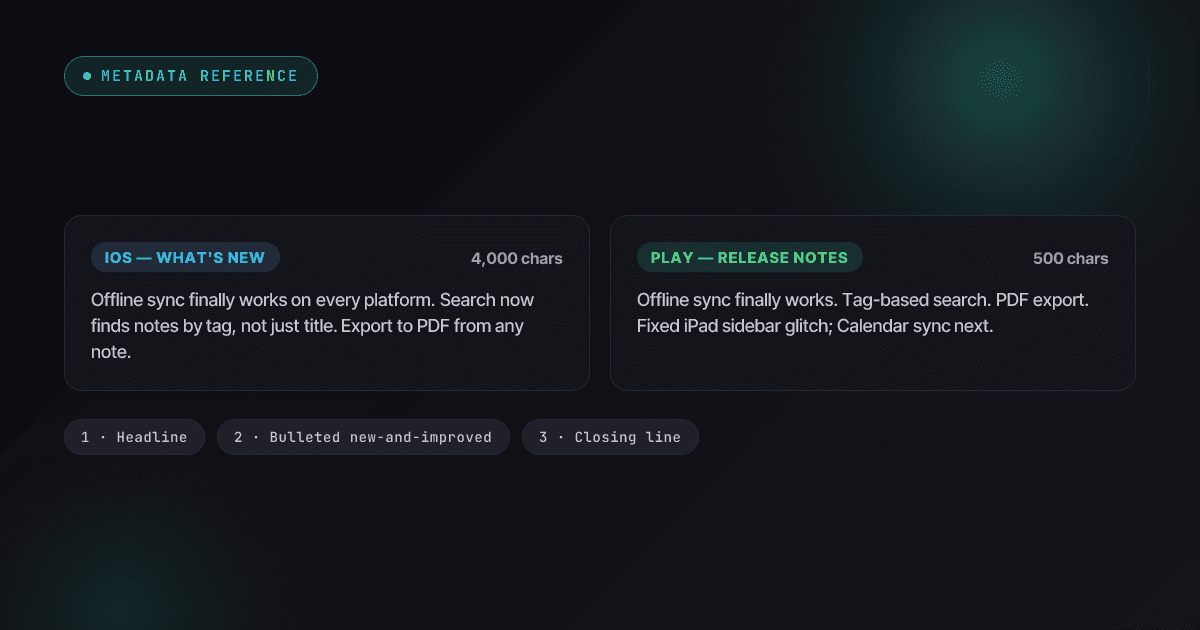
App Store Release Notes That Drive Updates (What's New Best Practices)
How to write What's New copy that earns trust instead of wasting it — the iOS and Play field rules, a 3-part template, the auto-update reality, and localization for release notes.
Read
Metadata & Keywords
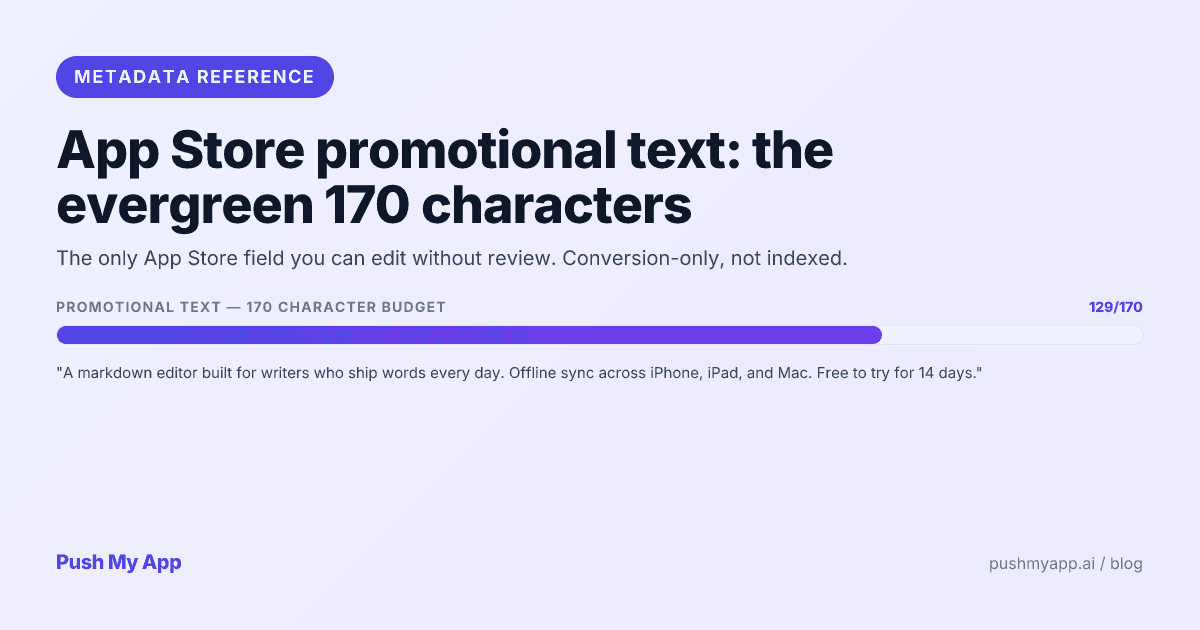
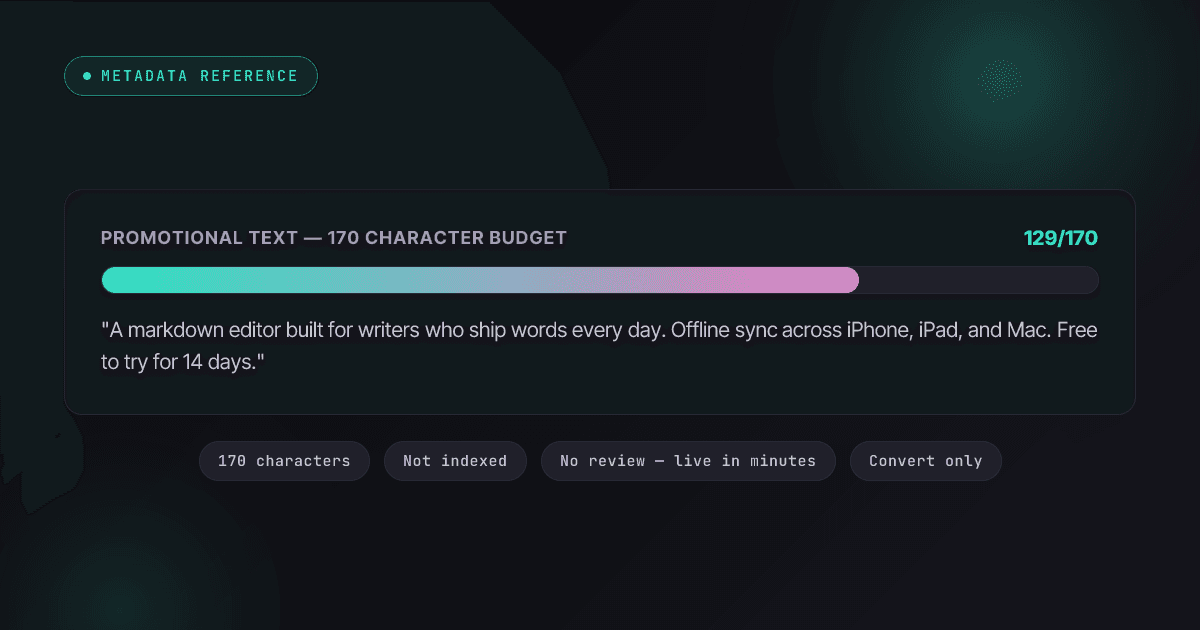
App Store Promotional Text: The 170-Character Evergreen Field
Promotional text is the only App Store field you can change without review. What it does, what Apple rejects under 2.3.1, a writing formula, worked examples, and how to test it in 2026.
Read
Metadata & Keywords
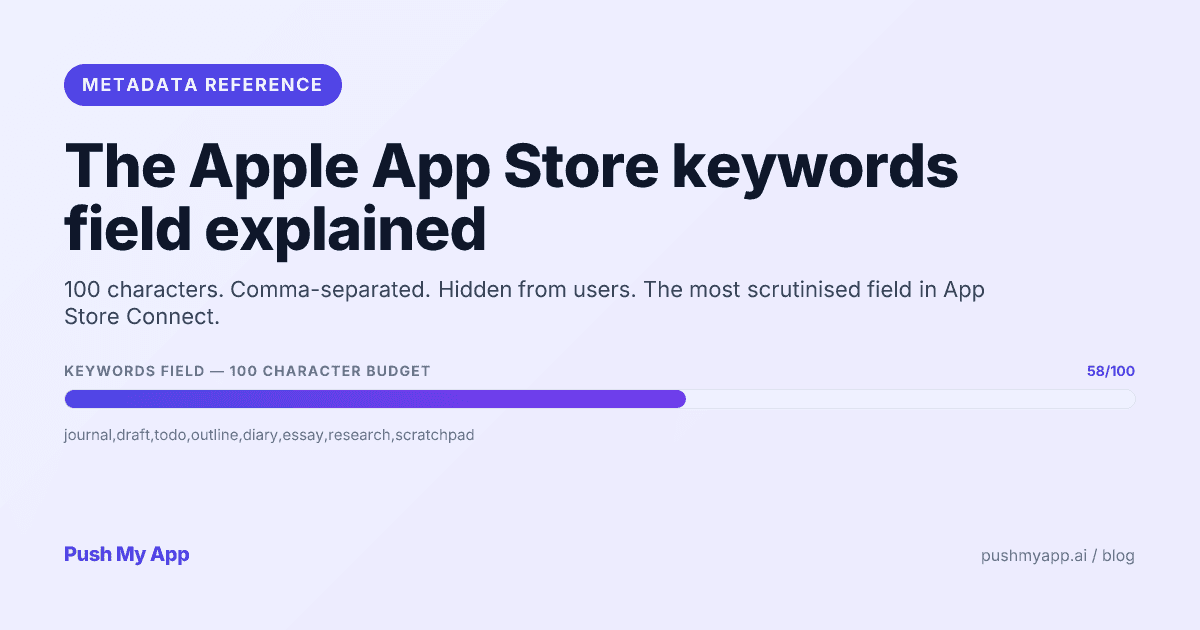
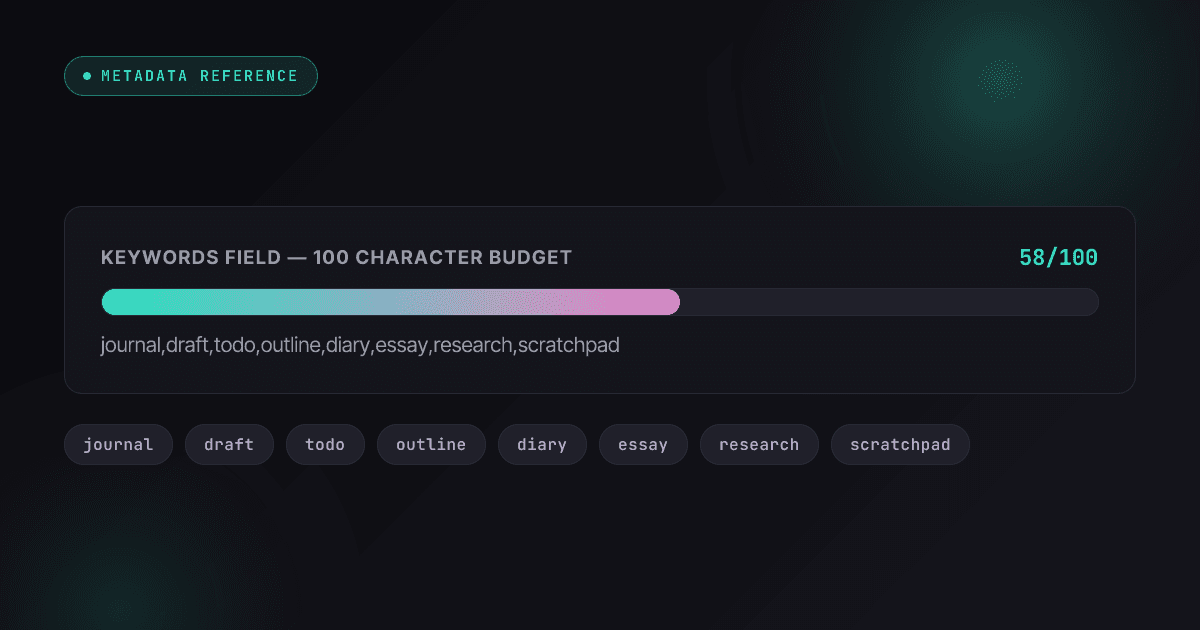
Apple App Store Keywords: The 100-Character Field Explained (2026)
How Apple's hidden 100-character keywords field works in 2026 — what's indexed, the rejection rules, character-economy tactics, cross-localization, and custom product page keywords.
Read