
Metadata & Keywords
App Store Release Notes That Drive Updates (What's New Best Practices)
How to write What's New copy that earns trust instead of wasting it — the iOS and Play field rules, a 3-part template, the auto-update reality, and localization for release notes.
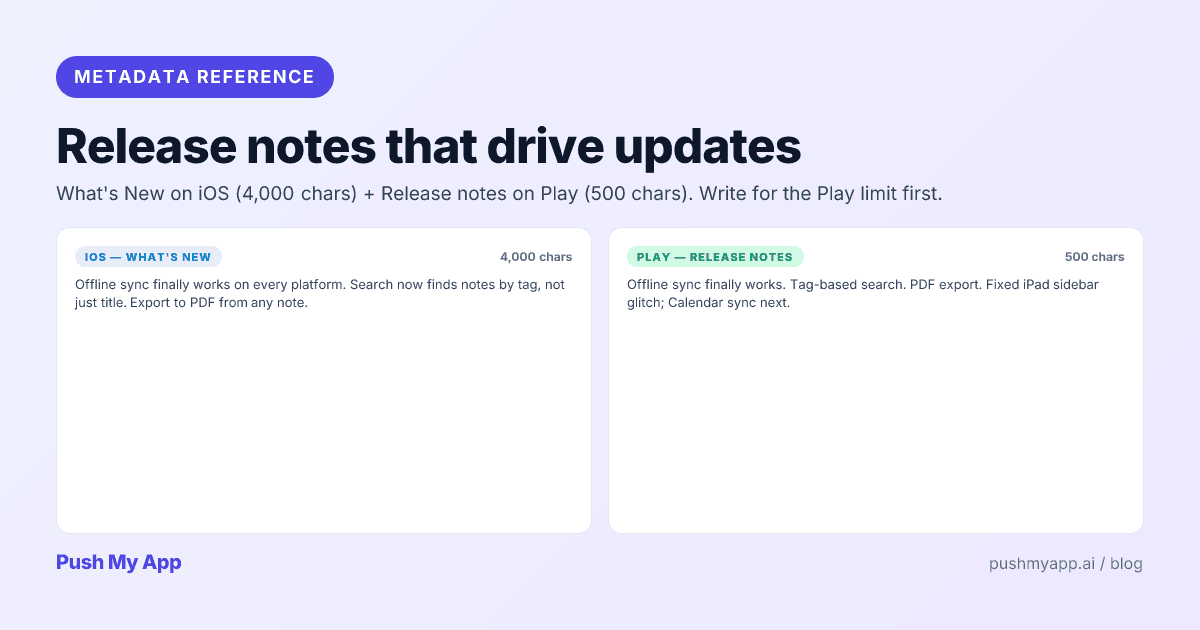
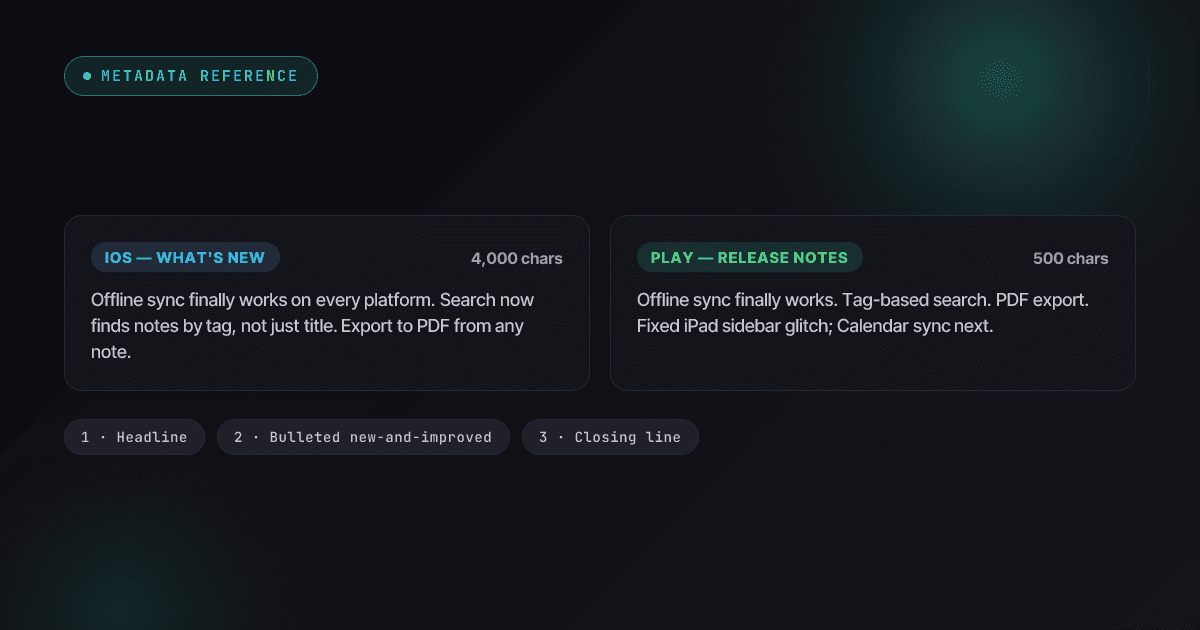
“Bug fixes and improvements” is the most-shipped sentence in mobile software, and every time it ships it tells users the same thing: the developer had nothing to say to you. Release notes are the one metadata field you’re forced to touch every single release — which makes them either a compounding trust asset or a compounding shrug, depending entirely on whether you treat the field as a formality.
This guide covers the mechanics (two stores, two very different limits, one required field), who actually reads the notes in the auto-update era, a three-part template that fits Play’s 500 characters, and the patterns that quietly damage trust. It completes the metadata cluster alongside the promotional text guide and the ASO playbook.
The two fields and their rules
| Store | Field | Limit | Required? |
|---|---|---|---|
| Apple App Store | What’s New in This Version | 4,000 characters | Yes — every version update |
| Google Play | Release notes | 500 characters per locale | Optional, strongly advised |
Two operational rules fall out of the table. First, Play is the constraint: write the 500-character version first and expand for iOS if there’s genuinely more to say. A long iOS draft trimmed to 500 characters always reads like a draft trimmed to 500 characters. Second, the field is version-bound: ship 2.4.1 without touching it and users see 2.4.0’s notes on the new update — which is why the field sits on the pre-flight checklist next to the binary, not in the “if time permits” pile.
Content rules are the metadata usual: no external URLs, no prices or time-bound offers, nothing the build doesn’t actually contain. Apple reads What’s New during review, and a claimed feature a reviewer can’t find is a 2.3 accuracy flag.
Who actually reads release notes
The honest answer in the auto-update era: fewer people at the moment of update, more people in aggregate than you’d guess.
- Auto-updaters — most of your base — never see the prompt. They meet your notes later, if a feature appears or breaks and they go looking for what changed.
- Manual updaters and the Updates tab — a minority, but a deliberate one: they read the notes as the deciding factor, and Play’s Updates surface puts the text front and center.
- Prospective users in your version history — the underrated audience. High-intent visitors scroll the history to answer one question: is this app alive and cared for? Your last six months of notes answer it in ten seconds, one way or the other.
- Your unhappy users — people who reported a bug check the notes to see if you fixed it. Acknowledging fixes here measurably deflects repeat support tickets and repeat one-star reviews saying the same thing.
The implication: write for trust and recognition, not for hype. Notes are read by people who already have your app and people deciding whether you’re trustworthy — neither audience wants marketing.
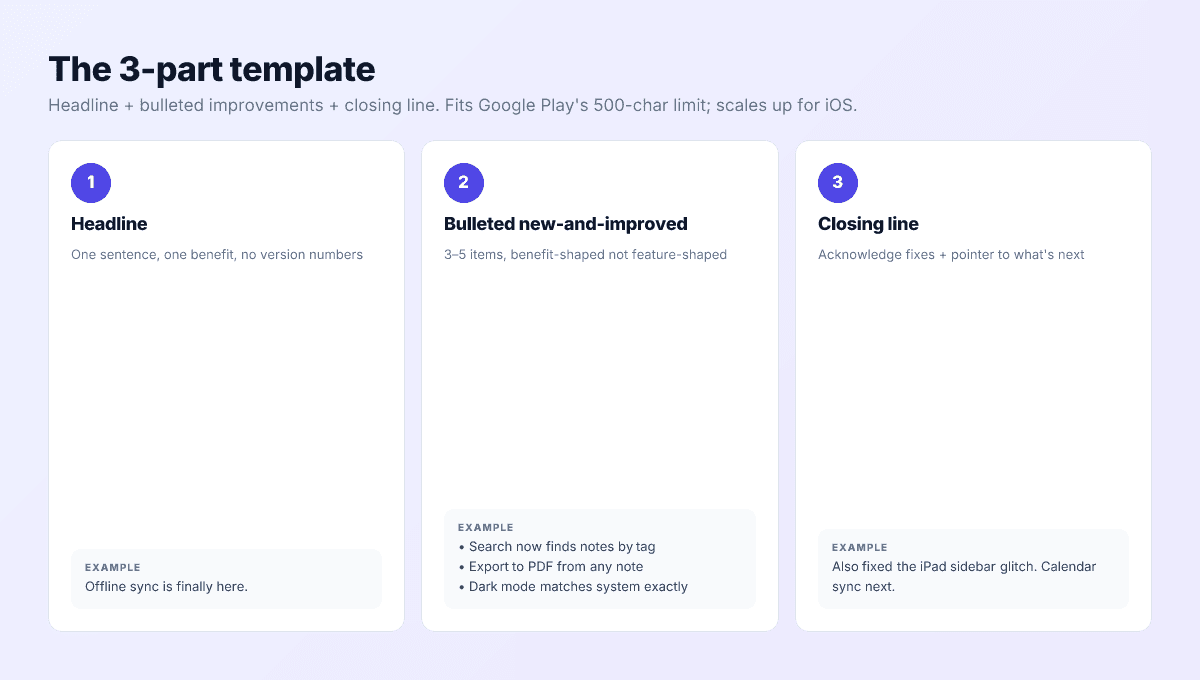
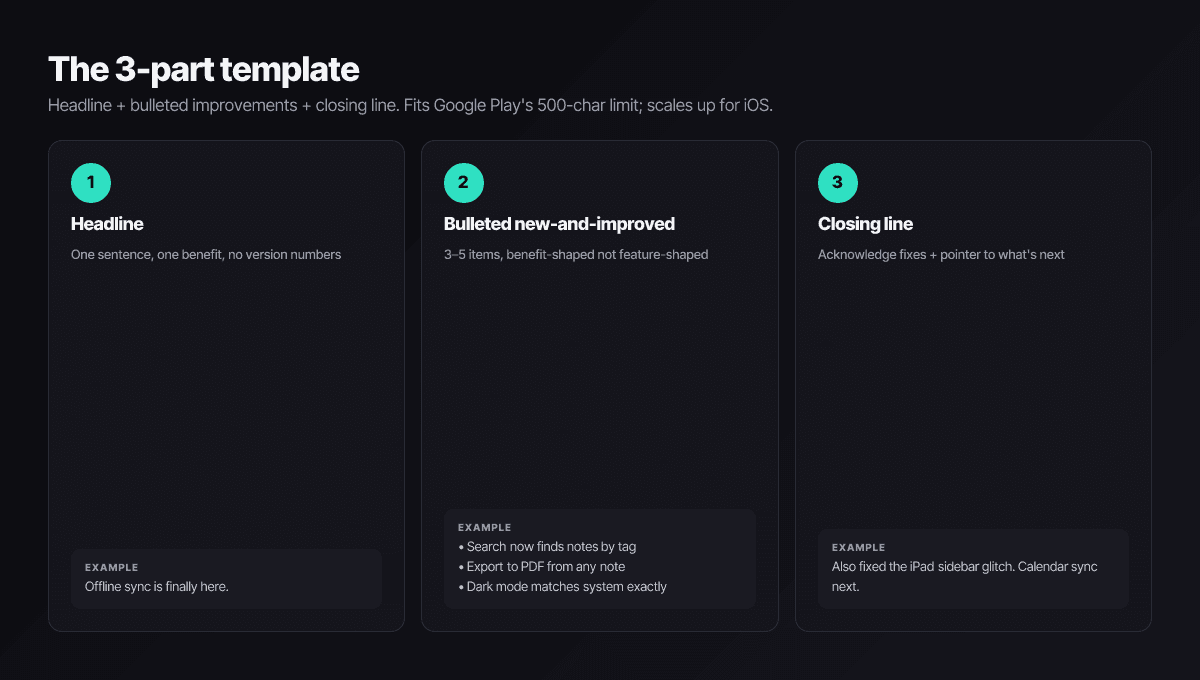
The 3-part template
Part 1 — one headline sentence
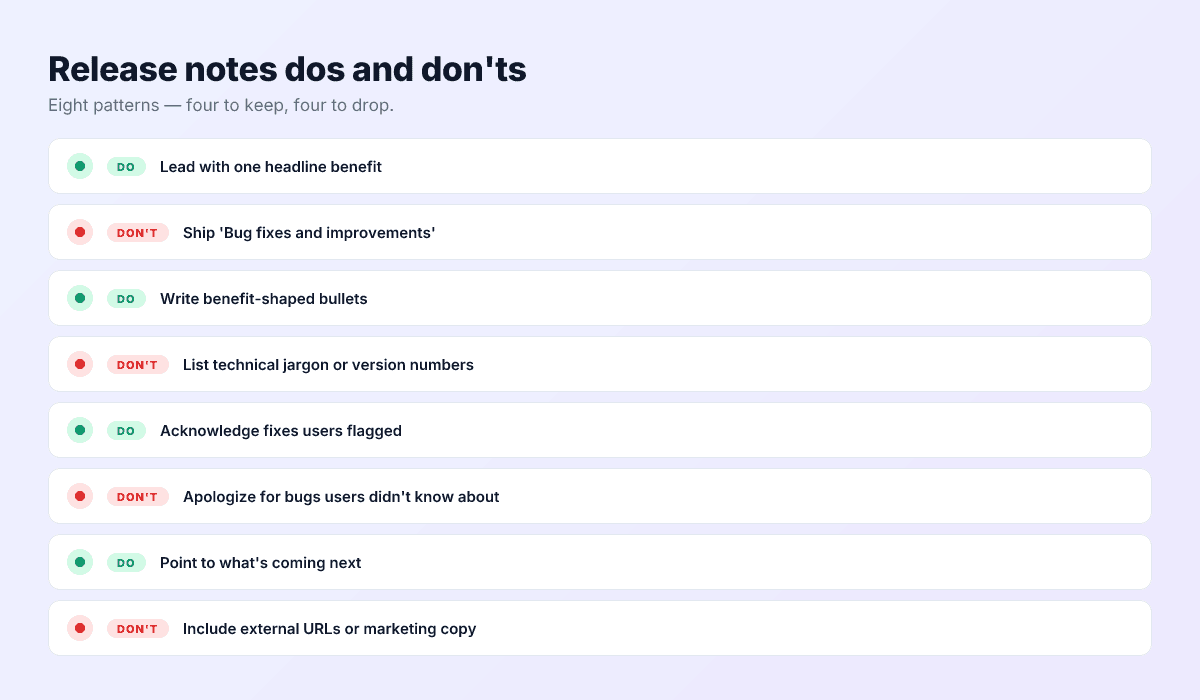
The single biggest thing this release delivers, stated as the user experiences it. “Offline sync is finally here.” “Startup time, cut in half.” No version numbers, no “we’re excited.”
Part 2 — three to five benefit-shaped bullets
Each bullet describes what the user can now do, not what you did to the codebase:
- “Search now finds notes by tag, not just title.” — yes
- “Refactored search to use NSPredicate.” — no
Part 3 — one closing line
Acknowledge fixes and point forward: “Also fixed the iPad sidebar glitch you flagged. Calendar sync is next.” The acknowledgment says you listen; the pointer gives the Updates-tab readers a reason to come back.
Worked examples
Feature release (278 characters, fits both stores):
Offline sync finally works everywhere.
• Search finds notes by tag, not just title.
• Export any note to PDF from a long-press.
• Dark mode now matches the system exactly.
Also fixed the iPad sidebar glitch you flagged. Calendar sync is next.
Hotfix release — where honesty outperforms manufactured excitement:
One fix, shipped fast: sync no longer stalls on large attachments after 2.4.0. Nothing else changed. If 2.4.0 affected you, this is the build to grab.
What to skip in release notes
- “Bug fixes and improvements.” Reads as “nothing worth telling you” — and across a version history, as chronic neglect.
- Codebase jargon. SDK versions, framework migrations, internal feature names. Translate to user impact or cut.
- Confessions nobody asked for. “Fixed a crash affecting all syncs since 2.3” informs the 95% who never hit it that your app crashes. Acknowledge specifically to the audience that knows, without indicting the app to everyone else.
- Time-stamped phrasing. “Last week’s issue” reads strangely from the version history three months later — and the history is where most reads happen.
- URLs and promos. Links don’t belong in metadata fields, and dated offers violate the same accuracy rules as promotional text.
- Exclamation-mark marketing. “Check out our amazing new feature!!” — the feature either earns the sentence or the sentence can’t save it.
Version history is the real audience
Both stores keep your recent notes publicly browsable — and read sequentially, your last six months of releases tell a story whether you authored it deliberately or not. A history that reads “shipped X → fixed what you flagged in X → shipped Y” demonstrates operational ownership. A history of identical “improvements” entries demonstrates a template.
Two habits make the story cohere. Reference your own trajectory lightly — the closing line’s “next:” pointer, paid off in the following release, builds the serial-narrative effect. And keep one voice across releases: notes that swing between corporate and casual read as different people not talking to each other, which, in a one-person team, is a strange look.
Store notes vs the in-app What’s New screen
The store field and the in-app announcement modal look like the same artifact and do opposite jobs. Store notes work before the update lands: they justify the tap, build the history, carry the trust signal. The in-app screen works after: the user already has the feature, so its job is adoption — show the new thing, deep-link straight into it, let them try it now.
Three practical splits follow. Keep the in-app screen for releases that change behavior (don’t interrupt a session to announce a bug fix); never paste store notes into the modal verbatim (the modal can show the feature, not describe it); and put the things stores prohibit — links, videos, promo codes — in the modal, where no metadata rule applies. The store field is also where auto-updaters who notice something changed go to check; the modal is how the other 90% find out at all.
Measuring whether notes work
Release notes have a readable feedback loop, which almost nobody reads. After each release, App Store Connect’s metrics show the adoption curve — how fast existing users move to the new version — and Play Console shows the same per track. The curve’s shape is mostly auto-update mechanics, but the manual-update head of it responds to the headline: feature-led notes consistently pull the early curve up against your own hotfix baseline.
On Play, notes pair with staged rollouts: write them once before the 5% stage, because every percentage step ships the same text. And watch the indirect signal on both stores — when a release that fixes a complained-about bug names that fix plainly, the duplicate one-star reviews about it stop sooner. That, more than the adoption curve, is where good notes pay rent.
Localizing release notes
Release notes inherit your listing’s localization promise. A fully localized Japanese listing with English What’s New text tells Japanese users the localization was a launch stunt, not a commitment — and Play’s per-locale 500-character limit means each market needs its own text anyway, not a paste.
Because the field recurs every release, it’s the highest-frequency translation task in your listing — which makes it the best automation candidate. Push My App’s 14-language localization translates What’s New alongside the rest of your metadata in one pass, so the per-release cost of staying consistent in every market rounds to zero. The localization guide covers the bigger picture.
Matching notes to release type
- Monthly minor releases: one feature headline, two or three bullets, short close. Resist padding — a small honest release note beats an inflated one.
- Quarterly major releases: the full template, plus an iOS-only expansion if the release genuinely warrants it; the Play version stays the tight 500.
- Hotfixes: name the fix, scope it, stop. Users reward candor on emergency releases — it’s the one moment “nothing else changed” is the most reassuring sentence you can write.
Slot the writing into the same 30-day iteration loop as the rest of your metadata — the ASO playbook puts it on the calendar.
The 15-word test
Generate What's New with the rest of your metadata
Push My App’s AI metadata generator writes all six fields — title, subtitle, keywords, promotional text, description, and What’s New — against each store’s limits in one pass, and localizes the result across 14 languages. Pair with the 9-minute pre-submission checklist and see pricing for plans.
Frequently asked questions
Do release notes affect search ranking?
No — neither store indexes What's New text for search. The field works on existing users (do they update, do they trust you) and on high-intent visitors reading your version history to judge whether the app is alive. Keyword-stuffing release notes gains nothing and reads terribly.
What are the character limits?
Apple's What's New field takes up to 4,000 characters; Google Play's release notes take 500 per locale, wrapped in language tags. Play is the binding constraint, so write the 500-character version first — a great short version expands gracefully for iOS, but a trimmed-down long version always reads truncated.
Can I leave the release notes field empty?
Not on Apple — App Store Connect requires What's New text on every version update, so the field is part of the submission whether you invest in it or not. Play's release notes are technically optional, but an empty Updates card on an active app reads as abandonment to the users who check.
Should release notes be localized?
If the rest of the listing is localized, yes — English notes on a Japanese listing undercut the localization investment everywhere else. Play enforces the 500-character limit per locale. It's a small, high-frequency translation task, which is exactly the kind worth automating alongside your other metadata.
Do release notes even matter when most updates are automatic?
More than ever, just differently. Auto-update means fewer users read notes at the moment of updating — but the notes accumulate into your version history, which prospective users and existing fans both read as proof of momentum. A history of specific, honest notes is a trust asset; a wall of 'bug fixes' is a red flag.
Ship your listing without the rejection letter
Push My App generates store-ready metadata, resizes screenshots for every device, translates your listing into 14 languages, and runs an 80+ item rejection pre-flight before you submit.
Get Started FreeKeep reading
Metadata & Keywords
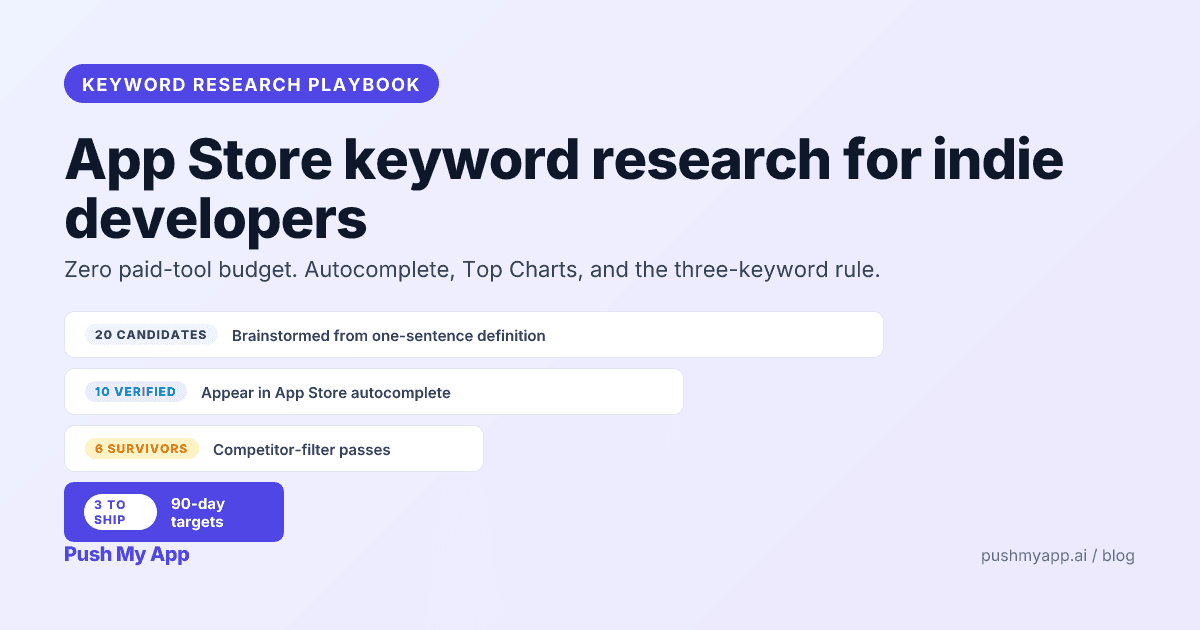
App Store Keyword Research: A Playbook for Indie Developers (2026)
Zero-budget keyword research that actually works in 2026 — autocomplete mining, competitor frequency maps, Apple Ads popularity as a free volume signal, and the three-keyword rule.
Read
Metadata & Keywords
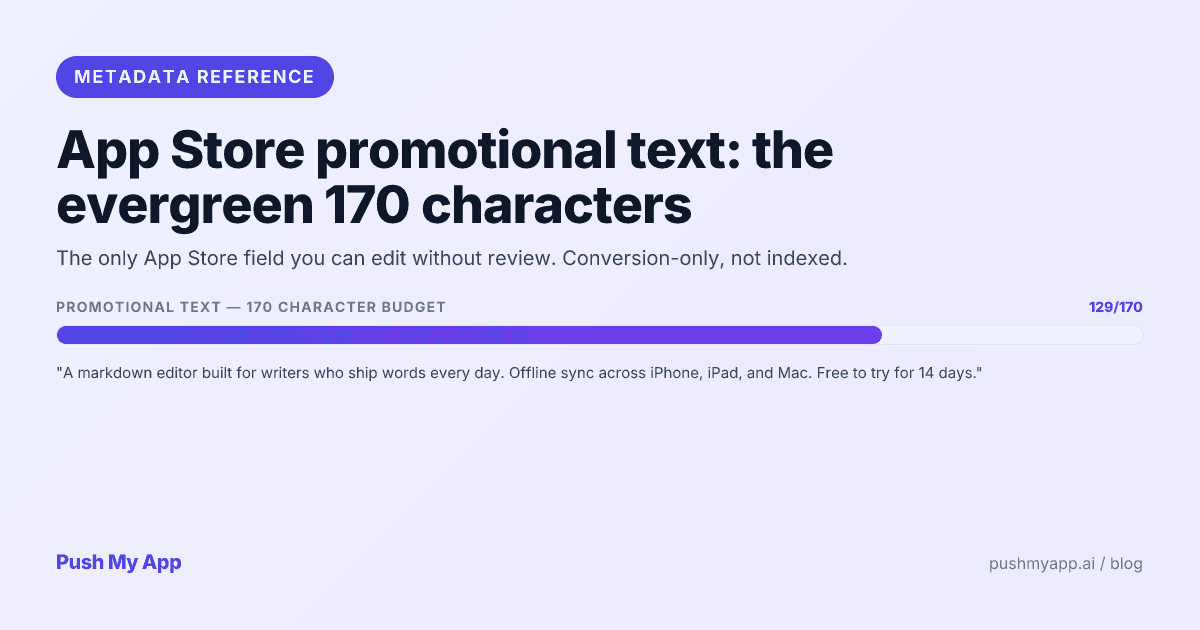
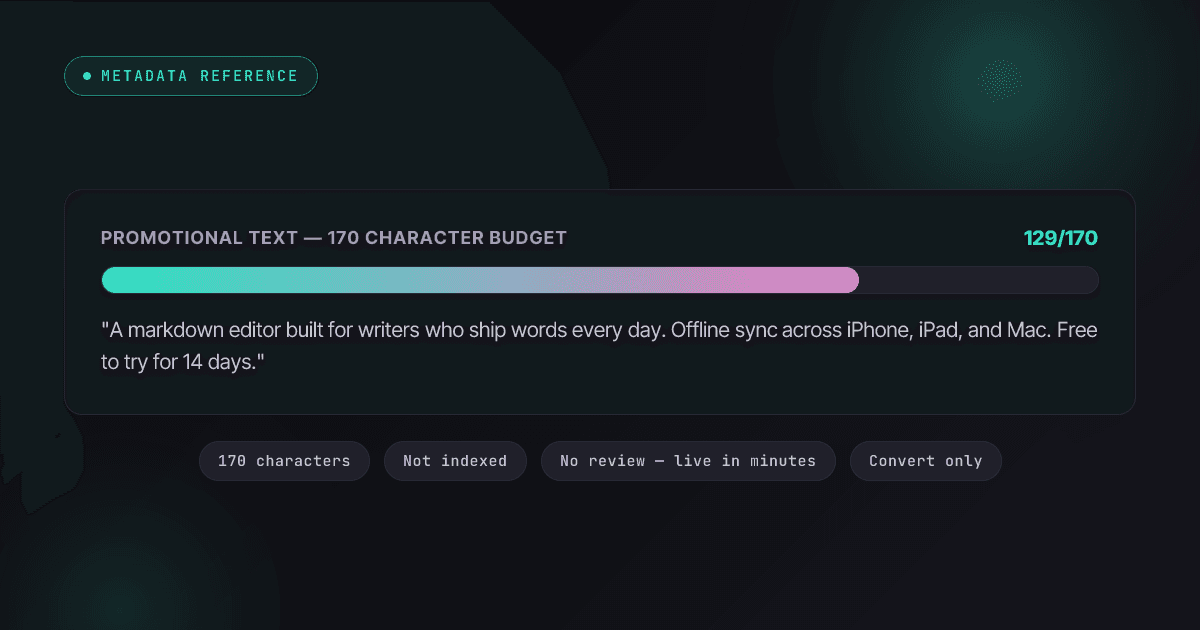
App Store Promotional Text: The 170-Character Evergreen Field
Promotional text is the only App Store field you can change without review. What it does, what Apple rejects under 2.3.1, a writing formula, worked examples, and how to test it in 2026.
Read
Metadata & Keywords
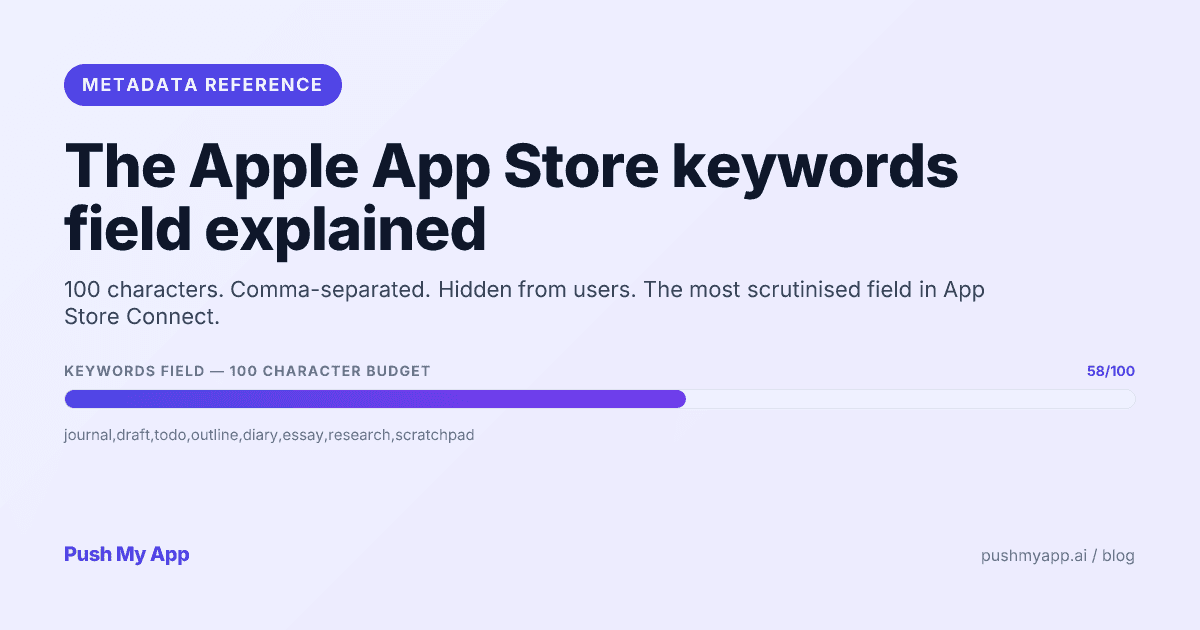
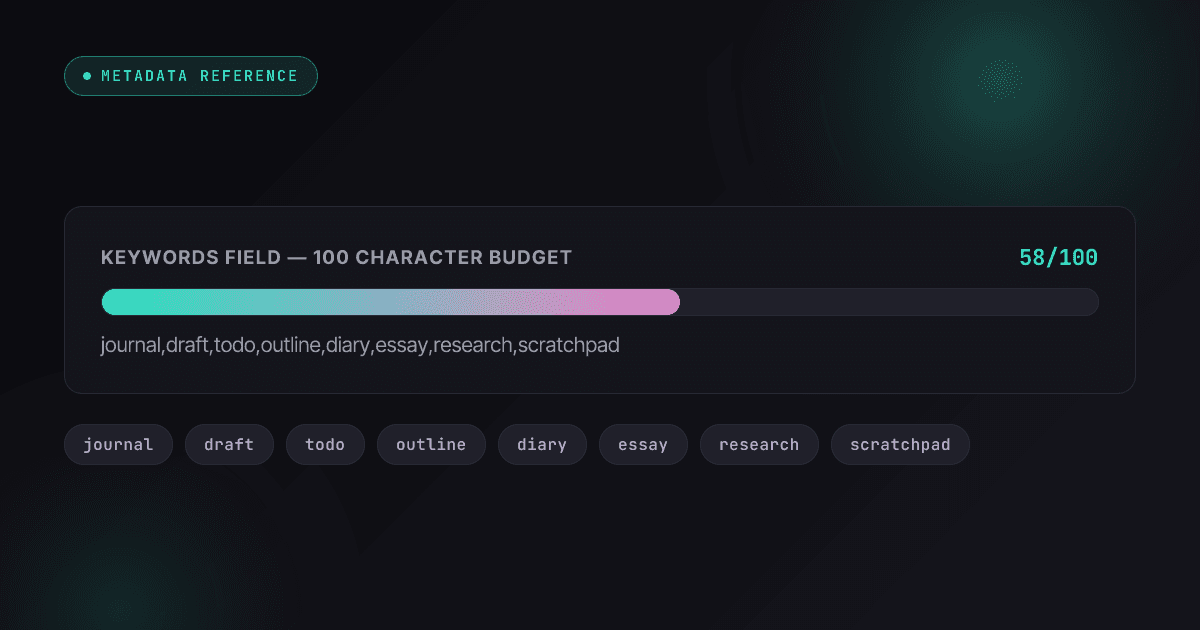
Apple App Store Keywords: The 100-Character Field Explained (2026)
How Apple's hidden 100-character keywords field works in 2026 — what's indexed, the rejection rules, character-economy tactics, cross-localization, and custom product page keywords.
Read