
Screenshots & Assets
Fastlane Screenshot Alternatives: Modern Options for App Screenshots (2026)
Where fastlane snapshot and frameit stand in 2026 after the Mobile Native Foundation handover, what to replace them with, and a migration path that keeps the rest of fastlane.
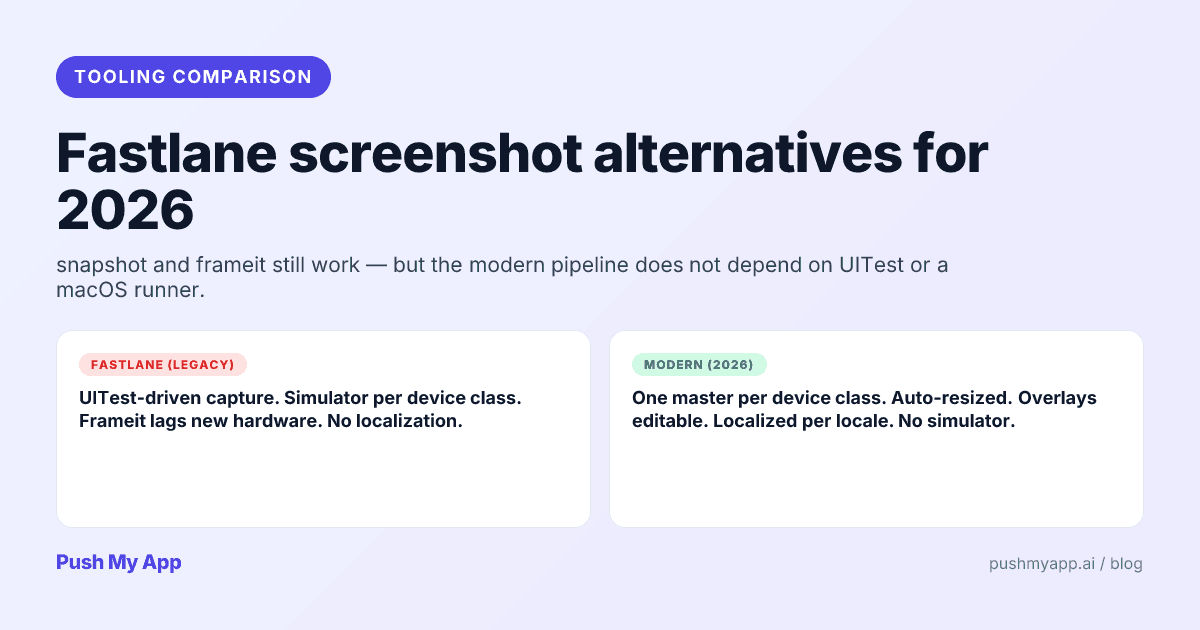
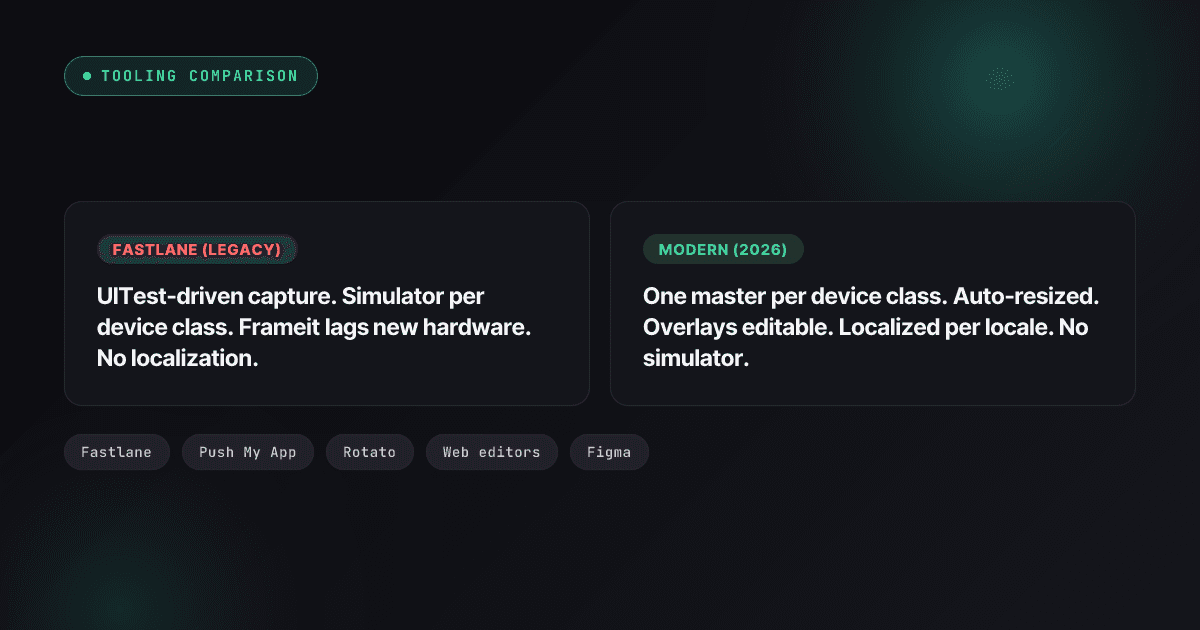
For a decade, the default answer to “how do I automate App Store screenshots” was fastlane’s snapshot and frameit. In 2026 that answer needs an asterisk: the tools still run, but the project spent two years in stewardship limbo, the device frames stopped keeping up with Apple’s hardware, and the capture model — re-running UI tests for every size and locale — ages worse every year the store adds dimensions.
This post is an honest map of the territory: what fastlane still does better than anything else, where the screenshot pair specifically hurts, four modern replacement approaches judged on the same criteria, and a migration path that doesn’t throw away the parts of fastlane worth keeping.
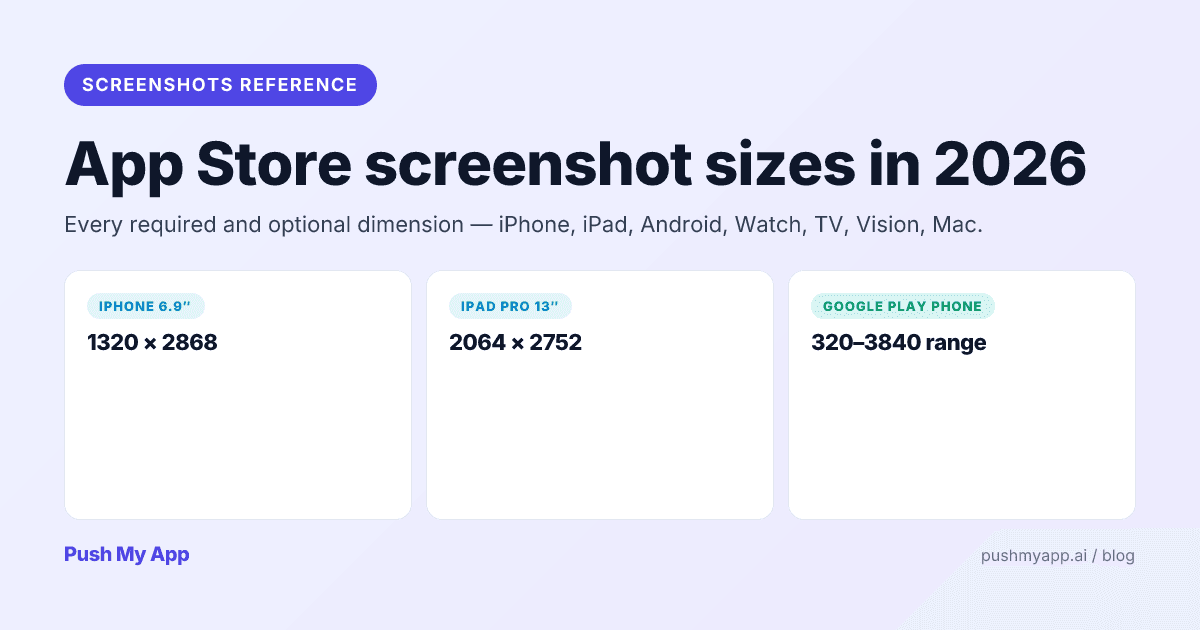
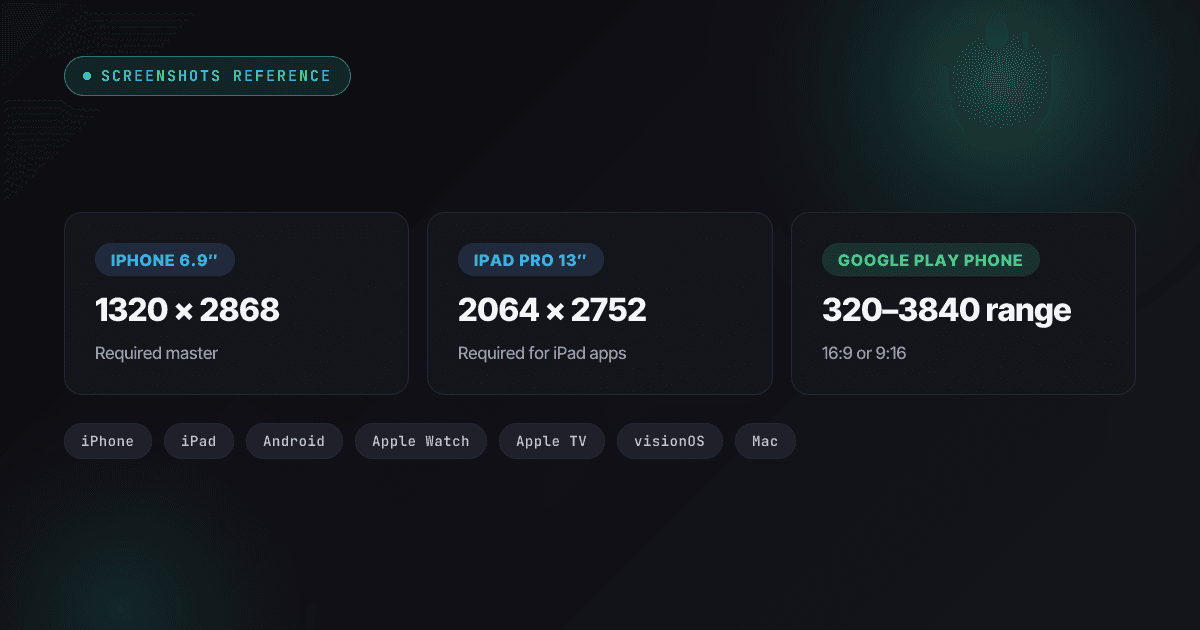
Whatever tooling you land on has to emit the dimensions in the 2026 screenshot sizes reference — that’s the contract every option below is measured against.
Where fastlane actually stands in 2026
The project’s custody chain explains a lot of its current shape. Google inherited fastlane via Twitter’s developer-tools acquisition era, maintained it for years, then handed it to the Mobile Native Foundation in 2023. Activity visibly slowed after the transfer — long-open issues, stale device support — until community maintainers stepped up in late 2025 to restore momentum.
The practical read for an indie team: fastlane is alive, community-stewarded, and moving slower than it did in its prime. Its deploy layer (deliver, supply, match, pilot, gym) is mature enough that slow movement doesn’t hurt. Its screenshot layer is the opposite: screenshots chase Apple’s yearly hardware and store changes, and tooling that updates slowly falls behind in exactly the way frameit’s frame catalog did.
What snapshot and frameit do well, and where they hurt
Genuinely good
- Scriptable capture of real app state. UITest-driven capture reaches authenticated screens, seeded data, and mid-flow states — things no template editor can fake.
- Free, open, and CI-native. No vendor, no subscription, runs anywhere Xcode runs, and chains into
deliverfor upload.
Where the time goes
- Flaky capture at scale. Cold simulators, parallel devices, animation timing — CI runs fail at a 5–15% clip, and a 50-capture matrix (10 screens × 5 locales) means babysitting re-runs almost every release.
- Multiplicative localization. snapshot localizes by re-capturing everything per locale. The cost of a new language is another full simulator matrix, not a text swap.
- Frame assets that trail hardware. Community-maintained frames arrive months after new devices — when they arrive at all — which leaves your hero screenshots wearing last year’s bezels.
- Overlay ceiling. frameit’s title-plus-keyword overlay covers the basic case; per-locale text layout, multi-layer compositions, and brand-styled captions all push you into ImageMagick scripting.
The five criteria that matter
Why fan-out tops the list: store dimensions kept moving while frameit stood still. Since 2024 alone, Apple introduced the 6.9-inch reference class, folded the iPhone Air’s 1260×2736 panel into it, and replaced the 12.9-inch iPad requirement with a 13-inch class — while Google quietly tied featuring eligibility to four screenshots at 1080 px or better. A pipeline that hardcodes sizes re-breaks on every one of these announcements; a pipeline that renders from masters absorbs them as configuration. Judge every option on that resilience first, then on these five:
- Size fan-out. One master per device class in, every required store size out — or are you exporting each size by hand?
- Overlay control. Captions and visual framing managed as data, editable without re-capturing.
- Localization cost. Adding locale N+1 should cost one set of translated captions, not another capture matrix.
- CI shape. Does the pipeline demand a macOS runner and a working simulator farm, or can it run anywhere?
- Maintenance per release. The honest metric: minutes from “UI changed” to “every store size updated in both consoles.”
| Approach | Size fan-out | Localization | CI burden | Design ceiling |
|---|---|---|---|---|
| fastlane snapshot + frameit | Re-capture per size | Re-capture per locale | macOS + simulators | Low–medium |
| Push My App Resizer | Automatic from masters | Overlay-only, 14 languages | None (hosted) | Medium |
| 3D mockup tools (Rotato-style) | Manual export | Manual | None | High |
| Web template editors | Per-size templates | Manual per locale | None | Medium |
| Figma + plugins | Plugin-assisted | Manual frames per locale | None | Highest |
The 4 modern alternatives
1. Push My App Screenshot Resizer
The master-file model: capture or design one 6.9-inch iPhone set and one 13-inch iPad set, and the Screenshot Resizer fans out every App Store and Google Play size with correct aspect and padding. Overlay text lives as editable data and localizes across 14 languages through the same pipeline as your metadata, and the result submits to both stores directly — no simulator, no macOS runner, no upload step to script. Trade-off: it’s a hosted product with a subscription above the free tier (pricing).
2. 3D mockup tools (Rotato and kin)
Photorealistic device renders with full camera control — the right tool when a tilted, floating device shot is part of the brand language. Best used for one or two hero frames, with a resizer handling the remaining sizes; localization and per-size export are manual, and there’s no submission story.
3. Web-based template editors
Upload captures, pick a layout, edit captions, export sizes. The fastest zero-skill path to presentable screenshots and a big step up from raw captures. The ceiling: template-shaped results, mostly manual localization, and little automation for the release-to-release loop.
4. Figma plus renderer plugins
The highest design ceiling — every pixel is yours — and the most manual everything else. Right for teams whose app design already lives in Figma and who treat screenshots as a design artifact; budget real time for per-locale frame duplication and export management, or pair Figma masters with an automated resizer for the fan-out.
A concrete starter pipeline
The minimal master-file pipeline, using nothing exotic for the capture stage:
- Stage the simulator. Boot the 6.9-inch class device and clean the status bar with
xcrun simctl status_bar— pin the clock to 9:41, set full battery and Wi-Fi. Every store-grade screenshot you’ve admired did this. - Capture each screen once.
xcrun simctl io booted screenshot home.pngper screen, walking the app by hand or with one throwaway UI test. Repeat on the 13-inch iPad simulator if you ship iPad. These captures are your masters — version them next to the repo. - Android masters: enable demo mode on an emulator for the same clean status bar, then
adb exec-out screencap -pper screen at 1080×1920 or higher to clear Play’s featuring bar. - Fan out and overlay. Masters go into the resizer; captions are written once, localized as text, and rendered onto every size — then submitted or handed to
deliver.
Total moving parts: two simulators, four commands, one hosted render step. When the UI changes, you re-capture the affected screens and the rest of the pipeline re-runs itself.
When to stay on snapshot
Honesty clause: some teams should keep the old pipeline. If your screenshots depend on heavily seeded dynamic state (dashboards full of realistic data, multi-user chat threads), UITest-driven capture earns its flakiness, because staging that state by hand is worse. Same if you ship rarely and the pipeline is already green — a working system you touch twice a year doesn’t justify a migration. The teams that gain most from leaving are the ones shipping monthly, localizing widely, or losing CI hours to capture re-runs.
Migration path from fastlane
- Keep the deploy lanes.
match,deliver,supply,pilot— stable, solved, irreplaceable at their price. This migration never touches them. - Capture masters once. One clean set per device class — simulator captures are fine as the input; it’s the per-size re-capture loop you’re deleting, not the simulator.
- Move overlays out of the capture step. Captions become data on top of base renders — editable, localizable, and re-renderable without touching Xcode.
- Localize captions, not captures. The 14-language localization workflow turns each new locale into a text pass instead of a simulator matrix.
- Pick your upload.
deliverstill works for pushing the rendered sets; Push My App’s direct submission collapses render-to-upload into one tool if you’d rather not script it.
The one-line version
snapshot + frameit for a master-file workflow. For most indie teams that single change reclaims hours per release and removes the flakiest job in CI.Which alternative fits which team
- Solo dev shipping both stores: Push My App end-to-end — masters in, every size out, captions localized, submission included.
- Marketing-led listing with hero flair: a 3D mockup tool for the first two frames, a resizer for the rest of the set.
- No designer, fast iteration: a web template editor, judged by how well its template library fits your category.
- Design-system team in Figma: Figma masters plus plugin export, with automated fan-out the moment per-size management gets tedious.
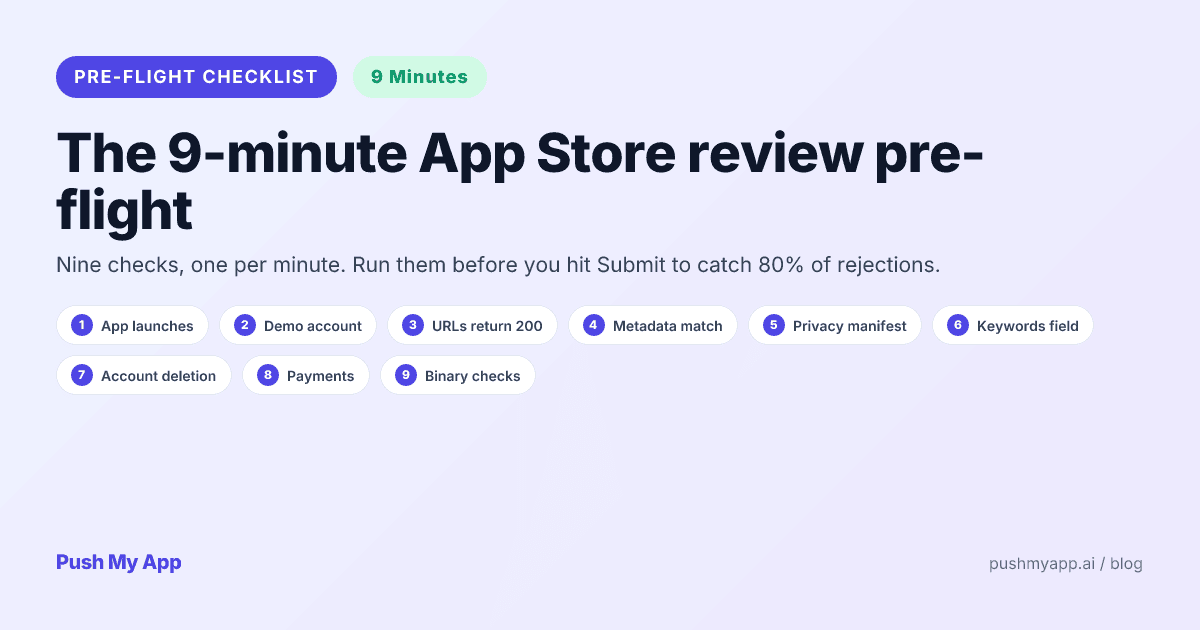
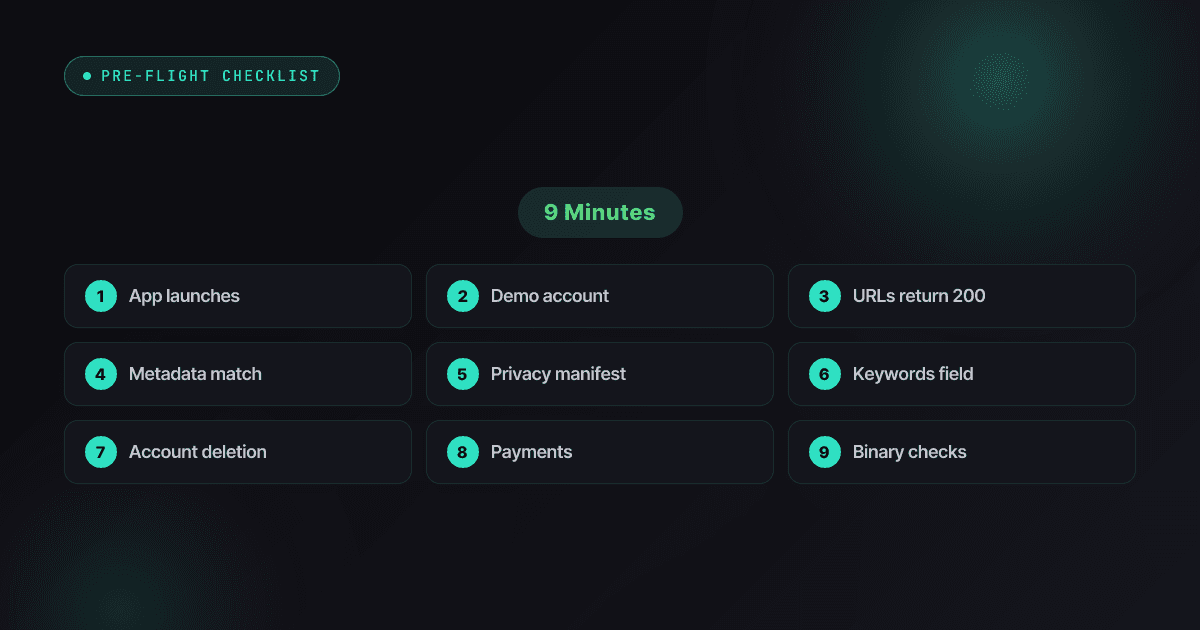
Whichever path: run the 9-minute pre-submission checklist before shipping the new set — screenshot pipelines change, the screenshot rejection rules don’t.
Cut screenshot maintenance to one master per device
Push My App’s Screenshot Resizer fans one master per device class out to every App Store and Google Play size, localizes overlay text across 14 languages, and submits to both stores directly — no simulators, no macOS runner, no frame catalog to wait on. See pricing for what’s included.
Frequently asked questions
Is fastlane dead in 2026?
No, but its story changed. Google handed the project to the Mobile Native Foundation in 2023, activity slowed noticeably, and community maintainers stepped in during late 2025 to revive it. The deploy tools — deliver, supply, match, pilot — remain solid and widely used. The screenshot pair, snapshot and frameit, is where age shows: flaky UITest capture and device-frame assets that trail Apple's hardware by months or more.
Can I replace only the screenshot tools and keep the rest of fastlane?
Yes — that's the standard migration. Nothing modern replaces match for certificate sync or deliver/supply for uploads as cleanly as they already work. Swap snapshot and frameit for a master-file screenshot workflow and leave the Fastfile's deploy lanes untouched; the two halves never depended on each other.
What's wrong with capturing screenshots through UI tests?
At small scale, nothing. At release scale — ten screenshots, five locales, three device classes — you're running 150 simulator captures per release, and UITest runners under CI load time out, drop animations mid-frame, and fail in the 5-15% range. The modern pattern captures each screen once and treats sizes and locales as a rendering problem, not a re-capture problem.
How should localized screenshots work after leaving snapshot?
Localize the overlay layer, not the capture. One base render per screen feeds every locale; only the caption text changes per market. Push My App renders localized overlays across 14 languages from one master set — the localization guide on this blog covers how that fits the broader workflow.
Is Xcode's built-in screenshot tooling a real alternative?
For one-off captures, yes — simulators export clean PNGs at device resolution. As a pipeline, no: there's no overlay system, no per-size export, no locale handling, and no CI story. It's the input stage of a screenshot pipeline, not the pipeline.
Ship your listing without the rejection letter
Push My App generates store-ready metadata, resizes screenshots for every device, translates your listing into 14 languages, and runs an 80+ item rejection pre-flight before you submit.
Get Started FreeKeep reading
Screenshots & Assets
App Icon Design for the App Store and Google Play (2026)
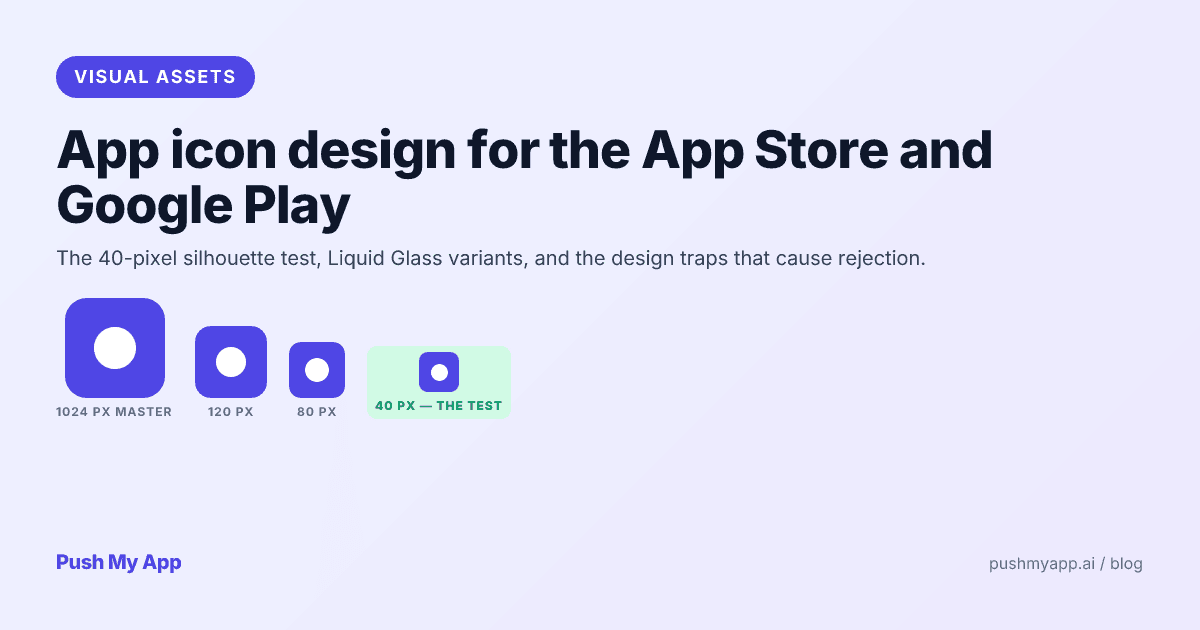
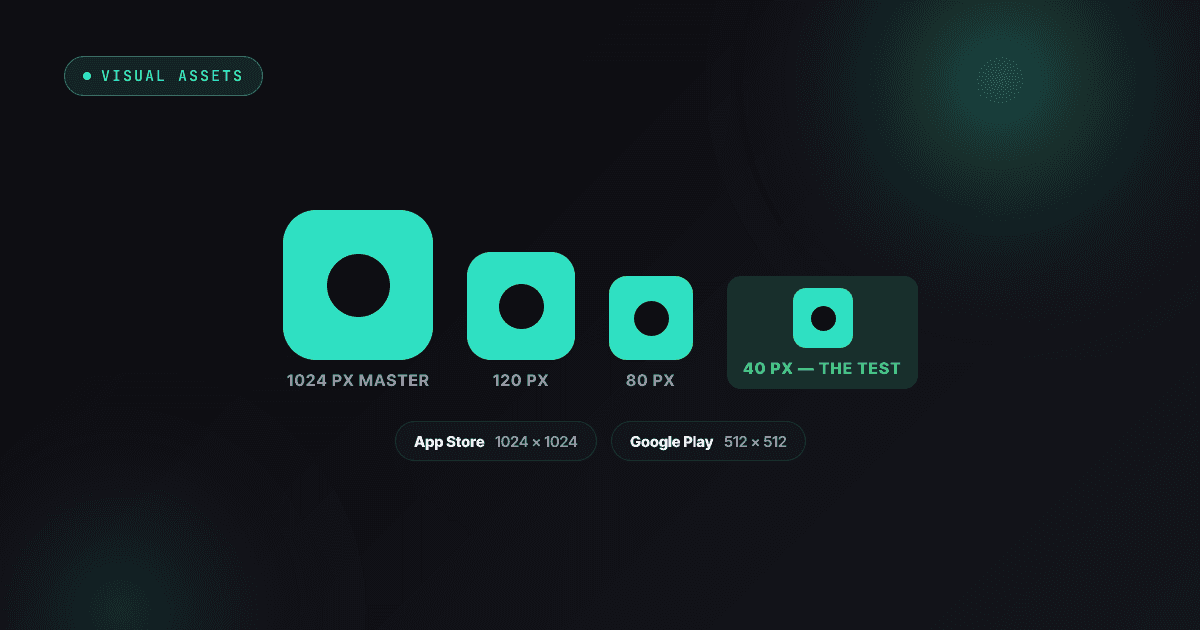
App icon rules and craft for 2026 — Apple's Liquid Glass appearance modes and Icon Composer, Android adaptive and themed icons, the 40px silhouette test, and the rejection traps.
Read
Screenshots & Assets
App Store Screenshot Sizes in 2026: Every Required Dimension
Every App Store and Google Play screenshot size for 2026 — the 6.9-inch iPhone class (including iPhone Air), iPad 13-inch, Watch Ultra 3, Play's 1080px featuring rule, and what auto-scales.
Read
App Store Rejections
App Store Review Pre-Flight: A 9-Minute Checklist Before You Hit Submit
Nine one-minute checks that catch most App Store and Google Play rejections before reviewers do — updated for the Xcode 26 mandate, age-rating gates, and 2026 compliance fields.
Read