
Localization
How to Localize an iOS App in 14 Languages (2026)
A 2026 working guide to iOS localization — the three layers, per-locale keyword research, the China ICP reality, String Catalogs, and the App Store Connect workflow step by step.
Most indie iOS apps are invisible to most of the world’s App Store searches — not because the apps are wrong for those markets, but because nobody ever wrote the thirty German characters that would let Germans find them. Localization is the rare ASO lever that adds whole new demand instead of fighting over existing demand, and it stays underused because the real workflow is fussier than “translate the listing.”
This is that real workflow, current for 2026: the three distinct layers (metadata, in-app strings, visual assets), the per-locale keyword research that decides whether a listing ranks or merely exists, an honest read on locale ROI — including what China’s ICP filing regime means for indies — and the click-by-click App Store Connect process.
Strategy context lives in the ASO playbook; the keywords field deep-dive covers the 100-character mechanics this post leans on.
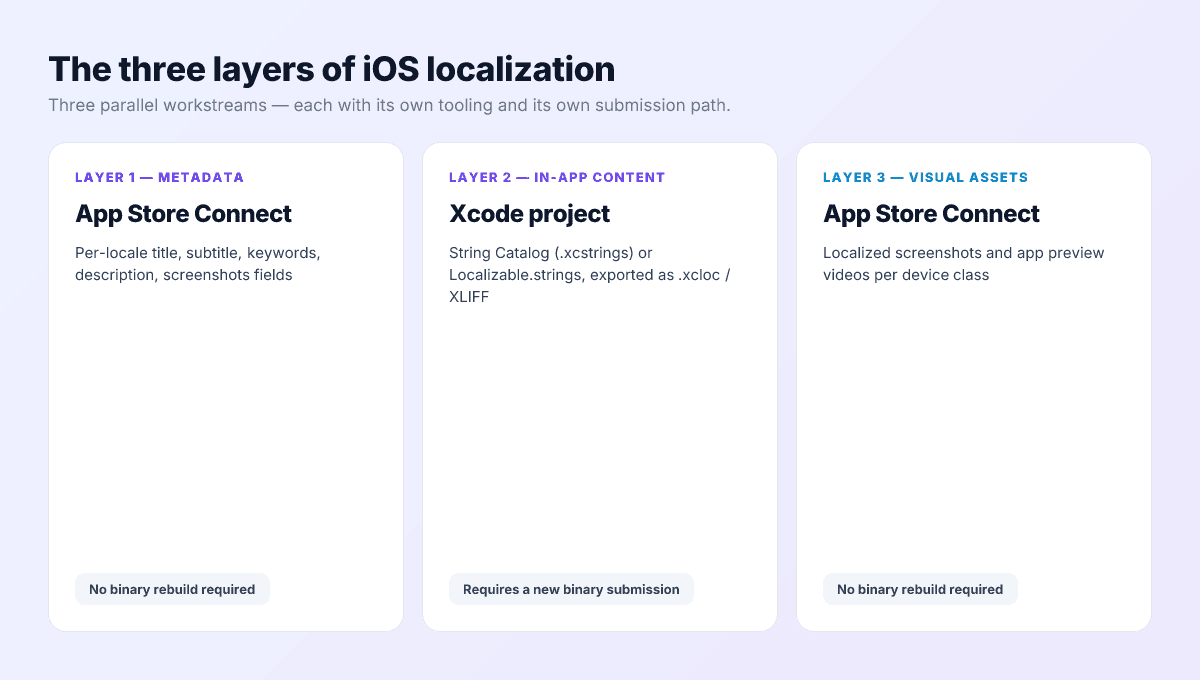
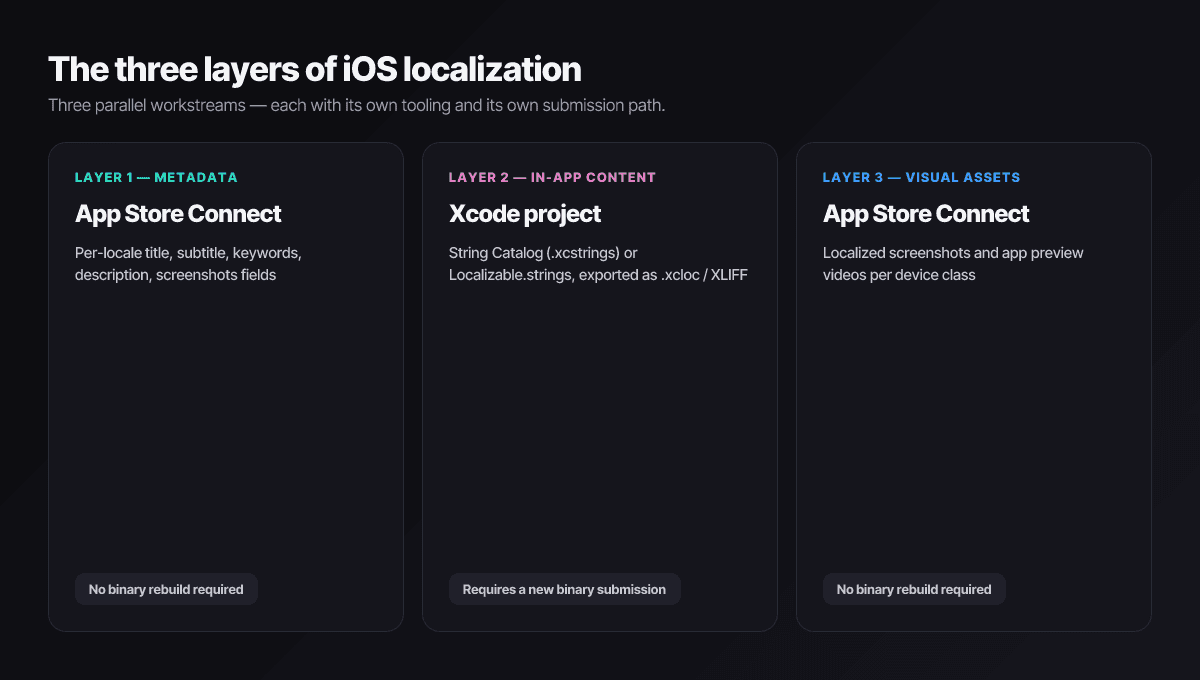
The three layers of iOS localization
Layer 1: Listing metadata
Name, subtitle, keywords, description, promotional text, What’s New, and the support and privacy URLs — one set per locale in App Store Connect. No binary required: metadata localizations ship with your next version submission.
Layer 2: In-app strings
UI text, alerts, errors, notification copy, widget strings. The modern pipeline is Xcode’s String Catalogs (.xcstrings, the default since Xcode 15 and still the standard in Xcode 26): export via Product → Export Localizations as .xcloc/XLIFF, translate, re-import, rebuild. This layer is the only one that needs a new binary.
Layer 3: Visual assets
Localized screenshots and app previews, uploaded per locale. Overlay text is what changes; the underlying UI captures can stay shared until layer 2 ships. Like metadata, assets ship without a binary.
Why keyword re-optimization per locale is the whole game
Each localization gets its own hidden 100-character keywords field, and this is where localized listings live or die. The failure mode is mechanical: translate the English keywords, paste, ship. The output is linguistically correct and commercially dead, because keywords aren’t words — they’re queries, and queries are habits that form inside a market.
The Japanese todo example
todo instead. A Japanese keywords field built by translation contains the dictionary word and misses the actual query — invisible exactly where the demand is.- German users freely mix English loanwords (
todo,workout) with German compounds — a translated-only string misses half the query space. - Brazilian Portuguese has high-volume terms with no clean English source (
afazeres) that translation never surfaces. - Chinese-language users mix scripts — native characters, Pinyin fragments, English brand words — in ways only local autocomplete reveals.
The fix is unglamorous: run the same autocomplete-and- competitor research you did for English, per locale, every time. That one discipline separates localizations that compound from localizations that decorate.
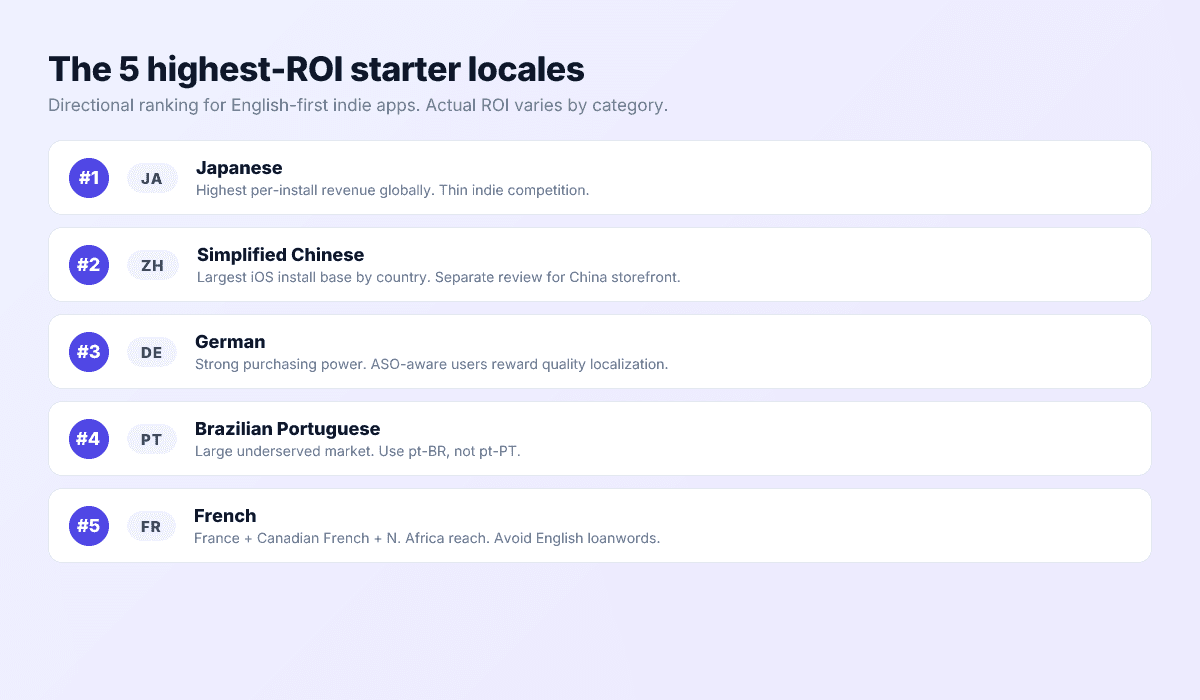
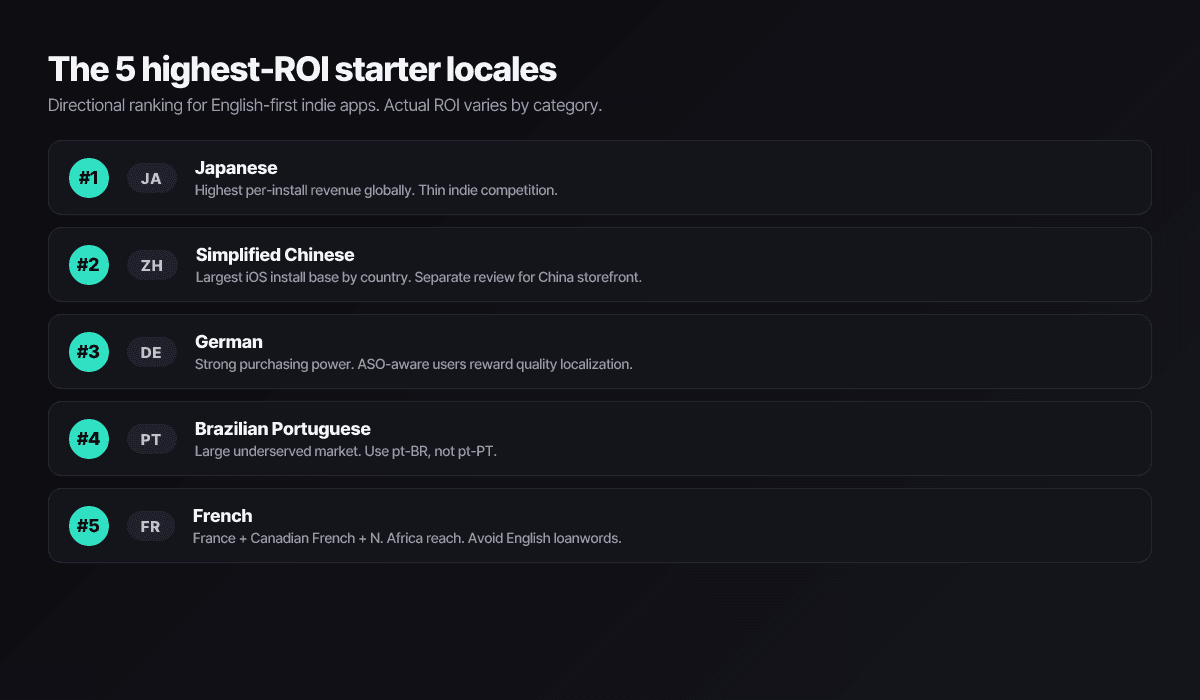
The 5 highest-ROI starter locales
For an English-first indie app, ordered by typical return on effort — your category will bend this list:
1. Japanese
The App Store’s highest per-user spend and surprisingly thin indie competition, because everyone assumes Japanese is too hard. Quality bar is real: formality levels in copy matter, and visible machine translation costs more trust here than anywhere.
2. German
Strong purchasing power and an audience that notices — and rewards — proper localization. The English-German query mixing makes keyword research unusually productive per hour spent.
3. Brazilian Portuguese
Big, growing, and chronically underserved by indie localizations, which keeps keyword competition soft. Use pt-BR; European Portuguese is a different locale and a much smaller iOS market.
4. French
France plus Canada plus francophone Africa in one localization. French listings punish leftover English loanwords harder than most markets — budget the native review.
5. Chinese — Traditional first, in 2026
Here’s the honest version most guides skip: since late 2023, every app on the mainland China storefront needs an ICP filing number, which in practice requires a Chinese legal entity — Apple removed unfiled apps in 2024. For most indies that gates Simplified Chinese’s biggest market. The practical play is Traditional Chinese for Taiwan and Hong Kong (no filing, real spend), shipping Simplified Chinese as a language so mainland-locale users elsewhere get a native UI — and revisiting the mainland storefront only if you ever have local partnership or entity support.
The 14 languages, and script gotchas
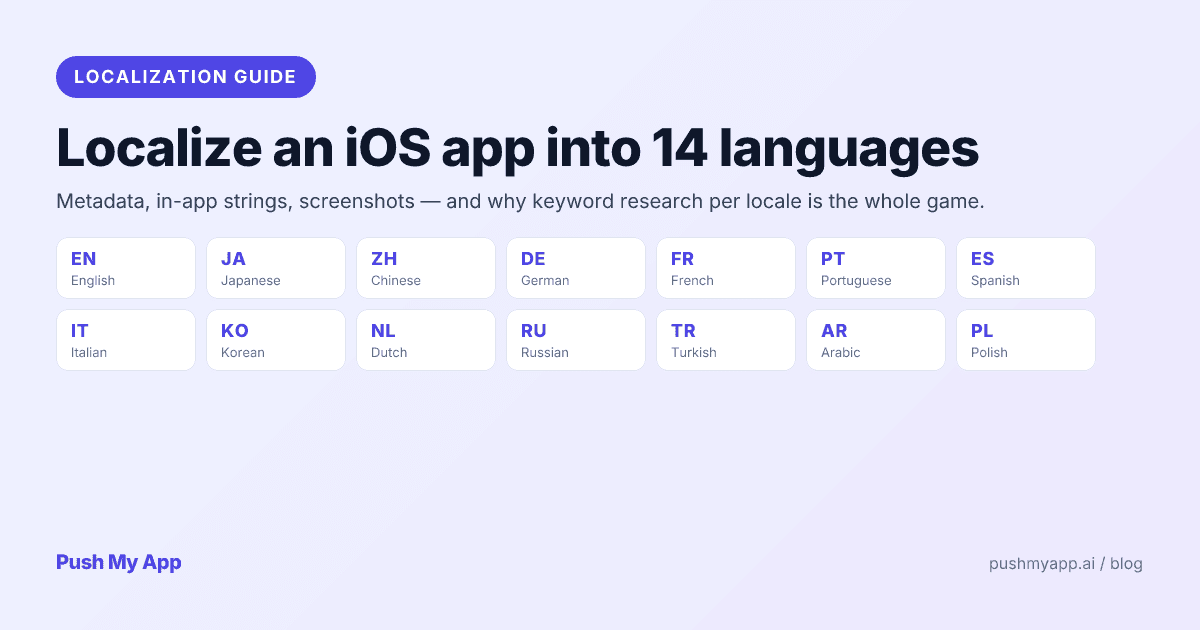
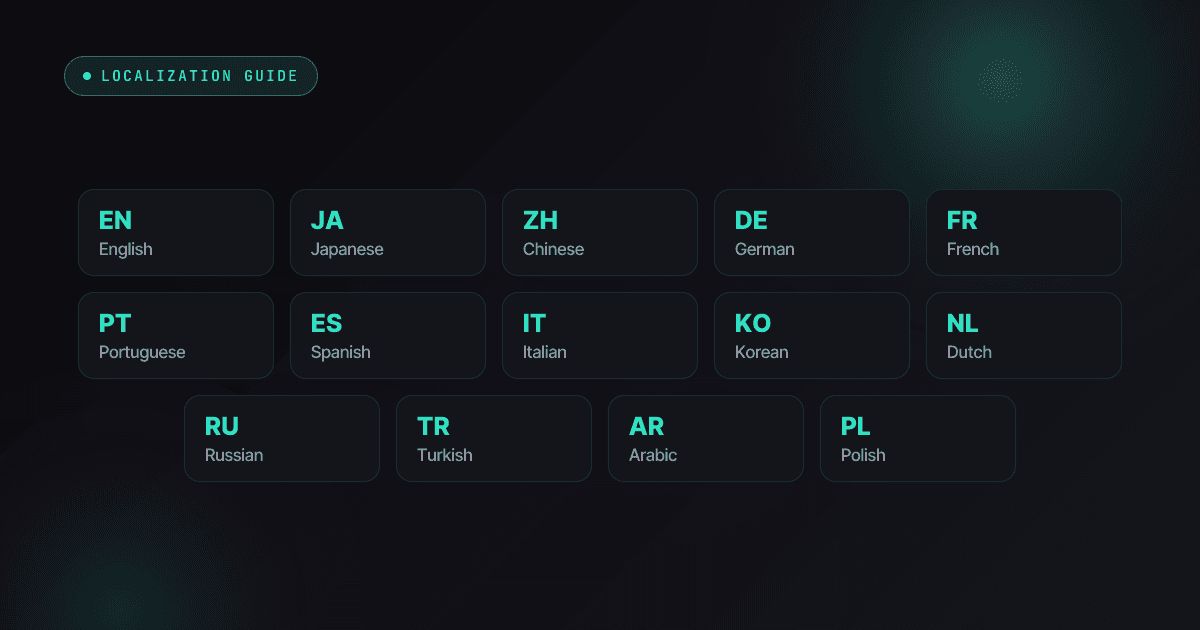
The fourteen languages Push My App ships out of the box — English, Spanish, Japanese, German, French, Portuguese (Brazil and Portugal), Italian, Korean, Simplified and Traditional Chinese, Dutch, Swedish, and Arabic — cover the large majority of global App Store spend. (App Store Connect itself accepts around 39 listing localizations, so there is room to grow past fourteen once the first wave proves out.)
A few of these carry technical homework beyond translation:
- Arabic is right-to-left. SwiftUI and Auto Layout mirror automatically if you used leading/trailing instead of left/right — audit any hardcoded directions, and test with Xcode’s right-to-left pseudolanguage scheme option before shipping.
- German and Portuguese run long. Plan for roughly a third more string length than English; fixed-width buttons truncate exactly where reviewers look. Xcode’s double-length pseudolanguage catches this in one run.
- CJK languages break differently. No spaces to wrap on in Chinese and Japanese — short UI strings that looked fine in English can wrap mid-concept. Check screenshots in all three CJK locales, not just one.
- Plurals are not two forms everywhere. Use String Catalogs’ plural variants rather than hand-building “1 item / n items” — several of the fourteen have plural rules English logic gets wrong.
Step-by-step — adding a locale in App Store Connect
- In App Store Connect, open your app and the current version page, then choose Add Language from the localization dropdown.
- App Store Connect clones your primary-language fields into the new locale as placeholders — every one of them needs replacing, and shipping a placeholder is a quiet way to look machine-translated.
- Work the fields in value order:
- Name and subtitle (30 characters each) — the ranking surface; the subtitle helper patterns apply per locale.
- Keywords (100 characters) — researched locally, validated with the character counter.
- Description and promotional text — rewritten, not translated; first lines carry the conversion load.
- Support and privacy URLs — must resolve; localized pages convert better and reviewers do open them.
- Upload localized screenshots per device class — one 6.9-inch-class iPhone set covers all iPhones (the sizes reference has current dimensions), plus the 13-inch iPad set if you ship iPad.
- Save; the localization rides your next version through normal review.
Repeat fourteen times and the clicking alone is an afternoon — which is the part worth automating.
The three-layer workflow, automated
Done by hand, a five-locale, three-layer localization is typically tens of hours plus translator fees. The leverage split: metadata and screenshot layers automate well; in-app strings still deserve human review wherever users will read full sentences.
Push My App’s 14-language localization covers the automatable layers in one pass: every metadata field translated with locale-aware rewriting, the keywords field re-researched per market rather than translated, localized screenshot overlays exported from one master, and the result submitted to App Store Connect directly. The in-app layer stays in your Xcode pipeline: Export Localizations, translate the XLIFF, re-import, ship the rebuild together with the new listings.
Shipping Android too? The listing requirements comparison maps each field to its Play Console equivalent so the same research feeds both stores.
Measuring locale performance
App Store Connect’s analytics break impressions, product page views, and conversion out by territory — which is the scoreboard for each localization. The reading discipline:
- Give a locale 8–12 weeks before judging. Indexing is quick; stable ranking positions and review velocity are not.
- Diagnose in funnel order. Low impressions means a keywords problem — re-research the local terms. Good impressions with poor conversion means a copy or screenshot problem — that’s where the native-speaker pass pays for itself.
- Double down before spreading out. A locale that works usually has neighbors (German → Dutch, Spanish → Portuguese) where the same positioning transfers with fresh keyword research. Expansion beats abandonment until the data says otherwise.
Common mistakes that waste a localization budget
Shipping raw machine translation. Fine as scaffolding, fatal as the final text. The cadence is detectable in one sentence, and in premium markets it reprices your whole app.
Translating the keywords field. The most expensive mistake per character — 100 characters that fill the box and rank for nothing. Research, don’t translate.
Half-committed locales. A Japanese description over English screenshots signals exactly how much you invested. Ship all three layers per locale or defer the locale.
Ignoring the China gate. Pouring effort into a Simplified Chinese listing you cannot legally publish to the mainland storefront is wasted motion — confirm the ICP path or aim the work at Taiwan and Hong Kong instead.
Broken localized URLs. Support pages that 404 per-locale draw guideline 1.5 rejections; the rejection index documents how often. The 9-minute preflight checklist includes a per-locale URL sweep for exactly this reason.
Ship 14 locales in one afternoon
Push My App’s 14-language localization translates every metadata field with locale-aware rewriting, re-researches keywords per market, renders localized screenshot overlays, and submits to App Store Connect in one pass. See pricing for what’s included in each plan.
Frequently asked questions
How many languages should an indie app launch in?
English plus two or three deliberate locales beats ten careless ones. Each locale you add is a market you now answer reviews in, test screenshots for, and re-research keywords for. Japanese, German, and Brazilian Portuguese are the most common high-return starters for English-first indies, expanding to French, Spanish, and Traditional Chinese once the first wave converts.
Can I publish to mainland China without a Chinese company?
Practically, no. Since late 2023 every app on the China App Store needs an ICP filing number, and obtaining one generally requires a mainland legal presence; Apple removed unfiled apps in 2024. Most indies serve Chinese-speaking users through the Taiwan and Hong Kong storefronts with a Traditional Chinese localization instead — no filing required.
Is machine translation good enough for an App Store listing?
As a draft, yes; as the shipped version, no — and never for the keywords field. Description copy needs a native-speaker pass to avoid the cadence that users (and reviewers) clock instantly. Keywords aren't a translation problem at all: they're a research problem, because what users type in each market doesn't map word-for-word from English.
Do I need to localize the app itself, or just the listing?
The listing alone lifts installs; the app itself is what keeps them. Localized metadata with an English-only UI produces a visible gap between install and retention in any text-heavy category. Visual-first apps (games, camera tools) get away with listing-first localization longest; productivity and content apps should treat the two as one project.
How are new localizations reviewed?
As part of your next version submission — there's no separate queue. Metadata and screenshots ship without a binary; in-app strings ride a rebuild. Budget one normal review cycle, and make sure every localized support URL resolves, because reviewers check them per locale.
Ship your listing without the rejection letter
Push My App generates store-ready metadata, resizes screenshots for every device, translates your listing into 14 languages, and runs an 80+ item rejection pre-flight before you submit.
Get Started FreeKeep reading
App Store Rejections
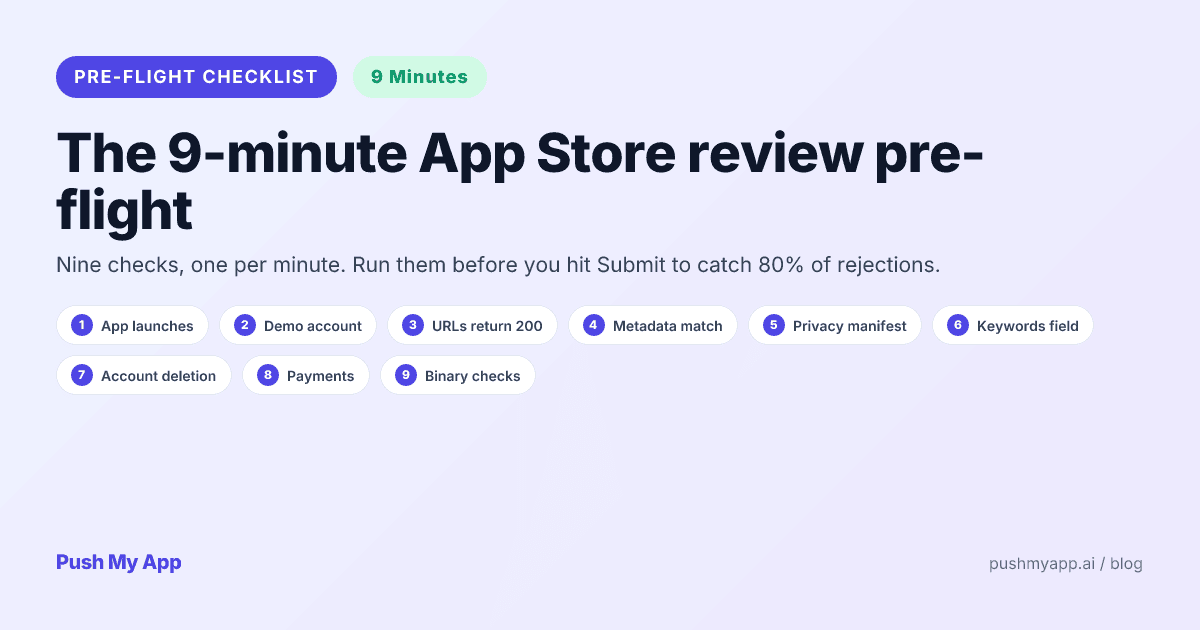
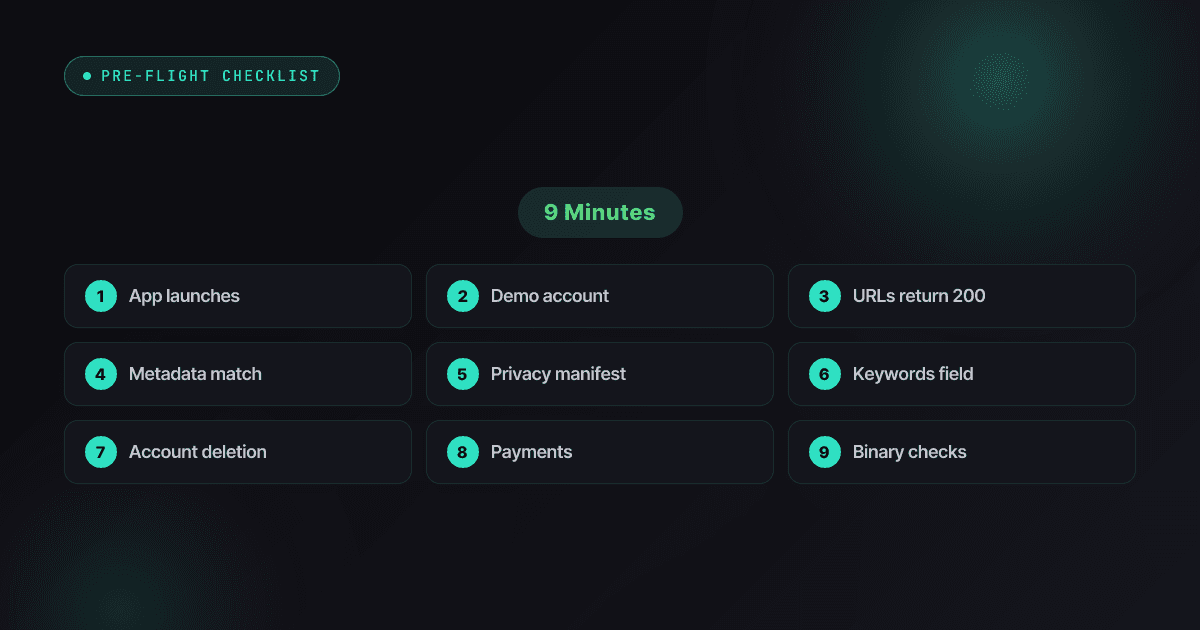
App Store Review Pre-Flight: A 9-Minute Checklist Before You Hit Submit
Nine one-minute checks that catch most App Store and Google Play rejections before reviewers do — updated for the Xcode 26 mandate, age-rating gates, and 2026 compliance fields.
Read

ASO Guides
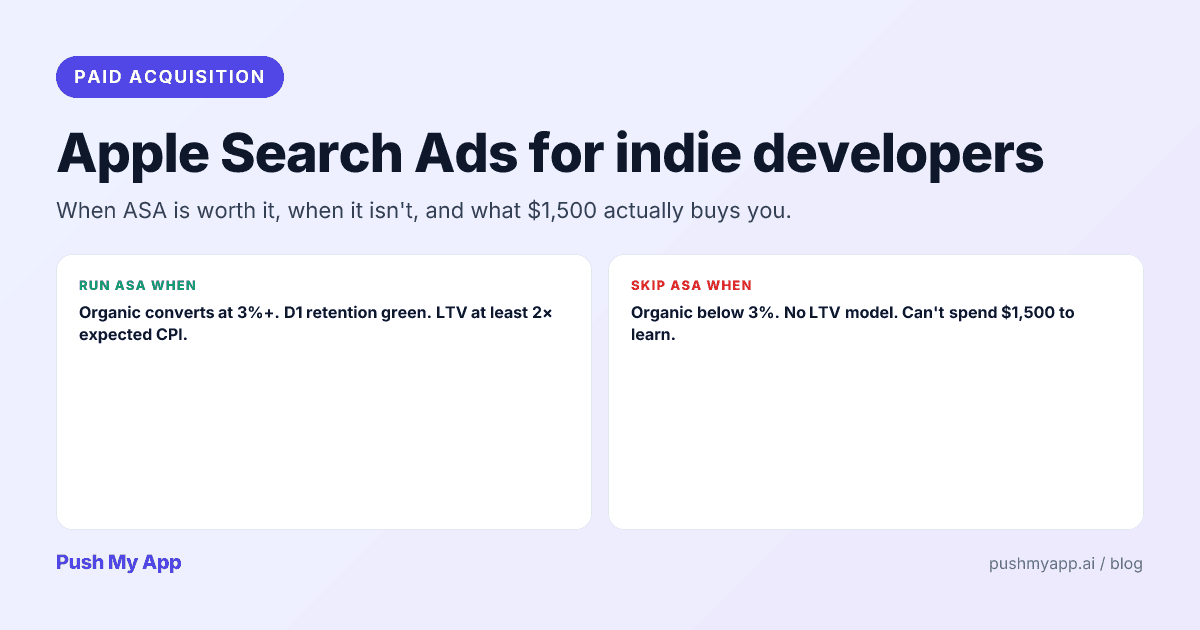
Apple Search Ads for Indie Developers: When It's Worth It (and When It Isn't)
Apple Search Ads is now Apple Ads, with four placements and the same indie question: is it worth your money yet? The readiness gate, real learning costs, and the five keywords worth bidding on.
Read
Metadata & Keywords
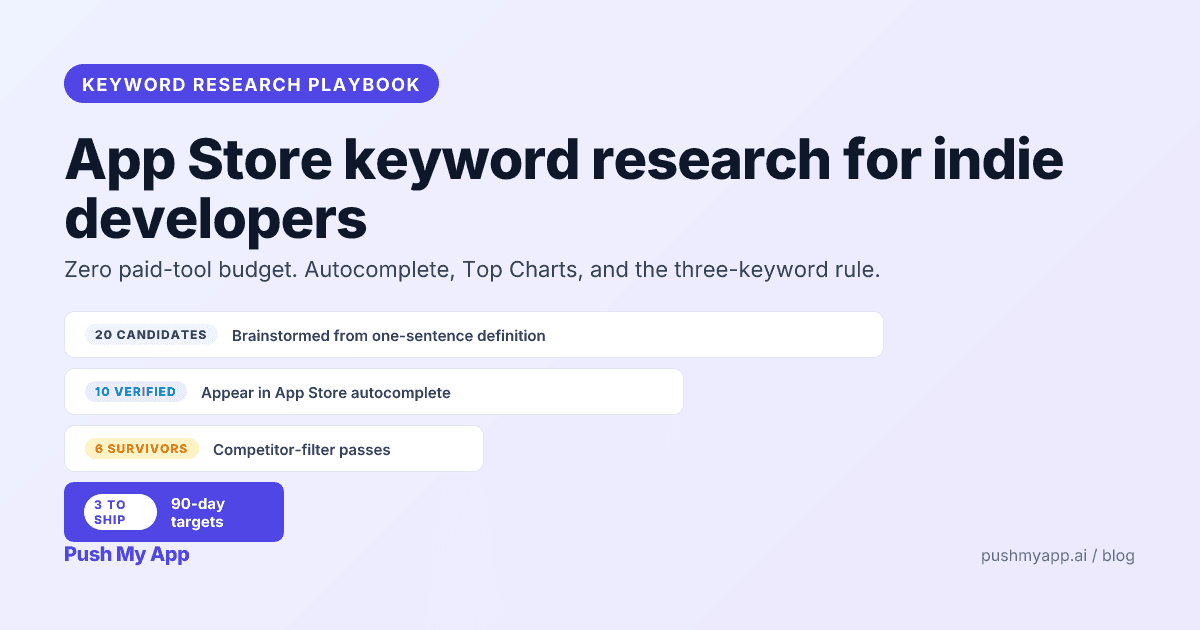
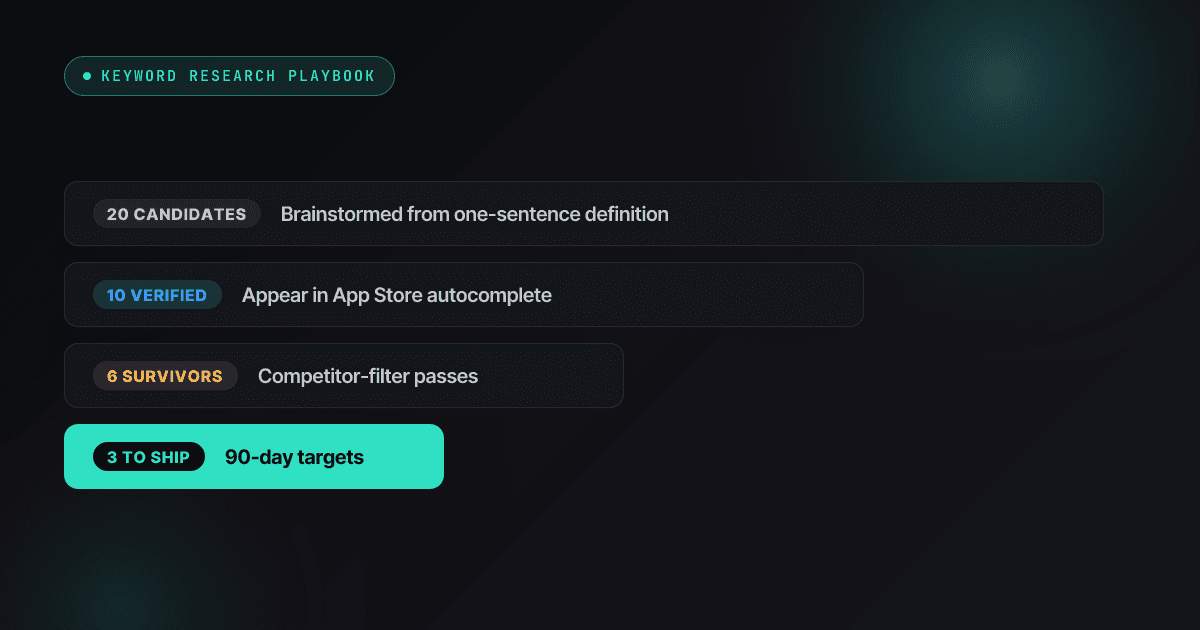
App Store Keyword Research: A Playbook for Indie Developers (2026)
Zero-budget keyword research that actually works in 2026 — autocomplete mining, competitor frequency maps, Apple Ads popularity as a free volume signal, and the three-keyword rule.
Read