
Screenshots & Assets
App Store Screenshot Sizes in 2026: Every Required Dimension
Every App Store and Google Play screenshot size for 2026 — the 6.9-inch iPhone class (including iPhone Air), iPad 13-inch, Watch Ultra 3, Play's 1080px featuring rule, and what auto-scales.
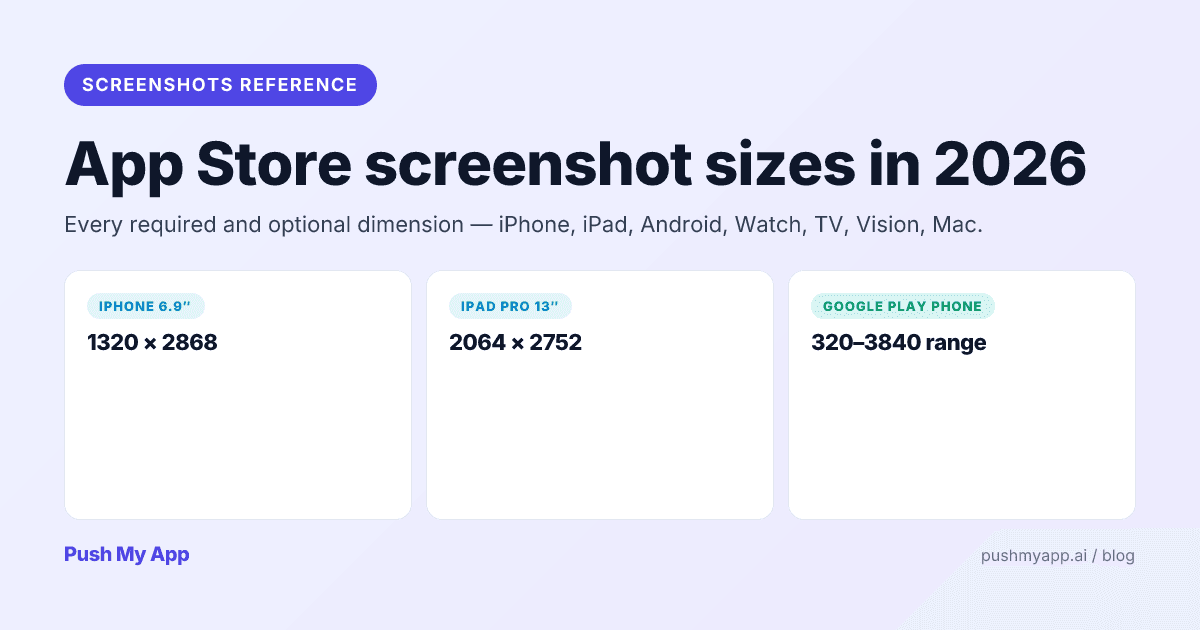
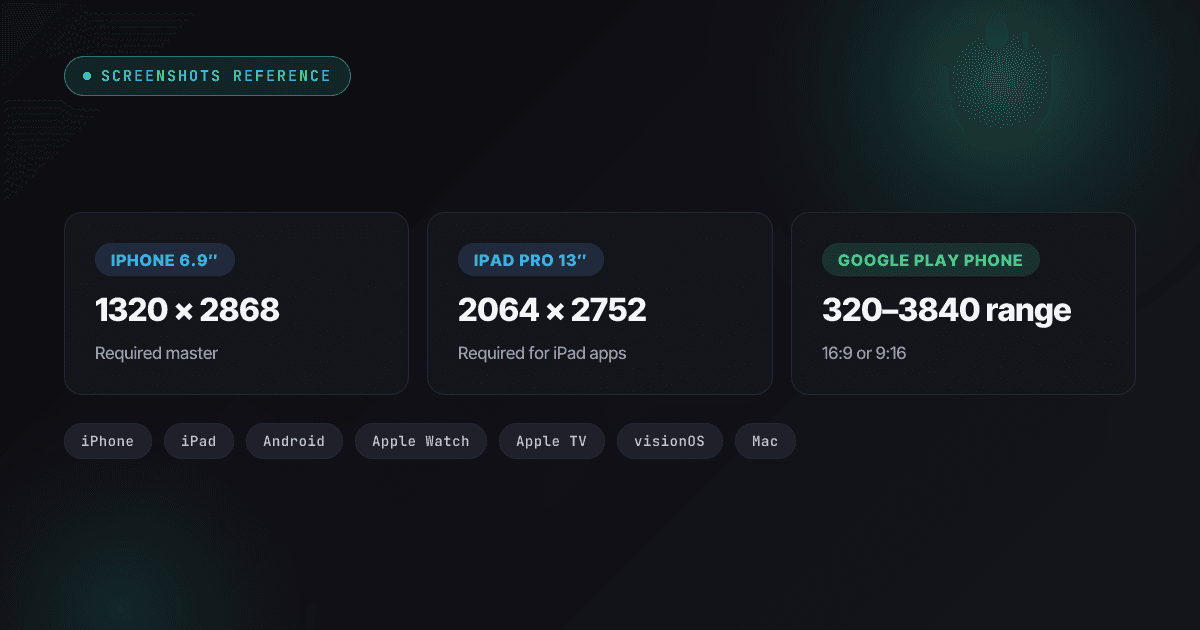
Screenshot dimensions are the rare part of ASO with a single correct answer — and the answer keeps moving. Since 2024 the App Store added a 6.9-inch reference class, folded the iPhone Air’s odd 1260×2736 panel into it, replaced the 12.9-inch iPad requirement with a 13-inch class, and added Watch Ultra 3 dimensions. Google, meanwhile, quietly tied featuring eligibility to a four-screenshots-at-1080px rule that most listings still fail.
This is the complete 2026 reference, checked against Apple’s current App Store Connect specifications and Google’s Play Console asset rules: what each store requires, what is optional, and what auto-scales from a single master. The App Store vs Google Play listing requirements post covers the rest of the listing.
The 2026 rules at a glance
| Device class | Accepted sizes (portrait px) | Required? | Count |
|---|---|---|---|
| iPhone 6.9″ class | 1320×2868, 1290×2796, or 1260×2736 | Required for iPhone apps | 1–10 |
| iPhone 6.5″ / 6.3″ / 6.1″ / 5.5″ | Auto-scaled from the 6.9″ set | Optional | 1–10 each if supplied |
| iPad 13″ class | 2064×2752 or 2048×2732 | Required if iPad supported | 1–10 |
| Play phone | 320–3840 px per side, aspect up to 2:1 | Required (2 minimum) | 2–8 |
| Play featuring eligibility | ≥1080 px, 16:9 or 9:16 | Optional but recommended | 4+ |
| Play 7″ / 10″ tablet | Same range as phone | Optional | Up to 8 each |
| Play feature graphic | 1024×500 | Required | 1 |
| Apple Watch | 422×514 (Ultra 3) or 416×496 (S11/S10) | Required if watchOS supported | 1–10 |
| Apple TV | 1920×1080 or 3840×2160 | Required if tvOS supported | 1–10 |
| Apple Vision Pro | 3840×2160 | Required if visionOS supported | 1–10 |
| Mac | 1280×800 to 2880×1800 (16:10) | Required if macOS supported | 1–10 |
What changed since 2024
If you last shipped screenshots a year or two ago, these are the deltas that matter:
- Late 2024: the 6.9-inch class became the iPhone reference size with the iPhone 16 Pro Max, replacing 6.7-inch as the master you design for.
- May 2024: the 13-inch iPad class (M4 iPad Pro) replaced 12.9-inch as the iPad requirement — but it still accepts 2048×2732, so old sets remain valid.
- September 2025: the iPhone Air’s 1260×2736 panel joined the 6.9-inch class, and Watch Ultra 3 added a 422×514 size.
- Ongoing: Google’s recommendation surfaces require 4+ screenshots at 1080 px in strict 16:9 or 9:16 — a quality bar, not an upload validator, so failing it fails silently.
iPhone screenshot sizes
Apple’s 2025 reshuffle made the system genuinely simple: one required class, everything else derived.
The 6.9-inch class — the only set you need
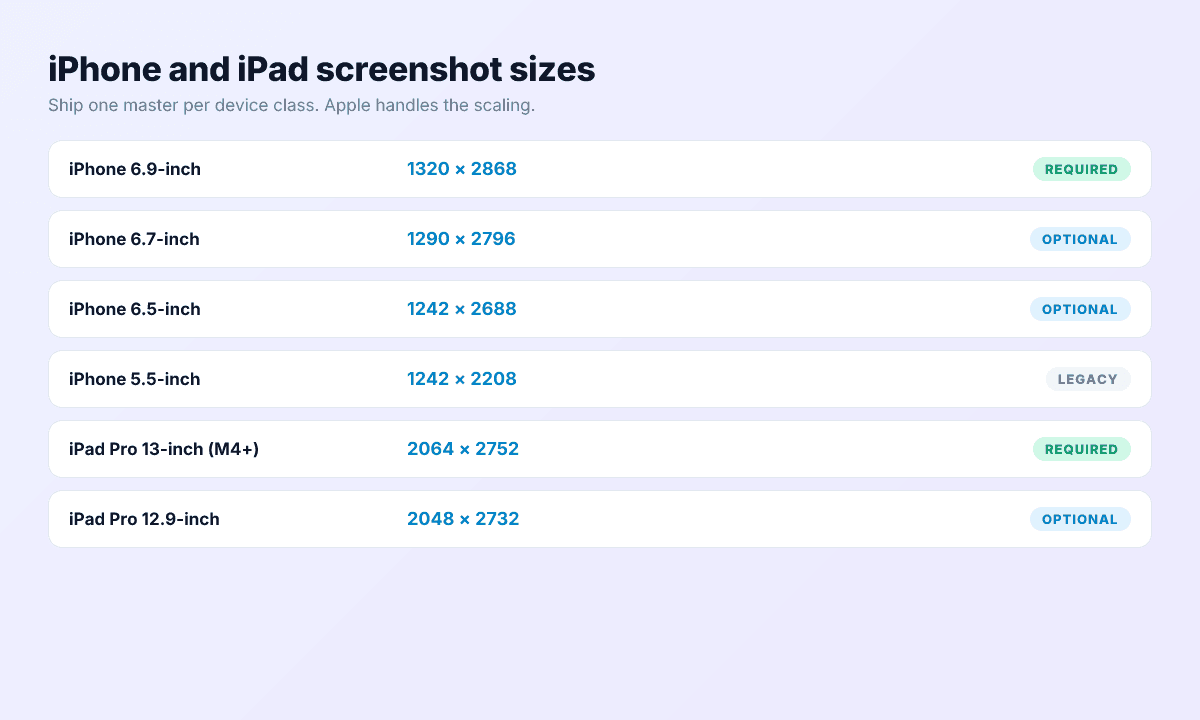
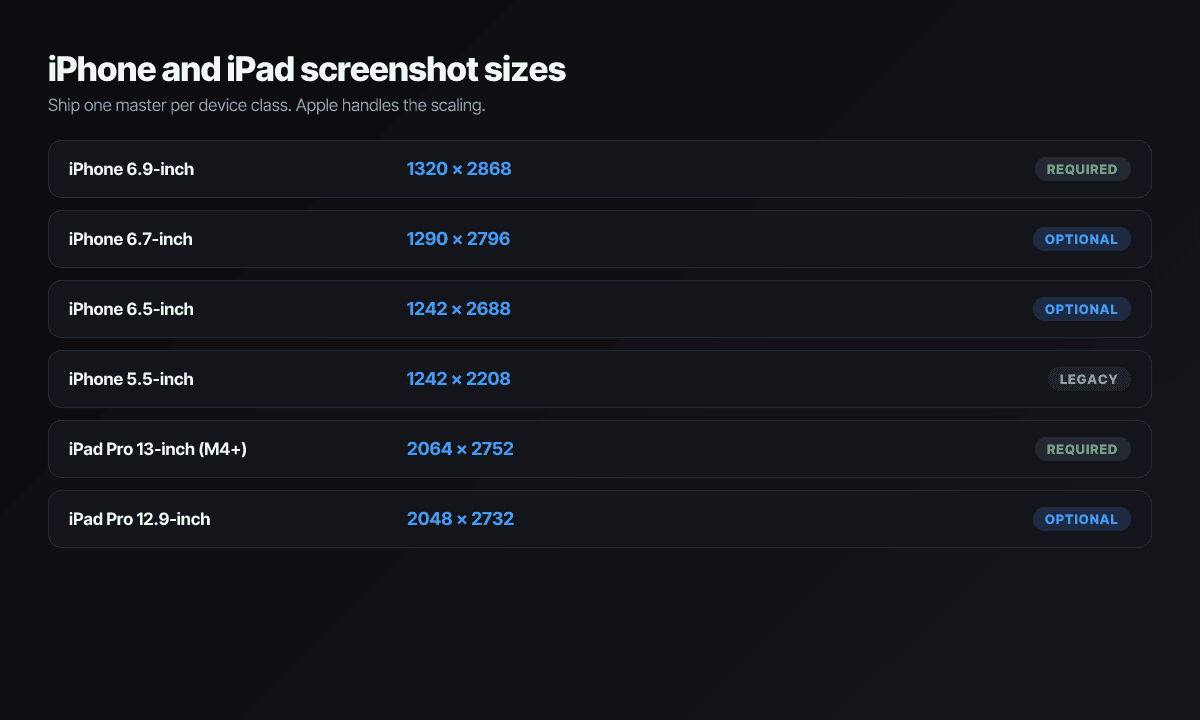
Apple’s spec sheet now accepts three portrait sizes inside the required class: 1320×2868 (iPhone 16/17 Pro Max), 1290×2796 (the former 6.7-inch size, still valid), and 1260×2736 — the iPhone Air panel, which Apple buckets here despite the Air’s 6.5-inch marketing size. Landscape is the same pairs flipped. Render at 1320×2868 unless you have a reason not to: it is the largest, so it downscales cleanly everywhere.
What happens to the smaller classes
The 6.5-inch (1284×2778 / 1242×2688), 6.3-inch (1179×2556 / 1206×2622 — the regular iPhone 16 and 17), 6.1-inch, 5.5-inch, and older classes are all optional. Provide nothing and Apple scales your 6.9-inch set down the chain automatically. The only reason to upload a bespoke smaller set is overlay text you want recomposed at a different aspect ratio — and almost no indie team’s conversion data justifies that maintenance burden.
Count and order
1 to 10 per class, JPEG or PNG. Treat the first three as the whole game: they render in search results before anyone reaches your product page. The ASO playbook covers the first-screenshot pitch in depth.
iPad screenshot sizes
Required only if your app runs on iPad. The 13-inch class accepts 2064×2752 (iPad Pro M4/M5) or 2048×2732 — which is the old 12.9-inch size, so a legacy 12.9-inch set already satisfies the current requirement without re-rendering. Smaller iPad classes (11, 10.5, 9.7 inch) scale down from it.
Don’t just stretch iPhone compositions: iPad pages convert better when screenshots use the width — split views, sidebars, landscape workflows — because that is what an iPad buyer is evaluating.
App preview video sizes
Apple’s app previews have their own resolution table, and it does not match the screenshot sizes — the most common upload surprise in App Store Connect.
- iPhone (6.9-inch and 6.5-inch classes): 886×1920 portrait or 1920×886 landscape.
- iPad 13-inch class: 1200×1600 portrait or 1600×1200 landscape.
- Limits: 15–30 seconds, up to 3 previews per device class, 500 MB max, H.264 or ProRes 422 HQ, 30 fps. The poster frame defaults to the 5-second mark — set it deliberately, because the poster is what renders until autoplay kicks in.
- Google Play: no video upload at all — the promo video is a public YouTube URL, 30 seconds to 2 minutes, shown behind your feature graphic.
Previews must be captured from the running app, not motion design — Apple rejects montage-style trailers under guideline 2.3.3 the same way it rejects fabricated screenshots.
Google Play screenshot sizes
Play gives you a range instead of fixed sizes, then layers a stricter quality bar on top for promotion.
Phone screenshots — the baseline rules
- Count: 2 minimum, 8 maximum.
- Dimensions: every side between 320 and 3,840 pixels.
- Aspect ratio: the long side can’t exceed twice the short side (2:1).
- Format: JPEG or 24-bit PNG, no alpha.
The featuring rule most listings miss
To be eligible for recommendation surfaces — featuring, editorial collections, the large screenshot-led cards — Google wants at least 4 screenshots at 1080 px or higher, in 16:9 (1920×1080 minimum) or 9:16 (1080×1920 minimum). A two-screenshot listing is valid but invisible to Play’s merchandising. Render portrait masters at 1080×1920 or above and you clear both the baseline and the featuring bar at once.
Tablets and the feature graphic
7-inch and 10-inch tablet sets follow the same dimensional rules, up to 8 each. They’re optional but feed large-screen search and Chromebook surfaces. The 1024×500 feature graphic remains mandatory; keep it free of device frames and call-to-action text, both of which Google’s metadata policy rejects.
Apple Watch, tvOS, visionOS, Mac
Each applies only if you ship that platform; all take 1–10 images.
Apple Watch
- Ultra 3: 422×514
- Ultra 2 / Ultra: 410×502
- Series 11 / 10: 416×496
- Series 9 / 8 / 7: 396×484
- SE and Series 6 and earlier: 368×448
Upload the largest size your app supports and keep the same size across every localization — App Store Connect enforces consistency there.
Apple TV and Vision Pro
tvOS takes 1920×1080 or 3840×2160, landscape only. visionOS takes 3840×2160 — and flat phone-style mockups read as low-effort there; show the spatial UI.
Mac App Store
16:10 only: 1280×800, 1440×900, 2560×1600, or 2880×1800. Use a Retina size; 1280 masters look soft on every modern Mac.
Rules reviewers enforce beyond the pixels
Passing the upload validator is not the same as passing review. The screenshot rejections that actually happen:
- Screenshots must show the shipped app. Concept art, outdated UI, or features the build doesn’t have get flagged under Apple guideline 2.3.3 and Play’s Deceptive Behavior policy — the most common screenshot rejection on both stores.
- No other store’s branding. A “Get it on Google Play” badge inside an iOS screenshot is an instant metadata rejection, and vice versa.
- No visible transparency on Apple. PNGs with alpha can pass upload, but screenshots that render with transparent regions draw a 2.3.3 flag — flatten everything onto a solid background.
- No competitor trademarks in overlays. Same IP rules as the text fields — the rejection reasons index has the real-world examples.
- Feature graphic restrictions are stricter. Device mockups and CTA text are banned in Play’s 1024×500 graphic even though they’re fine inside phone screenshots.
- Localize the overlays. English captions on a Japanese listing won’t get you rejected, but they crater conversion and signal neglect — pair screenshot localization with the 14-language localization workflow.
A production pipeline for screenshots
- Render two masters. One 1320×2868 portrait set for Apple, one 1080×1920-or-larger 9:16 set for Play’s featuring bar. Add a 2064×2752 iPad master if you ship iPad.
- Keep overlays on a separate layer. UI renders change every release; localized caption layers change per market. Separating them means re-exporting, not redesigning.
- Let a tool fan out the sizes. Push My App’s Screenshot Resizer exports every store size from one master with correct aspect handling — the icon resizer does the same for icons.
- Re-render on UI changes, not on a schedule. Stale screenshots are the fastest way to earn a 2.3.3 flag — make the render step part of the release checklist, or use the 9-minute pre-submission checklist which includes it.
One master, every size
Generate every size from one master
Push My App’s Screenshot Resizer takes a single 6.9-inch master and exports every App Store and Google Play size your app needs — iPhone, iPad, Android phone and tablet, Watch, TV, and Mac — with correct aspect and padding. See pricing for what’s included in each plan.
Frequently asked questions
How many screenshots do I need per listing in 2026?
Apple accepts 1 to 10 per device class — one is the technical minimum, but plan on at least 4 strong ones since the first two or three are visible in search results. Google Play requires 2 to 8 phone screenshots, and you need at least 4 at 1080px or higher (16:9 or 9:16) to be eligible for recommendation placements like featuring.
Which iPhone screenshot size should I upload?
Upload one portrait set in the 6.9-inch class. Apple accepts 1320x2868, 1290x2796, or 1260x2736 pixels for it (1260x2736 matches the iPhone Air). Provide that one set and every smaller iPhone display — 6.5, 6.3, 6.1, 5.5 inch and below — is auto-scaled from it.
Do I need separate iPad screenshots?
Only if your app runs on iPad. The required 13-inch class accepts 2064x2752 or 2048x2732 pixels, which means an existing 12.9-inch iPad Pro set already satisfies it. iPhone-only apps can skip iPad entirely.
Can I reuse the same images on Google Play?
Usually yes. Play accepts anything from 320 to 3840 pixels on each side with an aspect ratio up to 2:1, so a 1320x2868 Apple master is technically valid — but it falls just outside 9:16, so for featuring eligibility most teams export a 1080x1920 or 1242x2208 variant for Play instead.
Is screenshot overlay text indexed for search ranking?
No. Neither Apple nor Google reads text inside screenshot images for ranking. Overlays affect conversion only — which is still reason enough to write them carefully and localize them per market.
Ship your listing without the rejection letter
Push My App generates store-ready metadata, resizes screenshots for every device, translates your listing into 14 languages, and runs an 80+ item rejection pre-flight before you submit.
Get Started FreeKeep reading
Screenshots & Assets
Fastlane Screenshot Alternatives: Modern Options for App Screenshots (2026)
Where fastlane snapshot and frameit stand in 2026 after the Mobile Native Foundation handover, what to replace them with, and a migration path that keeps the rest of fastlane.
Read
Screenshots & Assets
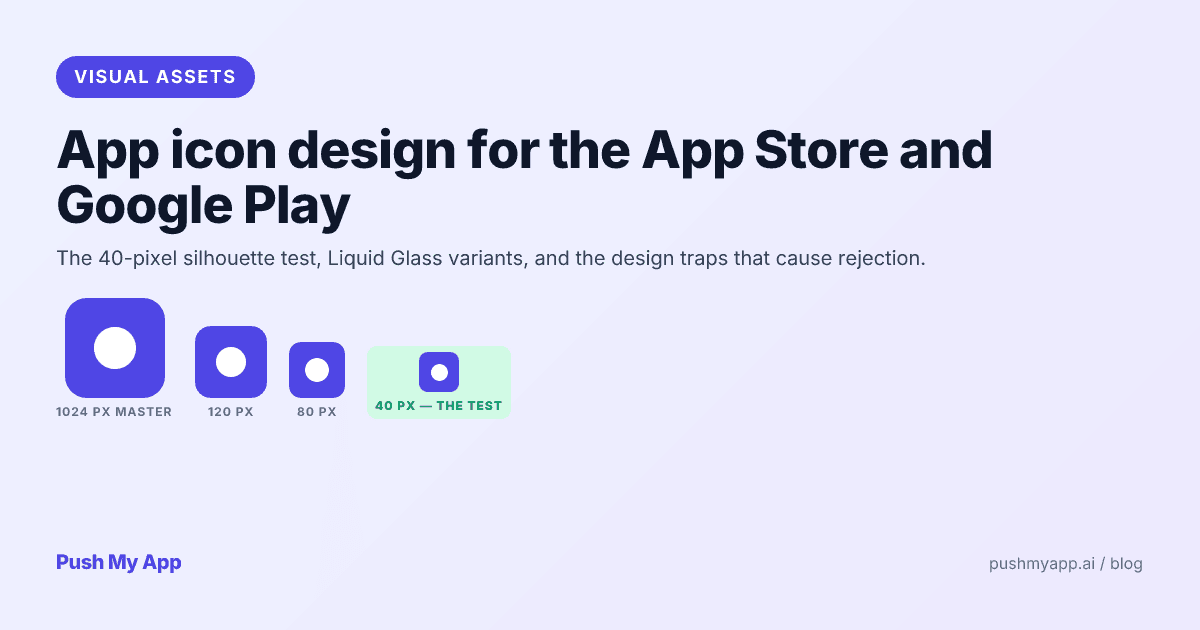
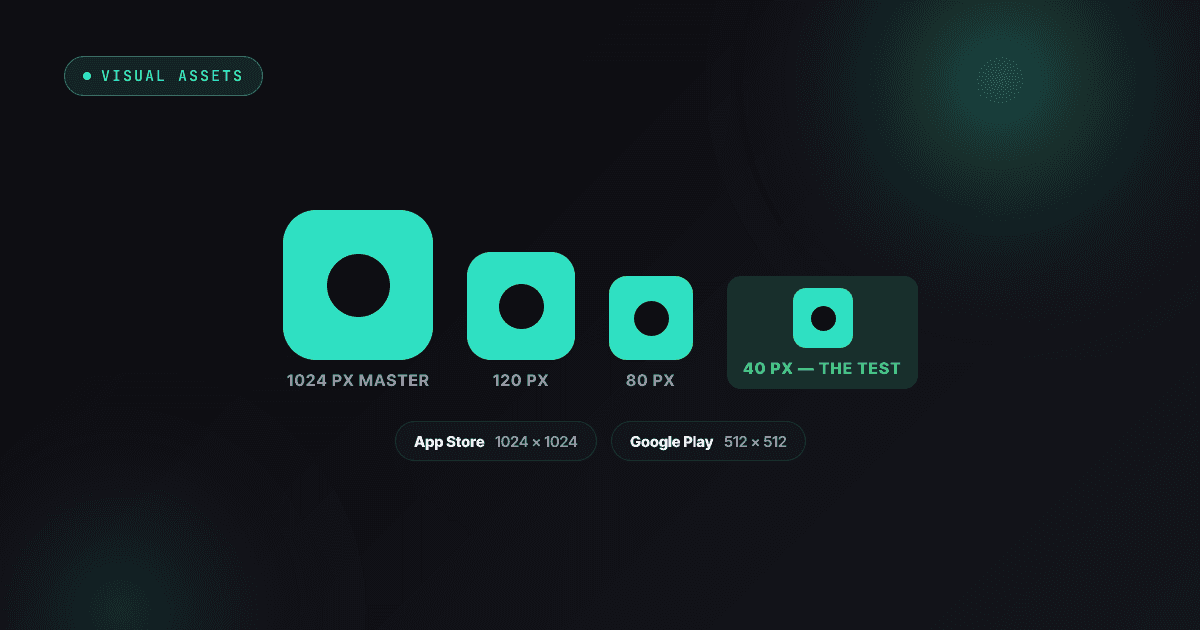
App Icon Design for the App Store and Google Play (2026)
App icon rules and craft for 2026 — Apple's Liquid Glass appearance modes and Icon Composer, Android adaptive and themed icons, the 40px silhouette test, and the rejection traps.
Read
App Store Rejections
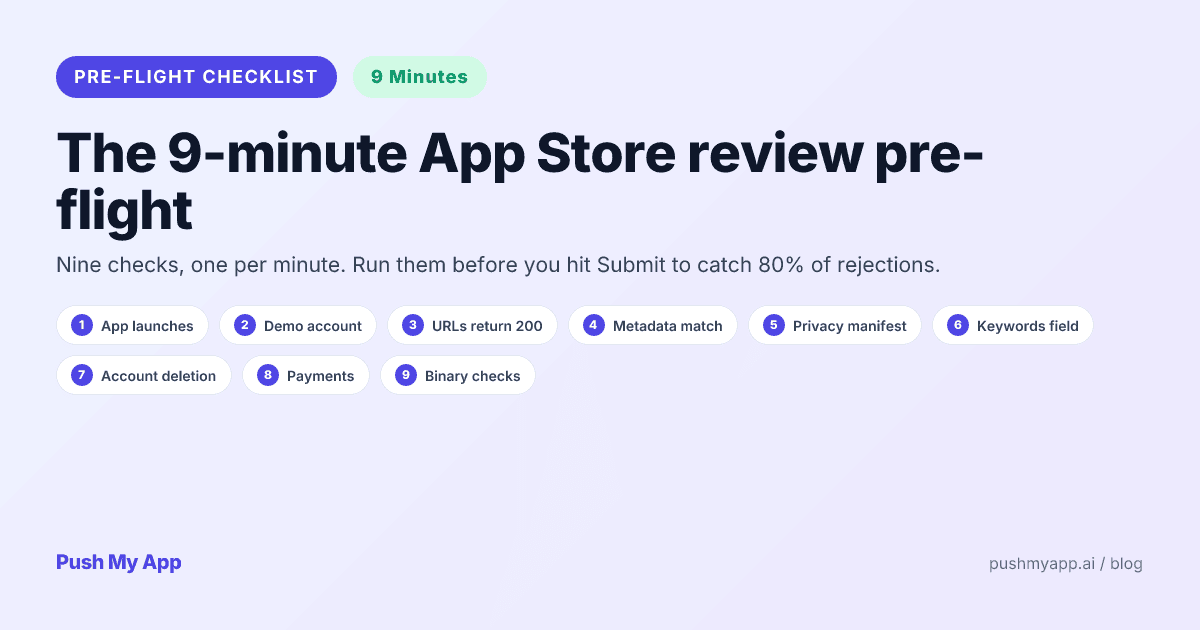
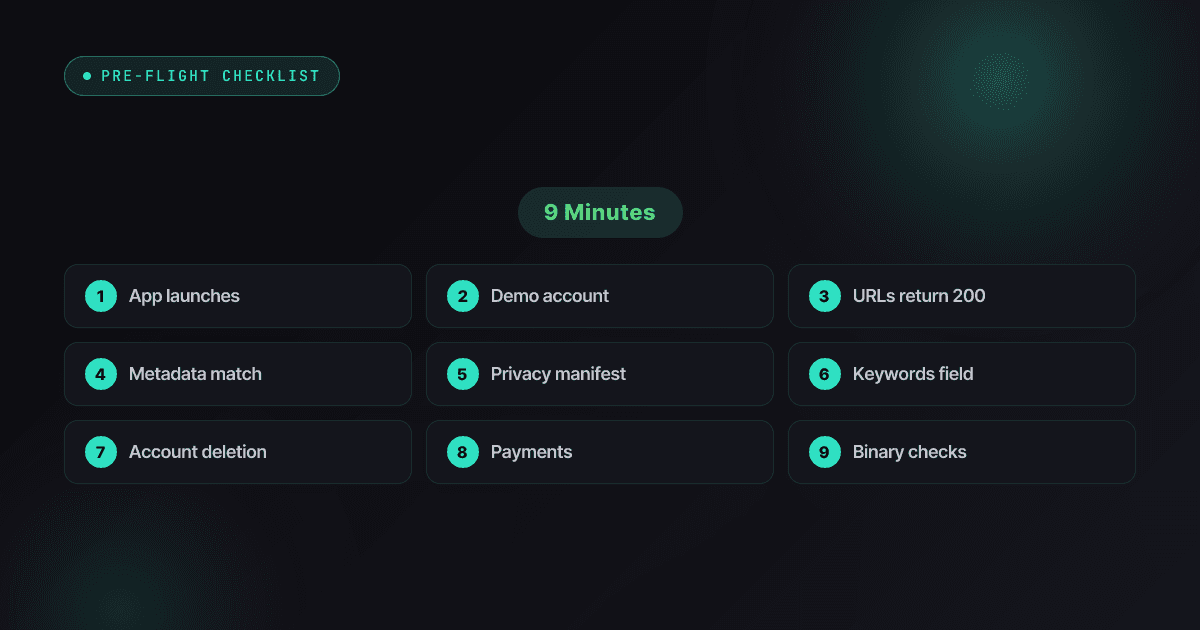
App Store Review Pre-Flight: A 9-Minute Checklist Before You Hit Submit
Nine one-minute checks that catch most App Store and Google Play rejections before reviewers do — updated for the Xcode 26 mandate, age-rating gates, and 2026 compliance fields.
Read