
Store Submission
TestFlight vs Google Play Internal Testing: A 2026 Cross-Platform Beta Guide
TestFlight vs Google Play testing tracks in 2026 — tester limits, review gates, the 12-tester production requirement, build lifetimes, and one workflow that runs both betas in parallel.
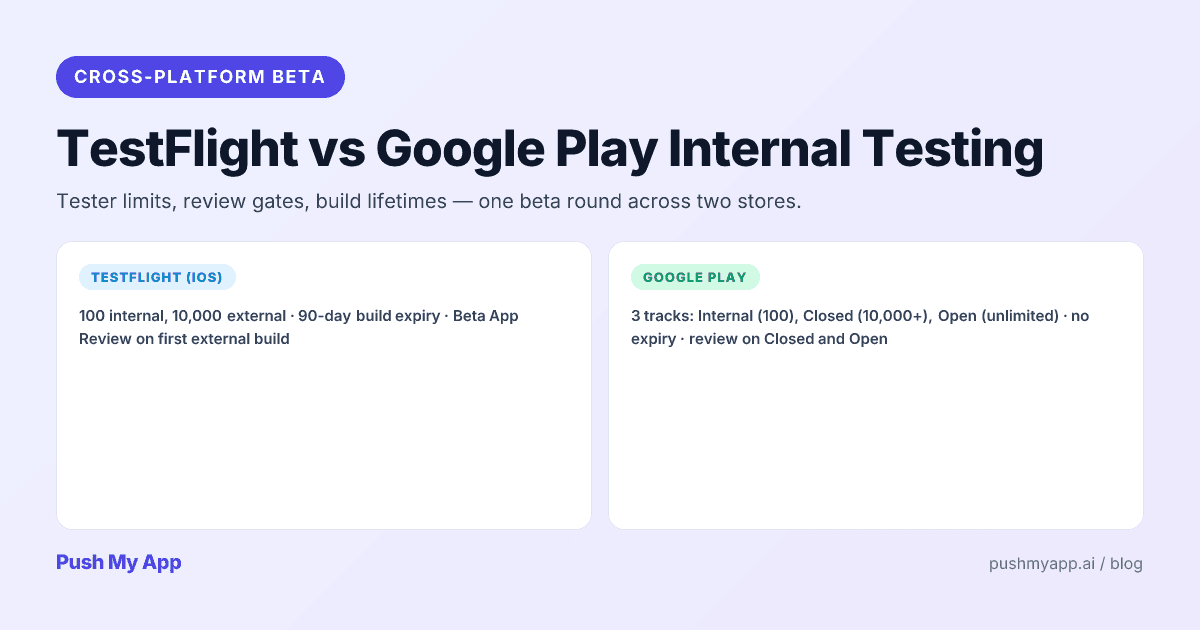
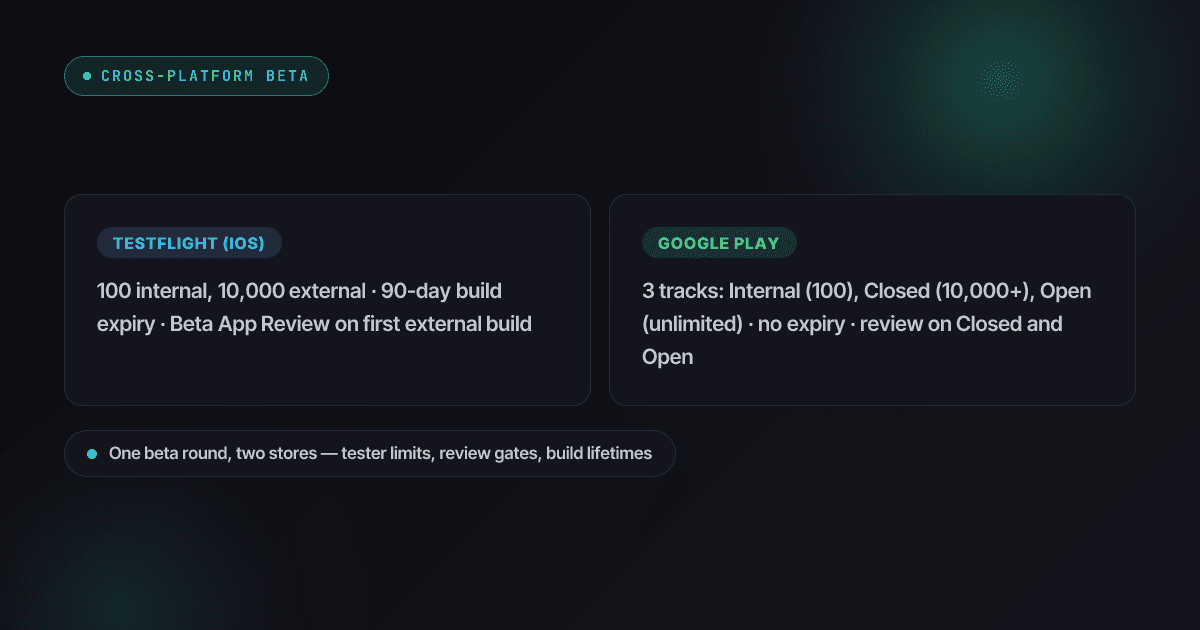
Run an iOS and Android app and you run two beta programs, whether you meant to or not: TestFlight on one side, Google Play’s three-track system on the other. They rhyme just enough to lull you — then diverge exactly where it costs time: review gates, build expiry, tester onboarding, and (since 2023) a Play rule that makes the beta itself a mandatory production gate for new personal accounts.
This guide lines the two systems up as they actually behave in 2026, then gives you one workflow that runs a single beta round across both stores in parallel. For the surrounding machinery, see IPA vs APK vs AAB for binary formats and the listing requirements comparison for the store-listing side.
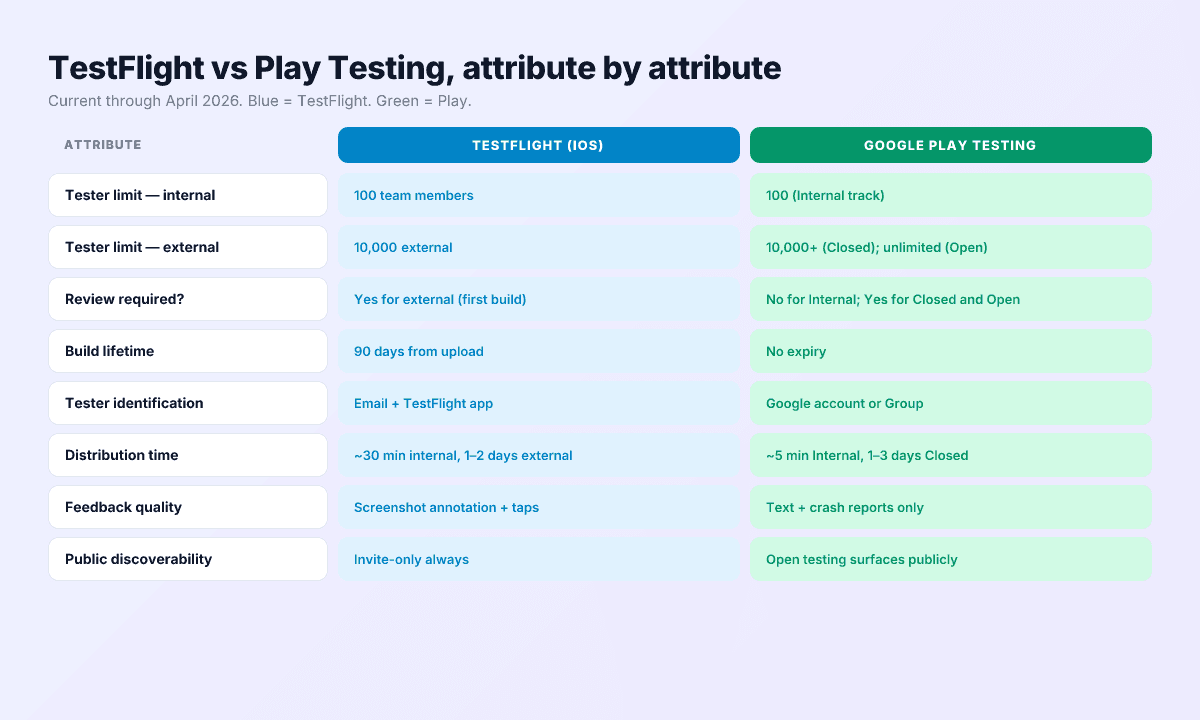
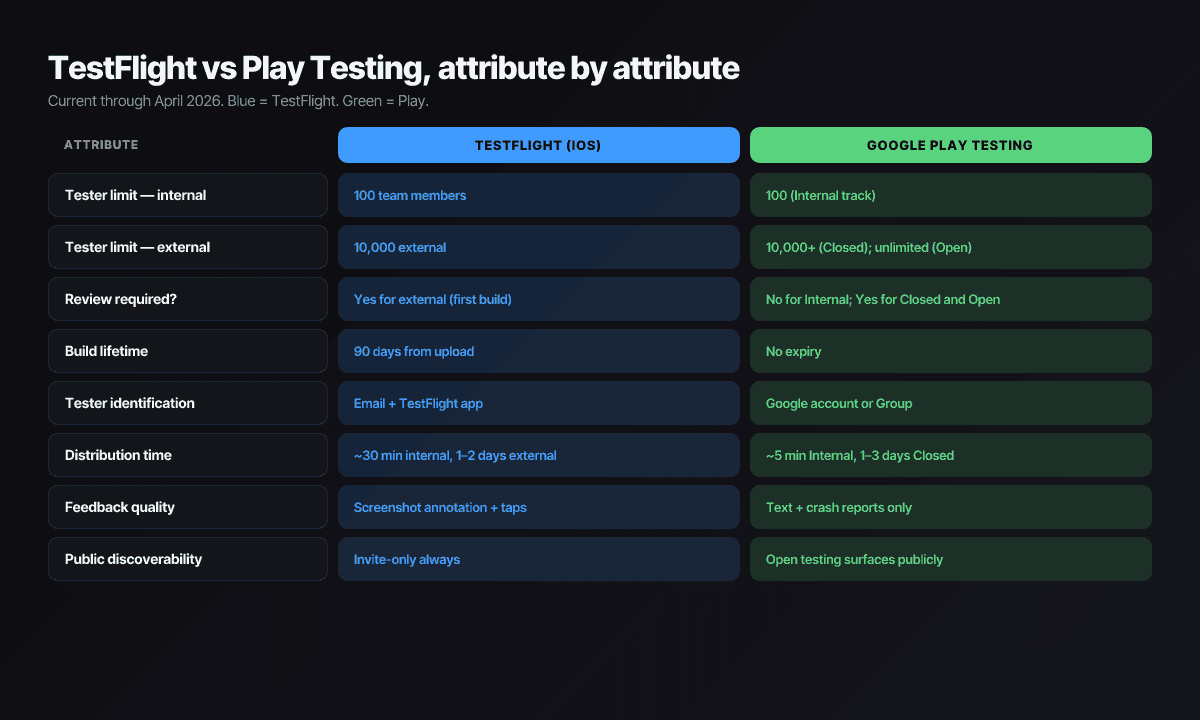
Quick reference table
| Attribute | TestFlight (iOS) | Google Play Testing |
|---|---|---|
| Internal tier | 100 App Store Connect team members, no review | Internal track: 100 testers, no review |
| External tier | 10,000 testers, Beta App Review on first build per version | Closed: email lists (2,000 each) or unlimited Google Groups; Open: public. Both reviewed |
| Build lifetime | Expires 90 days after upload | Never expires |
| Time to testers’ hands | ~30 min internal; 1–2 days first external review | ~5 min internal; 1–3 days closed/open review |
| Tester onboarding | Apple ID + TestFlight app; public links can enforce device/OS criteria | Any Google account; one-tap opt-in via link |
| Feedback | Screenshot annotation, crash reports, text | Crash/ANR reports and text; no annotation |
| Parallel builds | Different builds per external group | One active build per track |
| Production gate | None — beta is optional | New personal accounts: 12 testers × 14 days of closed testing required |
| Public visibility | Invite-only, always | Open testing adds a public join surface to the listing |
TestFlight — the iOS beta flow
TestFlight lives inside App Store Connect and covers every Apple platform — iPhone, iPad, Mac, Watch, TV, and Vision Pro. Two tester tiers, one expiry clock.
Internal testers: the dogfood loop
Up to 100 people who hold roles on your App Store Connect team. No review of any kind — a signed build uploaded from Xcode or CI is installable in about half an hour. This is where every build should land first, because it’s the only distribution channel on either store with zero gatekeeping.
External testers: 10,000 seats behind a light review
External groups take anyone with an email address or a public link. The first build of each version passes Beta App Review — lighter and faster than production review, usually a day or two — and subsequent builds of the same version skip it, which is what makes fast iteration inside a version possible.
Since late 2024, public links can carry tester criteria: require a device type or minimum OS version and TestFlight turns away enrollees who don’t match. For hardware-sensitive features — camera pipelines, ProMotion, Watch companions — this stops your 10,000 seats filling with testers who can’t exercise the feature you’re testing.
The 90-day clock
Every TestFlight build dies 90 days after upload, and an expired build won’t launch. Long-running betas need a re-upload rhythm — every 60 days is a comfortable margin — or your most loyal testers hit a dead app icon.
Feedback is TestFlight’s strongest card
Testers can screenshot inside the app, annotate, and submit; you get the image, the note, the device, the OS, and the crash logs in one place. No Android equivalent matches it — plan to compensate on the Play side.
Google Play — three testing tracks
Play’s model is a ladder: internal → closed → open → production, with each rung getting more public and more reviewed.
Internal testing
100 testers, no review, live in about five minutes. The Android twin of TestFlight internal and the right target for every CI build.
Closed testing
Membership via email lists (up to 2,000 addresses each, 50 lists per track) or Google Groups with no size cap, so capacity is effectively unbounded. Builds here pass Play review — typically one to three days. You can run several closed tracks at once, each serving one active build.
Open testing
A public beta surfaced on your store listing with a join button. Reviewed like closed testing, unlimited testers, and useful for scale signals — but remember it’s a public surface: a janky open beta shapes first impressions even though its ratings stay out of your public score.
No expiry, manual promotion
Play builds never expire; the same AAB promotes Internal → Closed → Production as explicit actions. More ceremony than TestFlight’s group toggles, but the audit trail of what shipped where is cleaner.
The 12-tester production gate
The biggest beta-related change in years isn’t a feature — it’s a requirement. Personal Play Console accounts created after November 13, 2023 cannot publish to production until they’ve run a closed test with at least 12 testers opted in for 14 consecutive days. (It launched at 20 testers; Google cut it to 12 in December 2024. Organization accounts are exempt.)
Two operational details bite people. First, the 14 days are consecutive and the clock is per-tester-pool: if opt-ins dip below 12 partway through, you’re waiting again. Second, after the test you still fill out a production-access application describing your testing — it’s reviewed, not rubber-stamped.
Plan for it the simple way: recruit 15–20 testers (buffer included) before you need them, start the closed test the same week your iOS TestFlight beta opens, and treat the 14 days as your real Android beta window rather than a hoop to jump through after.
The five differences that matter
1. The production gate exists only on Play
Apple lets you ship to the App Store having never run a beta. New personal Play accounts structurally cannot. If you’re launching both platforms together, Android’s 14-day clock — not iOS review — is usually the long pole in the schedule.
2. Review cadence inside a beta
TestFlight reviews the first build of a version and waves through the rest; Play reviews every closed and open track upload. On TestFlight you can ship three patch builds in a day; on Play, plan days between closed-track iterations.
3. Tester friction points in opposite directions
Play onboarding is one tap with an account every Android user already has. TestFlight demands the TestFlight app and an Apple ID match — real friction for non-technical testers — but pays you back with link criteria and richer feedback once testers are in.
4. Build lifetime
TestFlight’s 90-day expiry forces re-uploads; Play builds last forever. If your beta program goes quiet for a quarter, the iOS side decays on its own.
5. Feedback depth
TestFlight: annotated screenshots plus crashes. Play: crashes and ANRs plus plain text. Compensate on Android with an in-app feedback form or a survey link pinned in the beta build’s settings screen.
A cross-platform beta workflow
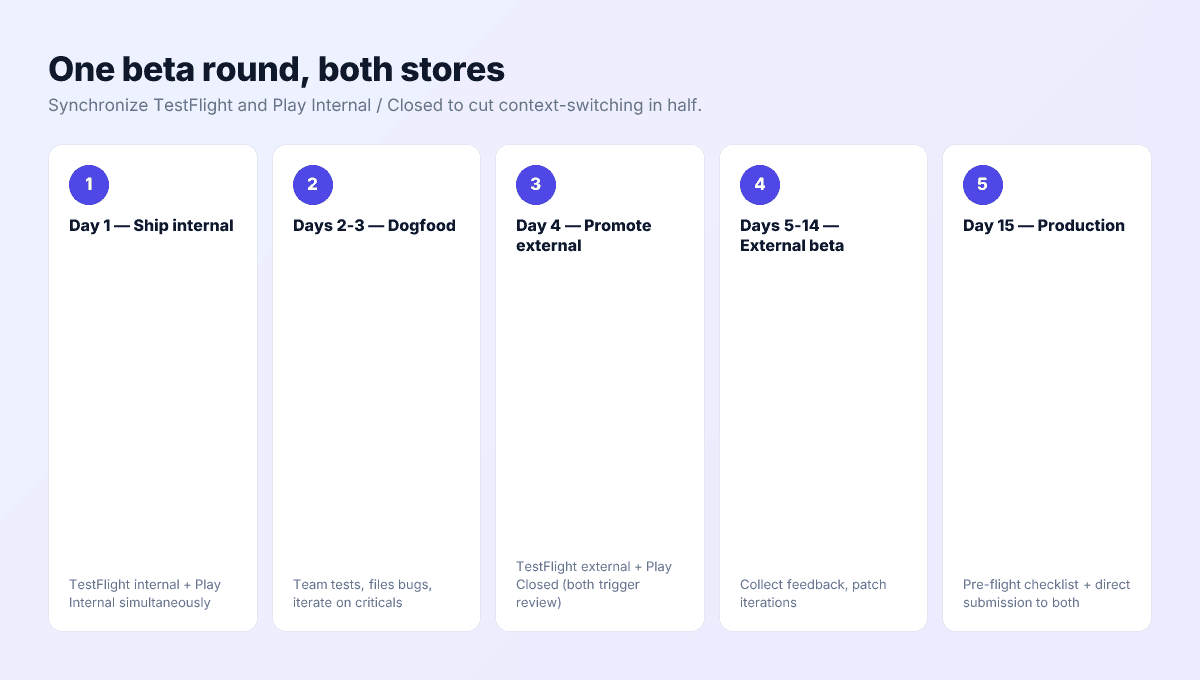
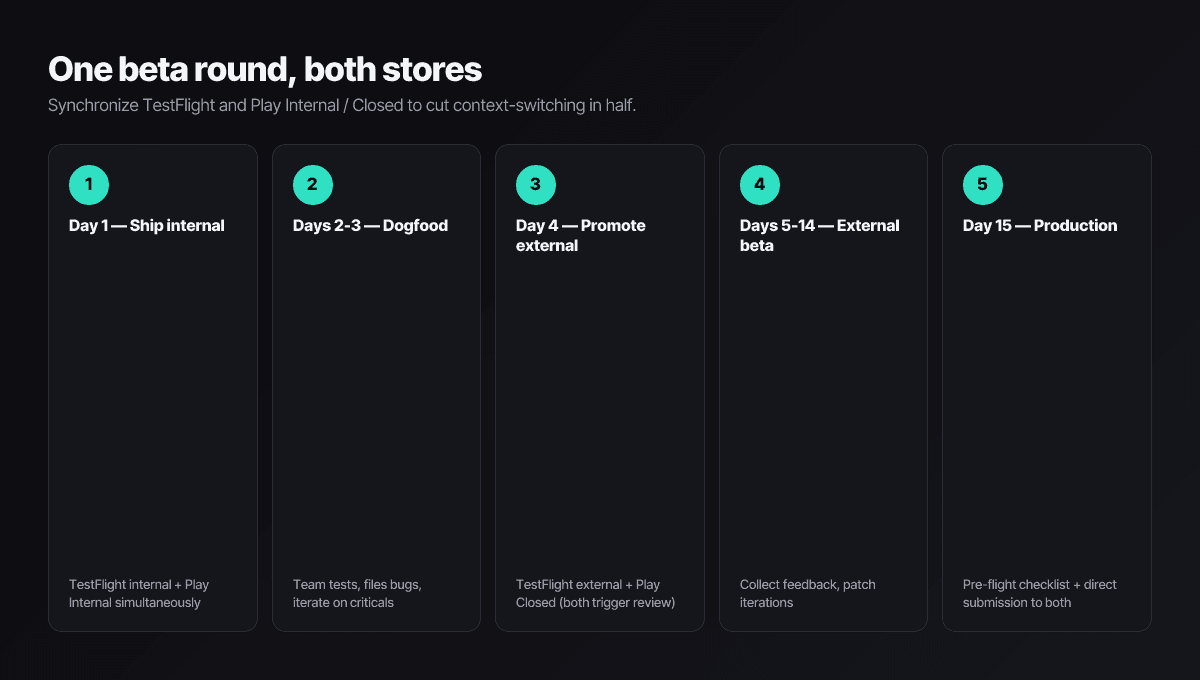
One beta round, both stores, with the 12-tester clock built in:
- Day 0: recruit before you build. Line up 15–20 Android testers and your iOS list. If your Play account is a post-2023 personal account, this step is on the critical path, not a nice-to-have.
- Day 1: internal builds to both stores. Signed .ipa to TestFlight internal, signed .aab to Play internal. Both live within the hour.
- Days 2–3: dogfood and stabilize. Fix the crashes your own team finds while the blast radius is 10 people.
- Day 4: open the external round. Push to TestFlight external (Beta App Review) and promote to a Play closed track (Play review). Both clear in 1–3 days — and the Play promotion starts the 14-day production clock.
- Days 5–18: run both betas in lockstep. Track crash-free rate per platform, keep the 12+ Android opt-ins healthy, and iterate — remembering each Play upload re-enters review while TestFlight patch builds flow freely.
- Day 18+: production. Apply for Play production access, run the 9-minute pre-flight checklist, and sweep the rejection reasons index for anything the beta surfaced.
Start the Play closed test the day iOS goes external
Tester recruitment without paying
- Your own list first. A landing-page email list — even 50 addresses — is the highest-intent tester pool you will ever have.
- Indie communities. Indie Hackers, BetaList, and r/TestFlight-style subreddits accept beta posts; lead with the problem you solve, not the feature list.
- Category subreddits and Discords. The people who already discuss the problem are the testers whose feedback transfers to real users.
- Tester-swap communities, carefully. Groups formed around the 12-tester rule can fill seats, but swap-testers rarely open the app after day one — fine for the opt-in count, useless for signal. Mix them with real users, never rely on them alone.
- Don’t buy testers. Purchased testers churn instantly, teach you nothing, and on Play can undermine the production-access application that asks how you tested.
When the beta converges, ship from one dashboard
Push My App picks up where the beta ends: AI-generated metadata, the Pre-Flight Scanner against the rejection index, and direct submission to both stores. Start with the 9-minute pre-submission checklist and see pricing for plan details.
Frequently asked questions
Does the 12-tester requirement apply to my Google Play account?
Only if it's a personal developer account created after November 13, 2023. Those accounts must run a closed test with at least 12 testers opted in for 14 consecutive days before they can apply for production access. Organization accounts and older personal accounts are exempt. The count was originally 20 and dropped to 12 in December 2024.
Can I test in-app purchases in TestFlight and Play testing tracks?
Yes on both. TestFlight routes purchases through the StoreKit sandbox automatically, so testers see the flow without being charged. On Play you add license-tester accounts in Play Console; they complete real Play Billing flows with test payment methods. Run the full purchase, restore, and cancellation paths in beta — payments bugs found in production are review-visible.
What happens when a TestFlight build hits its 90-day expiry?
Testers can no longer launch the app until you ship a replacement build, and the build stops accepting new installs. TestFlight warns testers as expiry approaches. Continuous beta programs should upload a fresh build every 60 days or so even without feature changes. Play builds, by contrast, never expire.
Do beta reviews affect my public store rating?
No on both platforms. TestFlight feedback goes to you privately through App Store Connect, and Play's internal and closed testing feedback stays in Play Console. The exception to watch is perception, not ratings: Play open testing puts a public 'join the beta' surface on your listing, so a rough open beta is visible to prospective users even though its reviews don't count.
Can TestFlight filter who joins through a public link?
Yes — since late 2024 you can attach criteria to a public link, like device type and minimum OS version, and TestFlight only admits testers whose hardware matches. You can also cap total enrollment per link. Play has no equivalent filter; you control membership through email lists and Google Groups instead.
Ship your listing without the rejection letter
Push My App generates store-ready metadata, resizes screenshots for every device, translates your listing into 14 languages, and runs an 80+ item rejection pre-flight before you submit.
Get Started FreeKeep reading
Store Submission
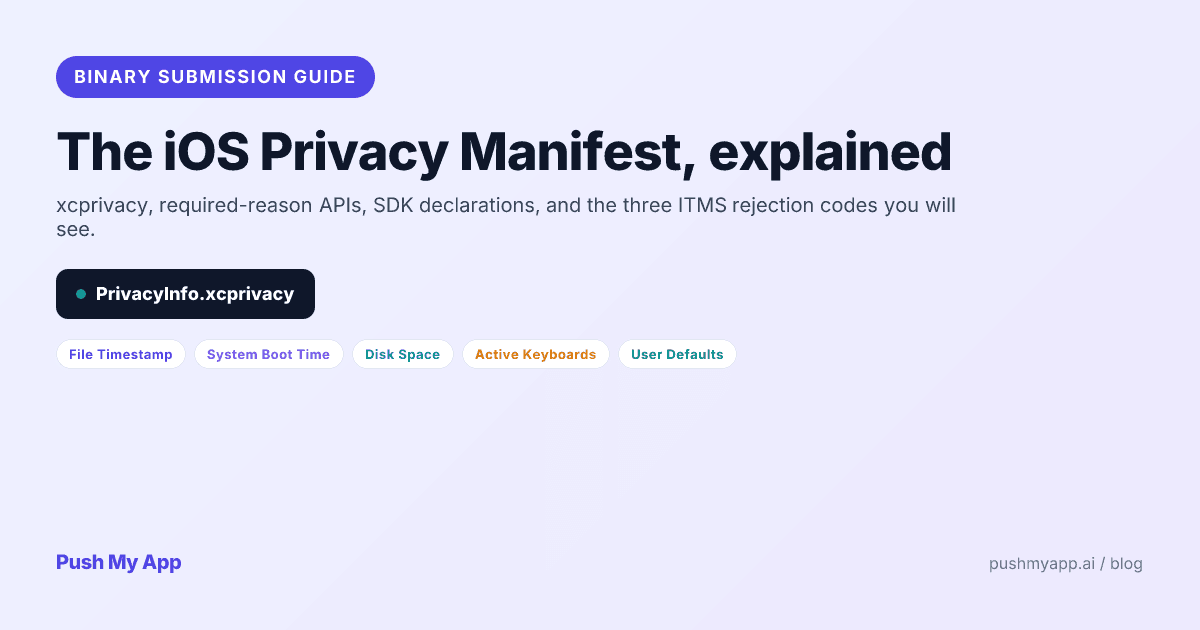
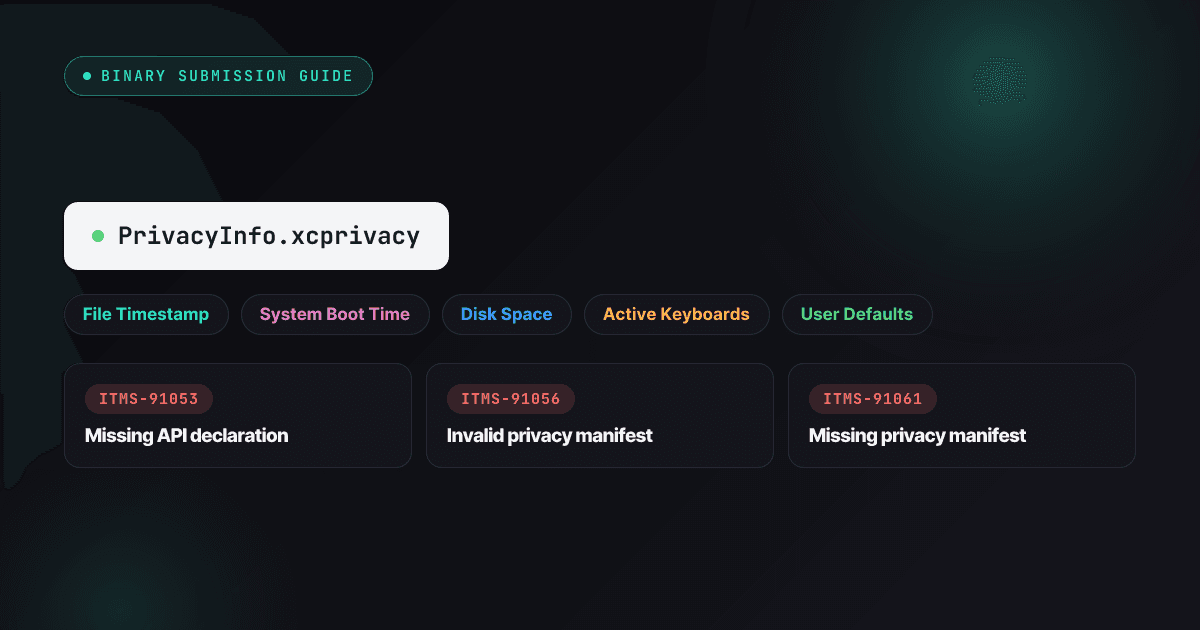
iOS Privacy Manifest: The 2026 Developer Guide to xcprivacy and Required-Reason APIs
PrivacyInfo.xcprivacy explained for 2026 — the five required-reason API categories, SDK signing rules, the three ITMS rejection codes, Xcode's privacy report, and a 15-minute audit.
Read
Store Submission
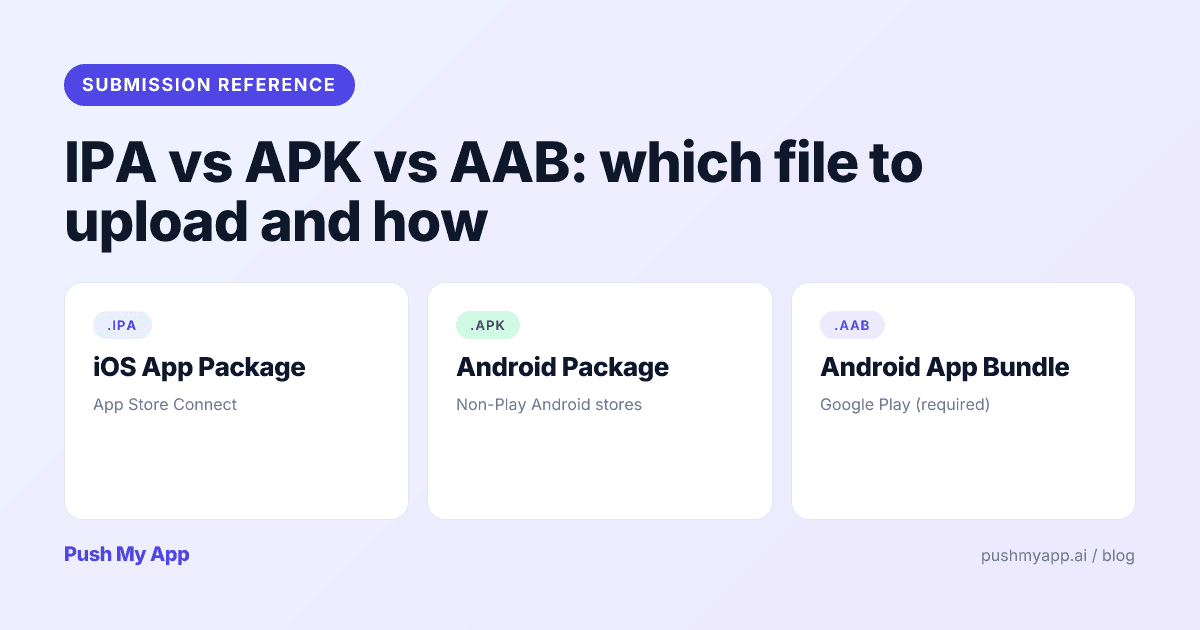
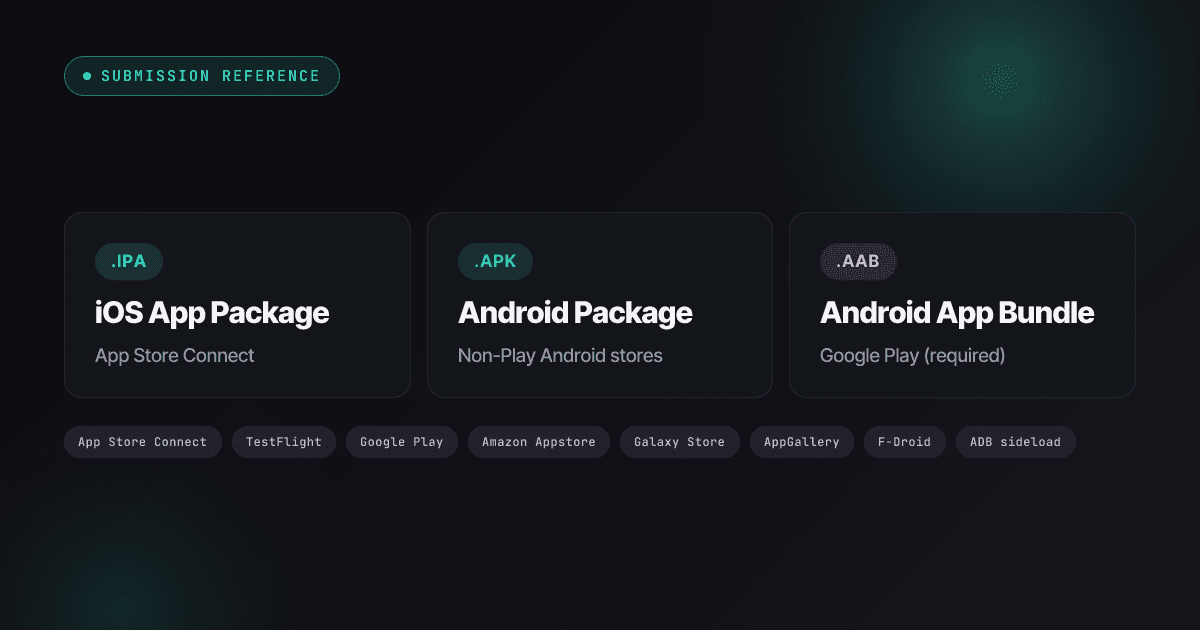
IPA vs APK vs AAB: Which File to Upload and How (2026)
What IPA, APK, and AAB files actually are, which store takes which in 2026 — including the Xcode 26 mandate, API 36 deadline, Amazon's Android exit — and the signing model behind each.
Read
App Store Rejections
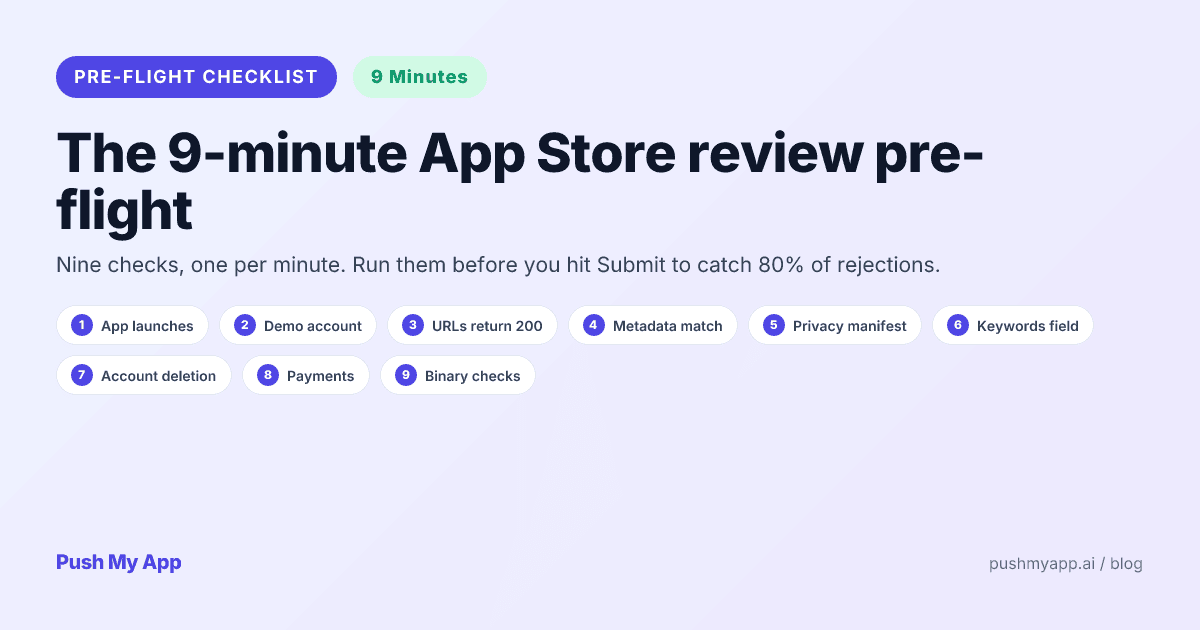
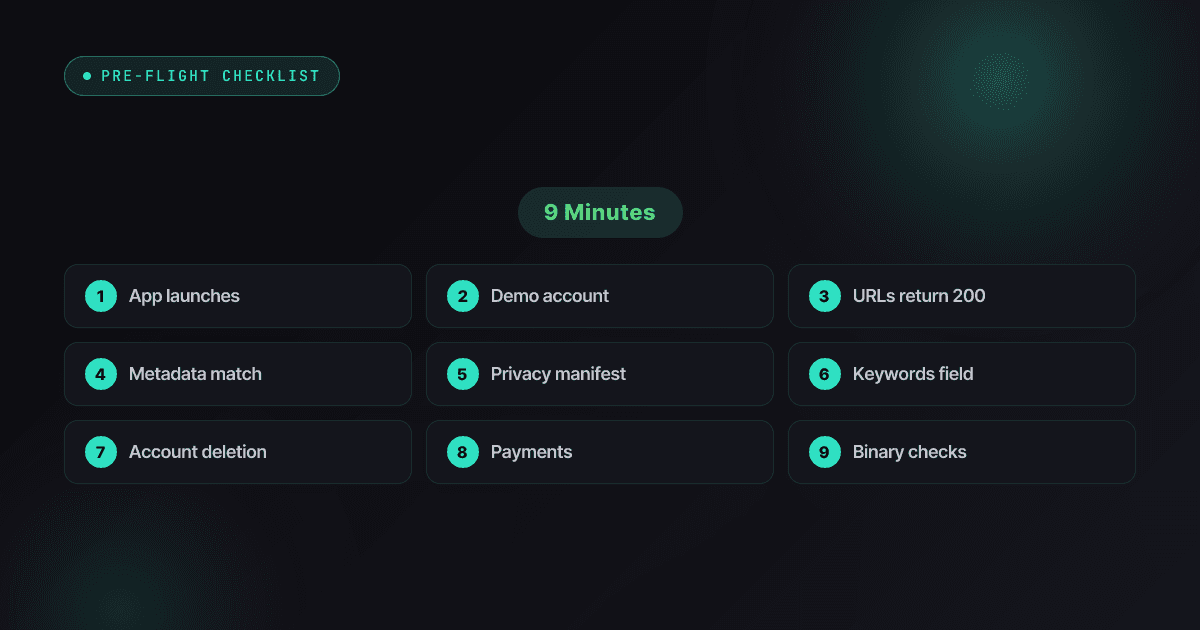
App Store Review Pre-Flight: A 9-Minute Checklist Before You Hit Submit
Nine one-minute checks that catch most App Store and Google Play rejections before reviewers do — updated for the Xcode 26 mandate, age-rating gates, and 2026 compliance fields.
Read