
ASO Guides
The ASO Glossary: 60+ Terms Every Indie Developer Should Know (2026)
Plain-English definitions for 60+ App Store and Google Play terms — metadata fields, binary formats, rejection codes, testing tracks, EU distribution rules, and the metrics that matter in 2026.
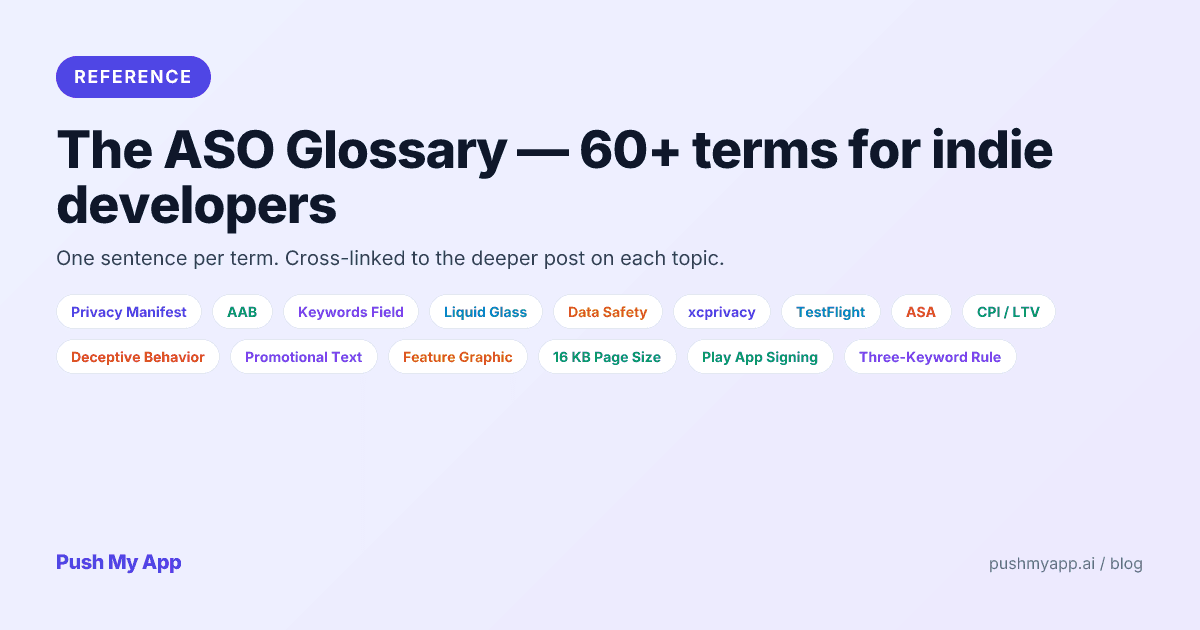
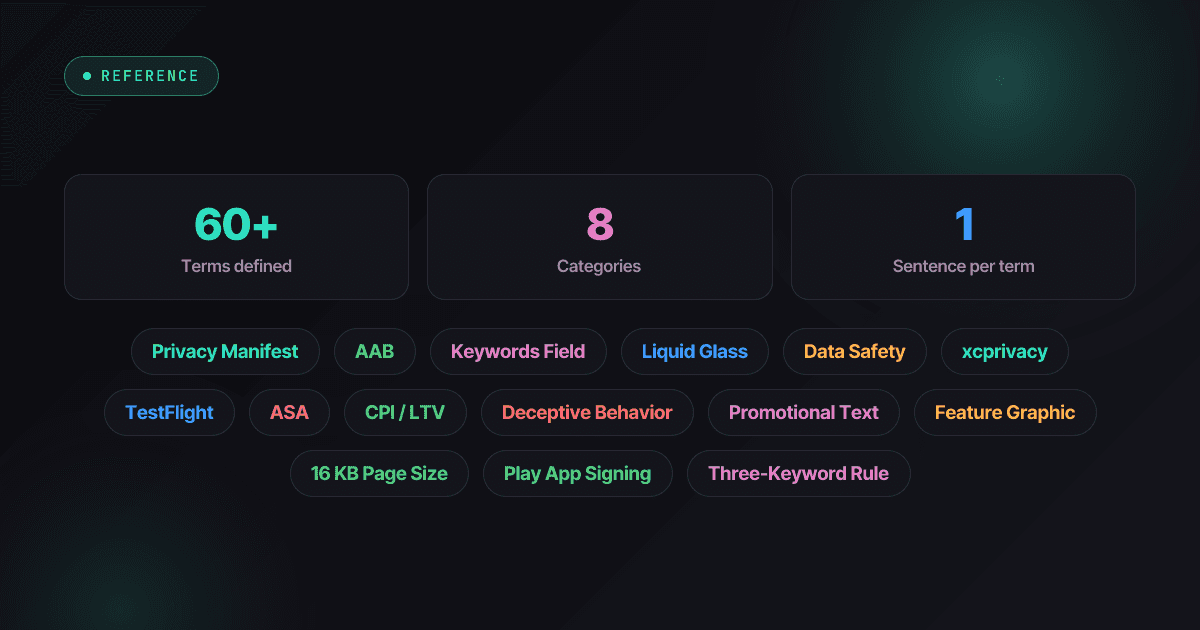
Most indies don’t fail App Store Optimization because the strategy is hard. They fail because the vocabulary is a moving target: two stores, two names for almost everything — and the last two years added new terms (Liquid Glass, Core Technology Commission, 16 KB page size) faster than the previous five combined.
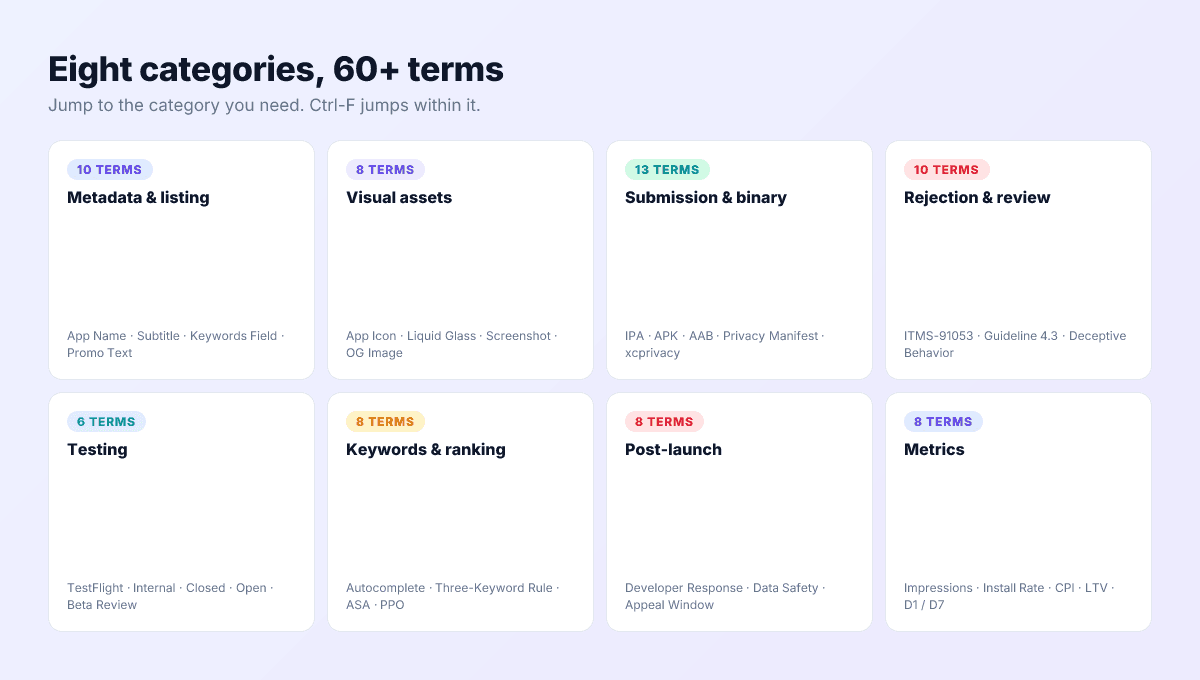
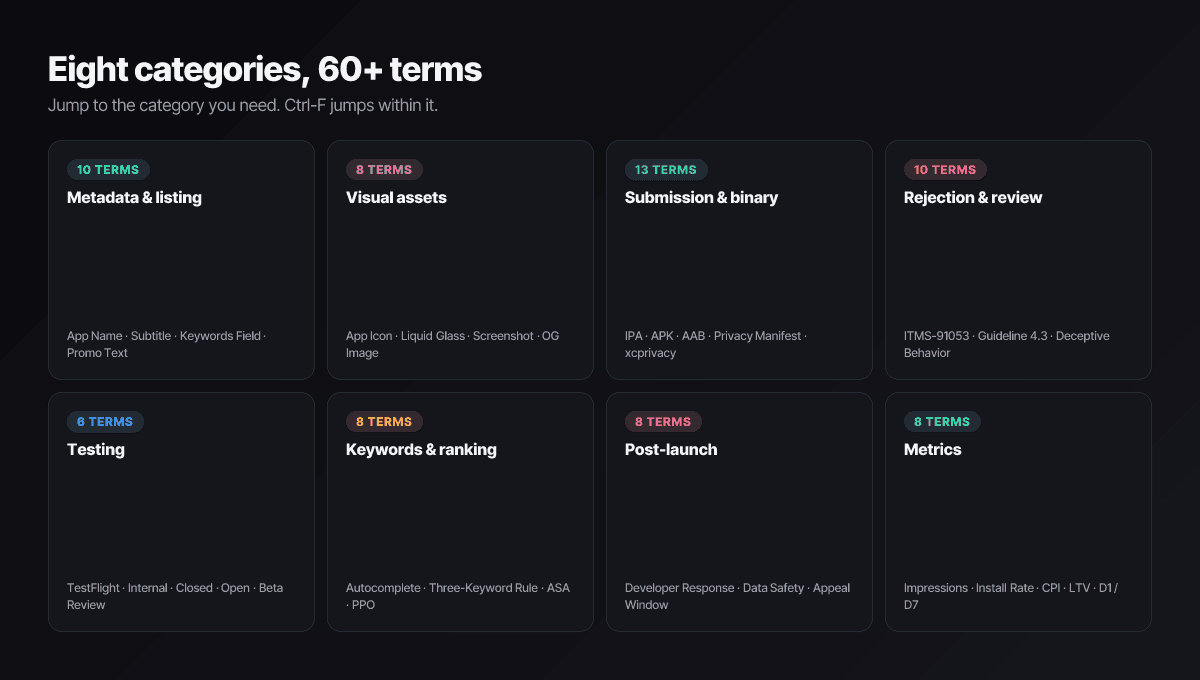
This page defines the 60+ terms that matter, grouped by the situation you’re in: writing a listing, preparing a binary, handling a rejection, running a beta, chasing rankings, or reading dashboards. Deep-dives and free tools are linked. Ctrl-F is the intended navigation.
New to ASO? Start with the ASO playbook for indie developers, then keep this page open as the reference.
Metadata & listing
App Name / Title
Your display title — 30 characters on both stores, and the heaviest-weighted search field on each. The ASO playbook formula: brand plus one keyword, never brand alone.
Subtitle (iOS)
The 30-character line under the app name. Indexed nearly as heavily as the title and visible in search results — the cheapest ranking win on iOS.
Short description (Play)
Google Play’s 80-character pitch, indexed for ranking and decisive for conversion. Play’s cousin of the iOS subtitle — compared field-by-field in App Store vs Google Play listing requirements.
Keywords field (iOS)
The hidden 100-character, comma-separated input feeding Apple’s search index. Every rule is in the keywords field guide; budget characters with the keyword character counter.
Promotional text (iOS)
170 characters above the description, editable any time without review. Not indexed — pure conversion surface. See the promotional text guide.
Description
Up to 4,000 characters on both stores. Ranked on Google Play, ignored for ranking on iOS — and on both, only the first lines render before a tap.
What’s New / Release notes
The update text existing users see: 4,000 characters on iOS, 500 on Play. The release notes guide covers what to write instead of “bug fixes.”
Feature graphic (Play)
A mandatory 1024×500 banner on Google Play, shown with your promo video and across Play surfaces. No iOS equivalent.
In-app purchase display names (iOS)
Public names of your IAPs and subscriptions — indexed by Apple, and free keyword surface most indies leave blank.
Visual assets
App icon
1024×1024 PNG without alpha on iOS, 512×512 PNG on Play. The most A/B-tested asset in ASO; see the app icon design guide and the free icon resizer.
Icon Composer
Apple’s tool (since WWDC 2025) for building layered iOS 26 icons. You stack foreground and background layers; the system renders the glass material and every appearance variant from one file.
Liquid Glass appearance modes
iOS 26 renders every icon six ways: default, dark, clear light, clear dark, tinted light, tinted dark. Icons that ignore the monochrome modes turn to mud on themed home screens.
Adaptive icon (Android)
Android’s two-layer format that launchers mask into circles, squircles, or squares; themed monochrome variants arrived with Android 13.
Screenshot set
1–10 images per device class on iOS, 2–8 per form factor on Play; the first two are visible in search and own the install decision. Every current dimension is in the screenshot sizes reference.
40-pixel silhouette test
Shrink your icon to 40 pixels — its rough size in search results — and check the shape still reads. If it needs a caption at 40 px, it fails where installs happen.
Submission & binary
IPA
iOS App Package — the signed archive Xcode produces. Only Apple’s store accepts it. Details in IPA vs APK vs AAB.
APK
Android Package — the installable binary. Play stopped taking APKs for new apps in August 2021; sideloading and third-party stores still run on them.
AAB
Android App Bundle — the publishing format Play requires. Google generates device-optimized APKs from it per download, cutting install size.
Privacy Manifest
The PrivacyInfo.xcprivacy plist every iOS app and many SDKs must bundle, declaring collected data, tracking domains, and required-reason API use. Enforced since May 2024; walkthrough in the privacy manifest guide.
Required-reason API
Five iOS API categories — file timestamps, system boot time, disk space, active keyboards, user defaults — that can fingerprint devices, so each use needs an approved reason code in the manifest.
Target API level (Android)
The Android version your app declares it targets. Play requires API 35 for new apps and updates today, rising to API 36 on August 31, 2026 — miss it and submissions are blocked.
16 KB page size
Since November 2025, apps targeting Android 15+ with native libraries must support 16 KB memory pages. Pure Kotlin/Java apps are unaffected; anything shipping .so files needs rebuilt dependencies.
Play App Signing & upload key
Google’s mandatory-for-new-apps key escrow: you sign AABs with an upload key you hold; Google holds the app signing key and re-signs what users install. Lose the upload key and Google can issue a new one.
Certificates & provisioning profiles (iOS)
The distribution certificate signs App Store builds; the provisioning profile binds bundle ID, certificate, and entitlements into one authorization. Wrong profile, no build — the classic iOS CI failure.
Rejection & review
Guideline 2.1 — App Completeness
The most common iOS rejection: crashes on review hardware, broken demo credentials, placeholder content. The rejection reasons index catalogs 80+ real examples with fixes.
Guideline 4.3 — Spam / Design
Apple’s catch-all for template apps, near-duplicates, and thin wrappers. The most subjective rejection to argue, because the complaint is the app’s reason to exist.
Guideline 5.1.1 — Data Collection
Privacy rejections: requesting data the app doesn’t need, missing account deletion, forced sign-in, or consent flows that contradict the privacy label.
Guideline 3.1.1 — In-App Purchase
Selling digital goods outside StoreKit. The rules softened in the US and EU (see external purchase links), but unentitled workarounds still get flagged under this number.
Guideline 5.2 — Intellectual Property
Trademarks, characters, or competitor names you don’t own — including inside the hidden keywords field. A common metadata-only rejection.
ITMS-91053 / 91056 / 91061
The emailed error codes for Privacy Manifest problems: missing required-reason declarations, invalid manifest, and missing SDK manifest, respectively. Decoded in the privacy manifest guide.
Beta App Review
The lighter review TestFlight builds pass before external testers can install. The first build of each version goes through it; later builds usually skip it.
Resolution Center
The App Store Connect thread where rejections arrive and you reply. Calm, specific replies reverse more rejections than formal appeals do.
Deceptive Behavior (Play)
Google’s policy family for impersonation, misleading claims, and functionality that doesn’t match the listing. A frequent removal cause covered in the recovery playbook.
Data safety mismatch (Play)
Play’s analysis finding your app or its SDKs collecting data the Data safety form didn’t declare — a warning email first, removal if ignored.
Testing
TestFlight
Apple’s beta platform: 100 internal testers, 10,000 external behind Beta App Review, builds expiring after 90 days. Compared track-by-track in TestFlight vs Play internal testing.
Internal testing (Play)
Play’s fastest track — up to 100 testers, no review, builds live in minutes. The right home for every build that isn’t ready for policy scrutiny.
Closed testing (Play)
Invite-only track via email lists or Google Groups, with full Play review. For personal accounts it’s also the gate to production access.
12-tester requirement (Play)
Personal accounts created after November 13, 2023 must run a closed test with 12+ opted-in testers for 14 consecutive days before applying for production. Reduced from 20 in December 2024; organization accounts are exempt.
Open testing (Play)
Play’s public beta — anyone joins from the listing, and beta reviews don’t hit your public rating. A low-risk dress rehearsal.
requestReview / SKStoreReviewController
Apple’s in-app rating prompt, capped at three asks per user per year. SKStoreReviewController was deprecated in iOS 18; new code calls StoreKit’s AppStore.requestReview.
In-App Review API (Play)
Google’s equivalent prompt, shown without leaving the app. Its quota is opaque by design — never promise users a dialog will appear.
Keywords, ranking & paid
Three-keyword rule
Pick three keywords you can crack the top ten for within 90 days; ignore everything else until you do. The core discipline of the keyword research playbook.
Autocomplete mining
Typing prefixes into store search and harvesting the suggestions — free, current, and ranked by real query volume. The best zero-budget research source.
Search volume & keyword difficulty
How often a term is searched, and how hard its top ten is to crack. Apple exposes a 5–100 popularity score through Apple Ads; difficulty is driven by the incumbents’ download velocity and ratings, not by how many apps target the term.
Apple Ads (formerly Apple Search Ads)
Apple’s pay-per-tap network, renamed in April 2025 as placements expanded beyond search results to the Today tab, Search tab, and product pages. When it’s worth indie money: Apple Search Ads for indie developers.
Custom product page (CPP)
An alternate iOS product page with its own assets, reachable by URL or ad placement — up to 70 per app since October 2025, and assignable to search keywords so the matching page appears in organic results.
Product page optimization (PPO)
Apple’s native A/B test: up to three treatments against your live page for at most 90 days. Google’s equivalent is store listing experiments in Play Console.
Post-launch, policy & distribution
Developer response
Your public reply under a user review. Replies measurably convert 1–3 star reviewers into updaters; the indie-scale system is in the review responses playbook.
App Privacy label (iOS)
The “nutrition label” on your product page, generated from App Store Connect declarations. Review cross-checks it against your manifest and traffic — disagreements become 5.1.1 rejections.
Data safety form (Play)
Google’s questionnaire behind the Data safety section: what you collect, why, whether it’s shared, whether users can request deletion. Audited against observed behavior.
Appeal
The formal challenge to a rejection or removal — Play Console appeals on Android, the App Review Board on iOS. Strikes accumulate meanwhile, escalating from removal toward account termination.
Ranking recovery
The 2–8 week climb back to prior positions after a removal or botched metadata change — stores re-trust slower than they de-rank.
Small Business Program / 15% tier
Apple’s reduced 15% commission under $1M in annual proceeds (enrollment required); Google applies 15% to the first $1M automatically. Most indies should be paying 15%, not 30%.
Alternative app marketplace (EU)
Third-party iOS stores allowed in the EU under the Digital Markets Act since 2024, alongside direct Web Distribution for qualifying developers. Separate notarization, same binary formats.
Core Technology Commission (CTC)
Apple’s 5% EU commission on digital sales, replacing the per-install Core Technology Fee as Apple moved to a single EU business model on January 1, 2026.
External purchase link
A link from inside your app to a web checkout you run — permitted on the US storefront after the 2025 Epic v. Apple contempt ruling, and in the EU under DMA terms.
Metrics
Impressions
How many times your icon appeared anywhere in the store — search, charts, featuring, related-app rails. The top of the funnel.
Tap-through rate (TTR)
Product page views divided by impressions — your icon, title, and first screenshots doing (or failing to do) their job. Single digits are normal.
Conversion rate (CVR)
Installs divided by page views. Both stores feed conversion back into ranking, so CVR gains compound into visibility.
D1 / D7 / D30 retention
The share of users returning one, seven, and thirty days after install. Both stores weight engagement — no metadata trick outruns a leaky D1.
Cost per install (CPI)
Paid spend divided by the installs it produced — from under a dollar to $10+ on Apple Ads depending on category and intent.
Lifetime value (LTV)
Revenue an average user generates before churning — the number that decides whether any CPI is affordable.
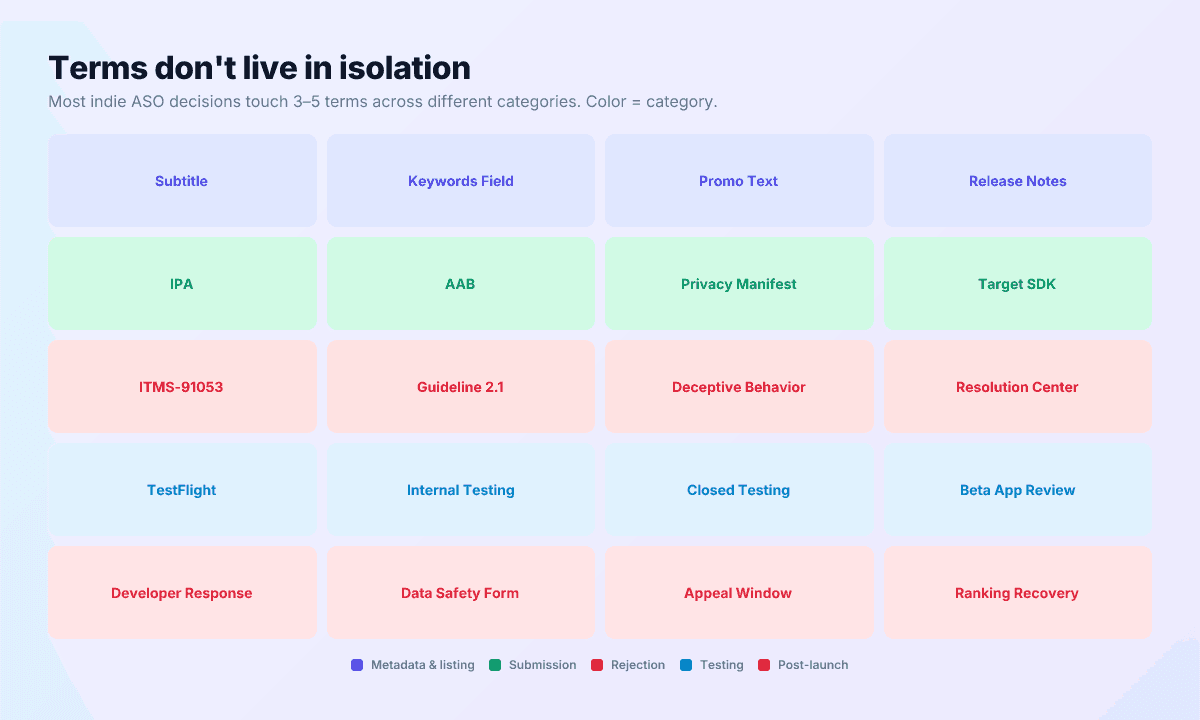
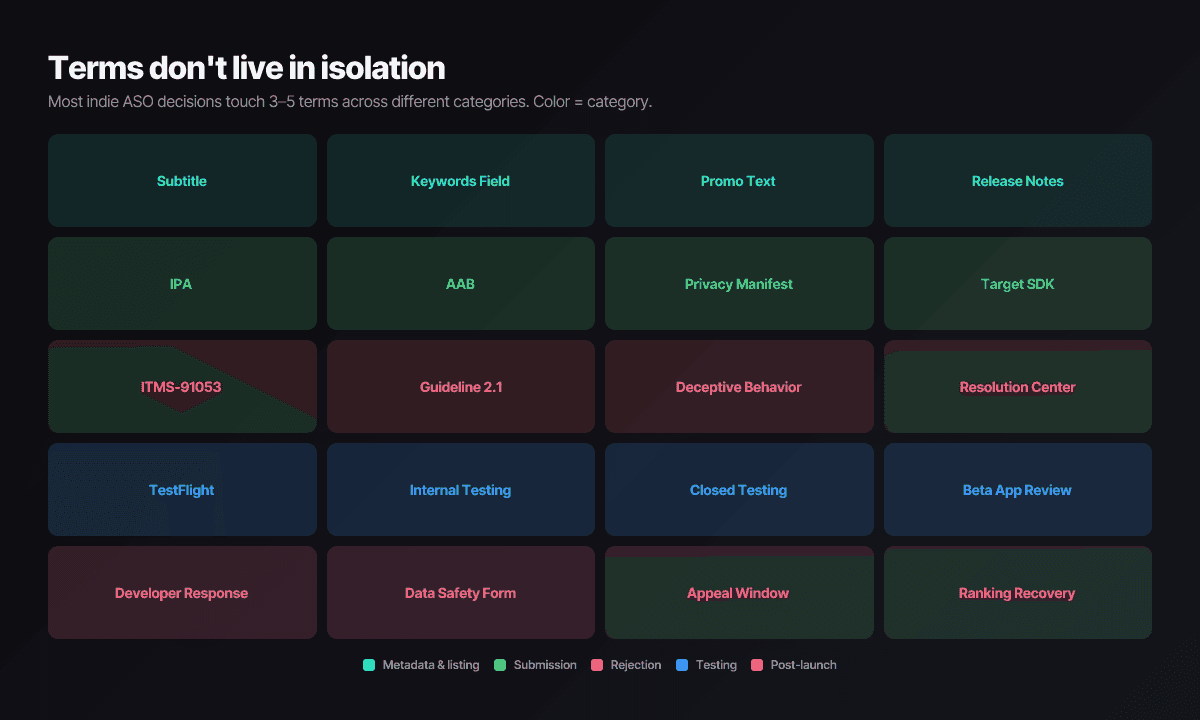
Stop translating between consoles — automate the vocabulary
Push My App turns this glossary into product surfaces: AI metadata generation that respects every character limit above, screenshot resizing, 14-language localization, a pre-flight scanner, and direct submission to both stores. Free tools cover the basics — the keyword character counter, subtitle helper, and app icon resizer. Plans are on the pricing page.
Frequently asked questions
Do I need to know every term on this page before submitting an app?
No. A first submission mainly needs the metadata, visual assets, and submission sections. Rejection, testing, and metrics vocabulary becomes relevant the week you ship; the policy and distribution terms matter mostly if you monetize or publish in the EU. It's a lookup table, not a syllabus.
What changed most recently in App Store vocabulary?
As of mid-2026: Apple Search Ads became Apple Ads (April 2025), custom product pages doubled to 70 per app (October 2025), iOS 26 added Liquid Glass icon appearance modes, Google Play's target API floor moves to API 36 on August 31, 2026, and the EU's Core Technology Fee became the Core Technology Commission in January 2026.
Why do Apple and Google use different words for the same thing?
The stores evolved independently, so nearly every concept has two names: subtitle vs short description, App Privacy label vs Data safety form, PPO vs store listing experiments. Where a term has a direct counterpart on the other store, the definition names it so you can translate between consoles.
Ship your listing without the rejection letter
Push My App generates store-ready metadata, resizes screenshots for every device, translates your listing into 14 languages, and runs an 80+ item rejection pre-flight before you submit.
Get Started FreeKeep reading

ASO Guides
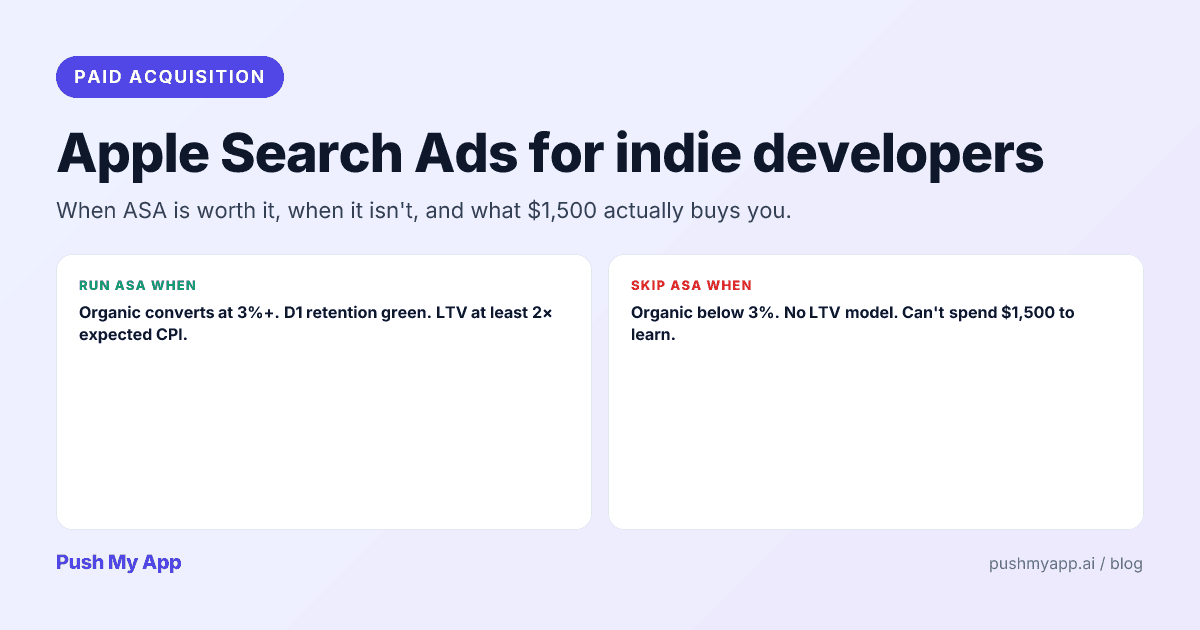
Apple Search Ads for Indie Developers: When It's Worth It (and When It Isn't)
Apple Search Ads is now Apple Ads, with four placements and the same indie question: is it worth your money yet? The readiness gate, real learning costs, and the five keywords worth bidding on.
Read

ASO Guides
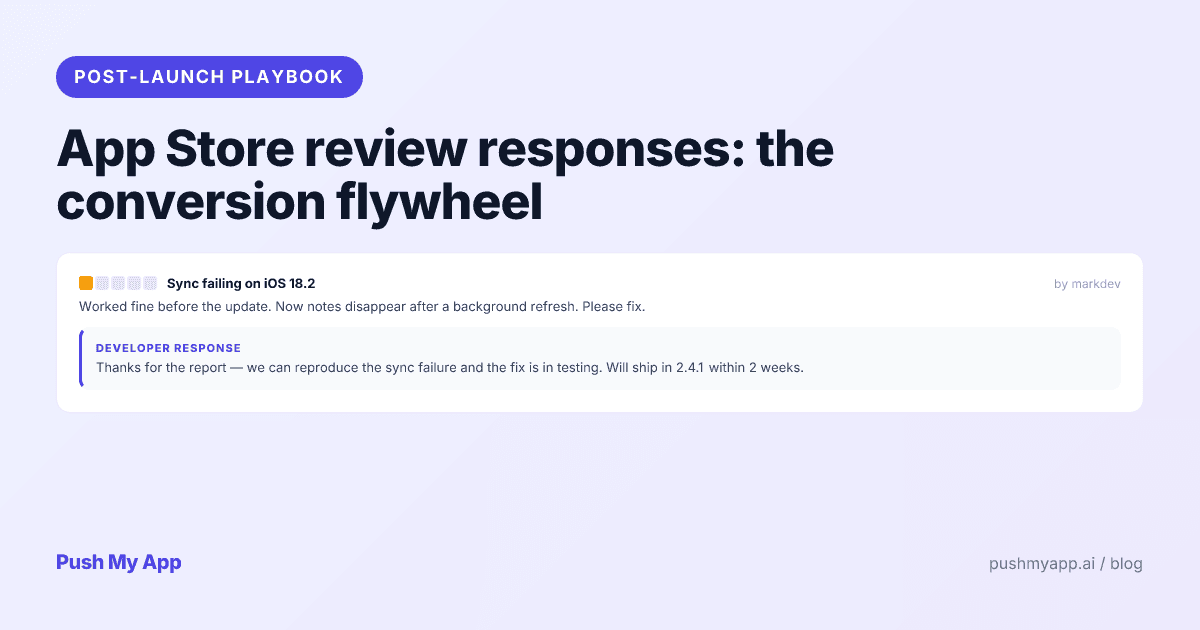
App Store Review Responses: The Conversion Flywheel Nobody Owns
Developer responses render publicly next to every review — which makes them conversion copy. Reply templates for the five review types, the 48-hour window, Play's reply mechanics, and a sustainable cadence.
Read

ASO Guides
App Store Optimization for Indie Developers: The 2026 Playbook
A zero-budget ASO system for indie developers in 2026: keyword clusters, metadata that converts, screenshot strategy, localization order, the review flywheel, and a 30-day sprint.
Read